ProtoMat S Installation
© 2011 LPKF AG HB V0.9/Mrz-11 45
5
10. Connect the dust extraction with the mains power supply.
11. Plug the tube of the dust extraction into the suction pipe of circuit board
plotter (rear side).
12. Plug the other side of the tube on the coupler of the dust extraction.
♦ Now the circuit board plotter is connected.
Note
Do not connect any UBB hub to the USB interfaces of the
machine. The USB interface do not support this configuration at
all.
5.3.2 Commissioning
Always activate the system in the same sequence:
I. Switch on the PC (control unit)
II. Switch on the dust extraction and set the operation mode to automatic
or constant operation
III. Switch on the circuit board plotter
■ System start up
1. Switch on the PC.
2. Edit the user name and password.
3. Wait until the OS has booted up completely.
4. Switch on the dust extraction.
5. Turn the operation mode switch into the automatic position.
6. Adjust the desired extraction power.
7. Open the cover of the circuit board plotter.
8. Activate the circuit board plotter by setting the main switch to position I
(ON).
9. Close the cover.
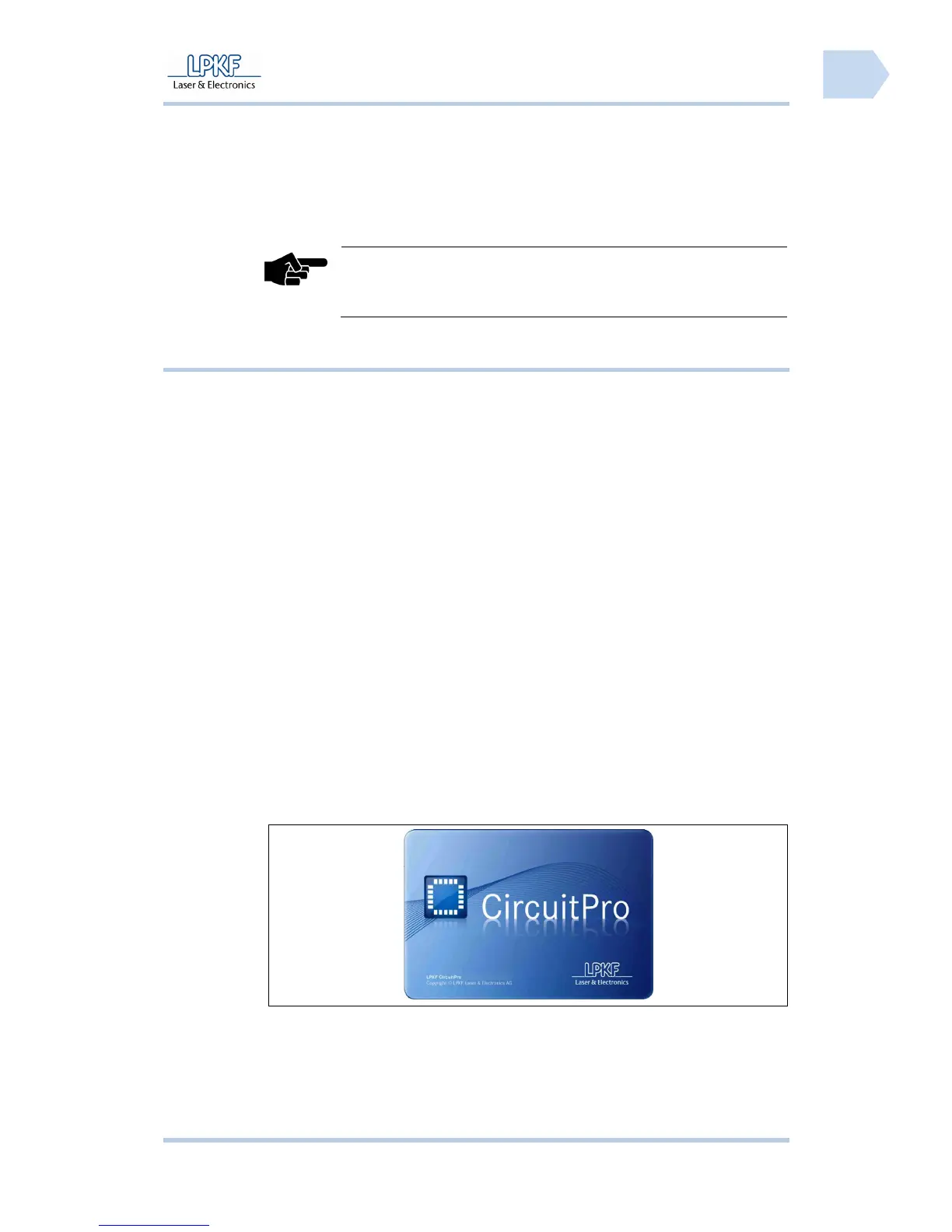
10. Start CircuitPro.
➨ The CircuitPro start-up logo is displayed:
Fig. 15: Start-up
Logo
♦ The circuit board plotter is ready.



 To Next Page