Operation ProtoMat S
62 HB V0.9/Mrz-11 © 2011 LPKF AG
6
6.5 Tool setup
Note
Any change of tools is performed manually for circuit board
plotters without tool exchange appliance.
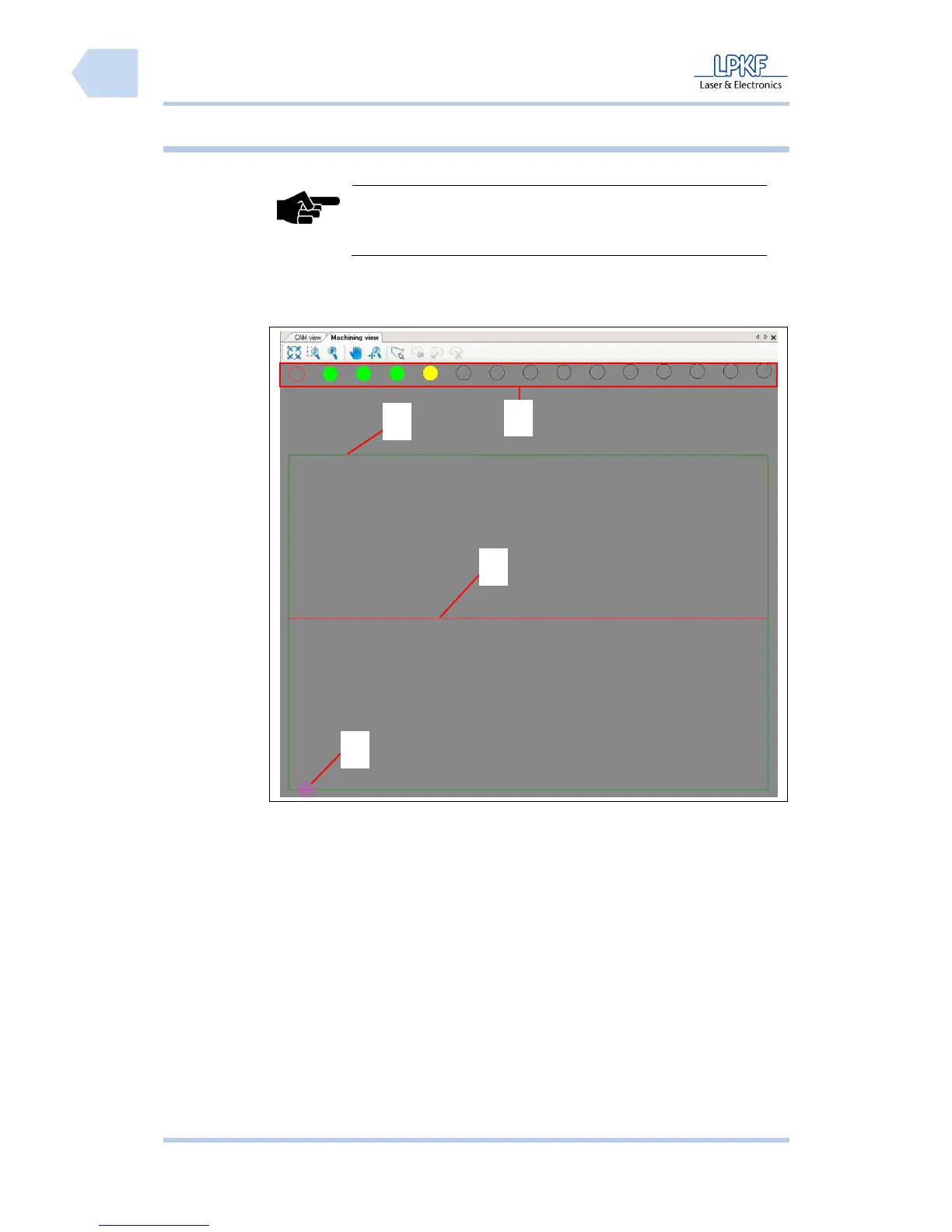
The tool magazine of the circuit board plotter can house up to 15 different tools.
The position of each tool is displayed in the window “Machining view“.
Fig. 33:
Machining view
/1/ Tool position /3/ Axis of refexion
/2/ Machining area /4/ Current mill/drill head position
1
2
3
4



 To Next Page