Operation ProtoMat S
52 HB V0.9/Mrz-11 © 2011 LPKF AG
6
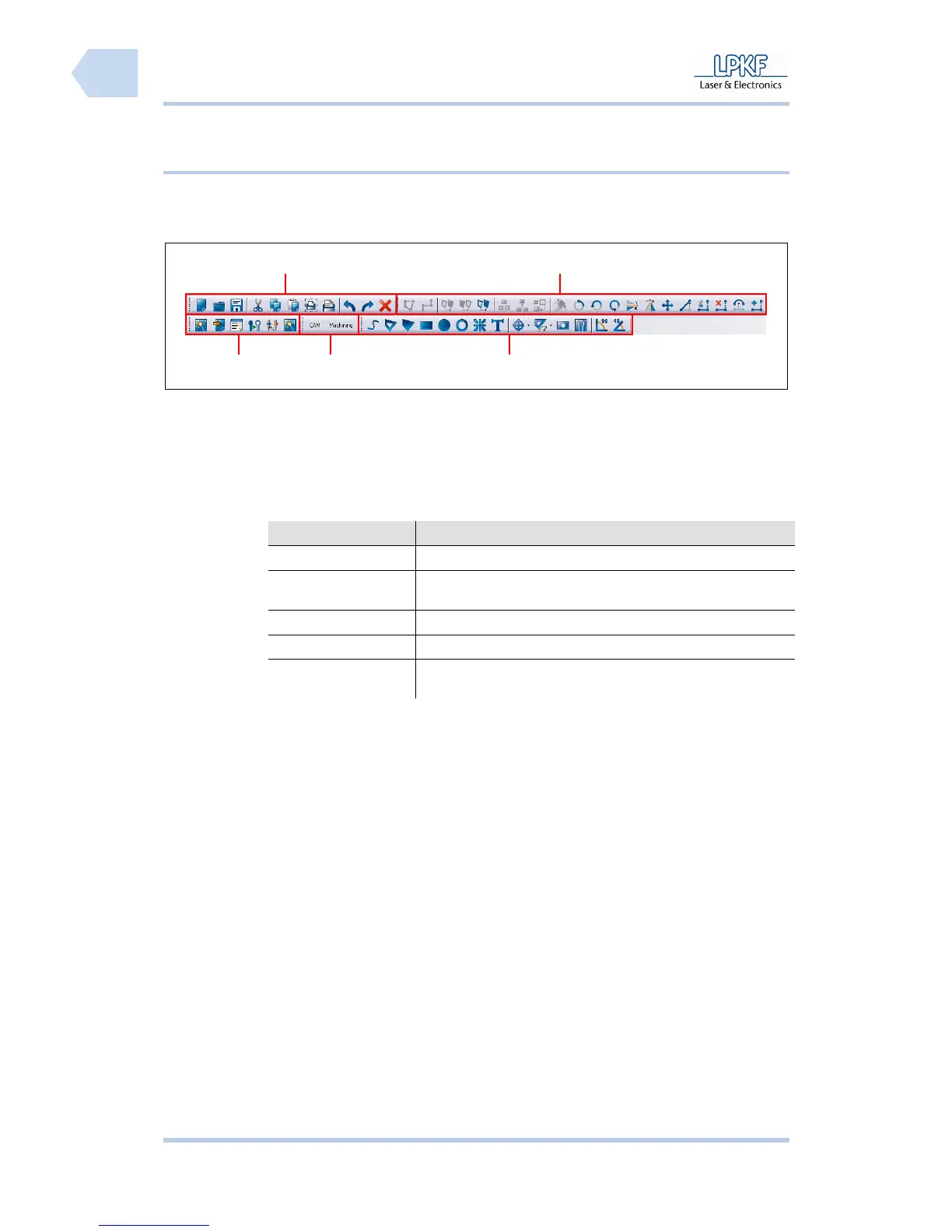
6.2.2.2 Function bar
Tab. 11: Function
bars
Function Description
Processing Starts the wizards and opens several tool change functions.
Layouts Change the main window. The user can switch over from
CAM view to machining view.
Insert Several object functions.
Edit Several tool path functions.
Standard General program functions e.g. Open, Save, Import/Export
and Print.
Fig. 21: Function
bar
/1/ Processing /4/ Edit
/2/ Layouts /5/ Standard
/3/ Insert
1
4
2
3
5



 To Next Page