ProtoMat S Operation
© 2011 LPKF AG HB V0.9/Mrz-11 57
6
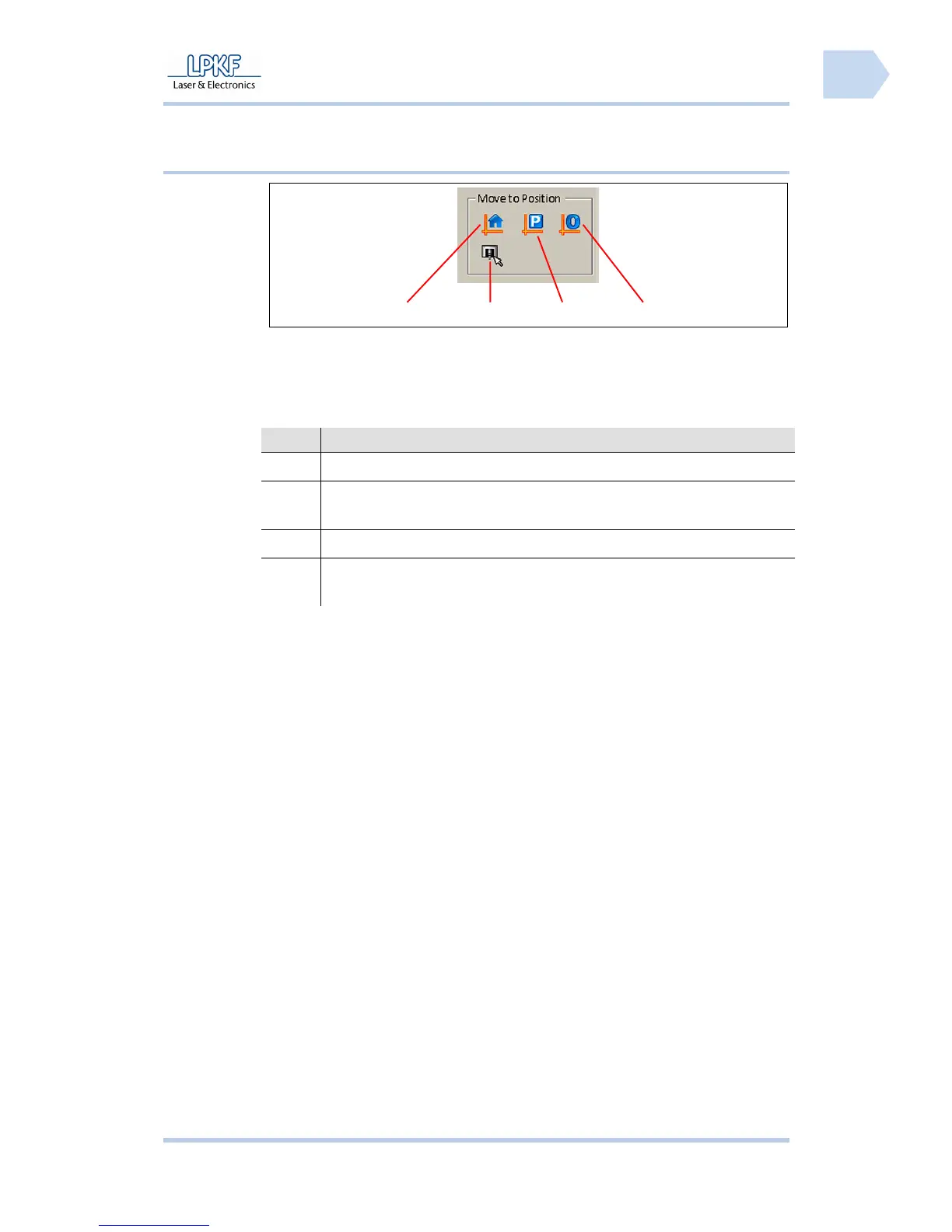
6.2.3.4 Move to Position
Fig. 26: Move to
Position
/1/ Home position /3/ Pause position
/2/ Move by mouse position /4/ Zero position
The individual buttons have the following functions:
No. Description
/1/ Click [Home Position] to move the mill/drill head to the home position.
/2/ Click [Move by mouse position] and the mill/drill head follows the
current mouse position.
/3/ Click [Pause Position] to move the mill/drill head to the pause position.
/4/ Click [Zero Position] to move the mill/drill head to the zero position
(reference point).
4 3
2
1



 To Next Page