ProtoMat S Operation
© 2011 LPKF AG HB V0.9/Mrz-11 61
6
6.4 Place material
Before any machining process the material has to be placed and fixed on the
working table.
■ Apply material
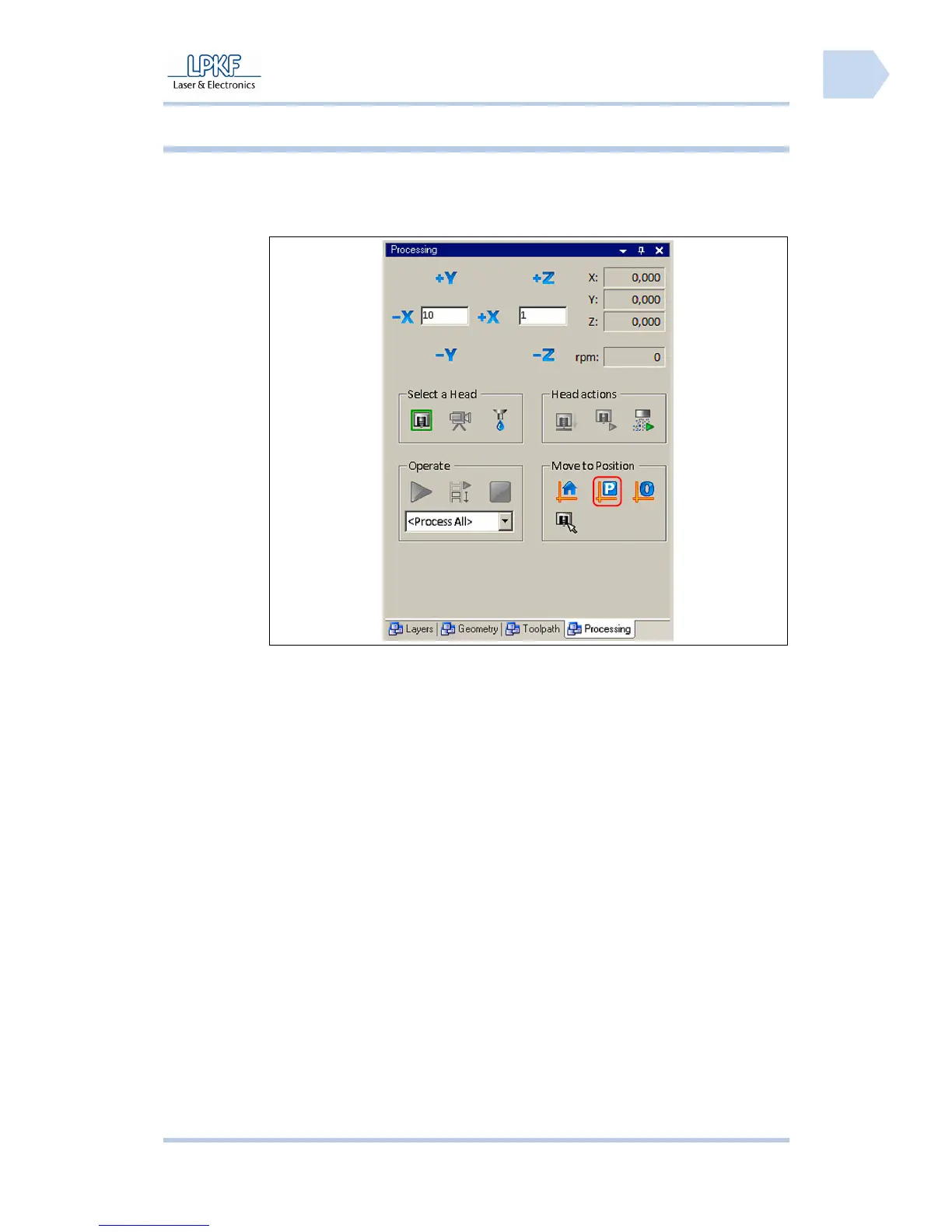
Fig. 32: Control
1. Click on [Move to pause position].
➨ The mill/drill head moves to pause position.
2. Open the soundproof hood.
3. Clean the working table and remove material rest with a smooth paint
brush or a slightly damp cloth.
4. Place the underlay on the working table so that the pivots fit into the
reference holes.
5. Place the production material on the underlay in a way that the pivots fit
into the reference holes.
6. Check the production material. The head of the reference hole pivots
must be lower than the production material surface.
For machines without vacuum table:
7. Fix the production material with a tape on the underlay. The tape has to
be removable without remains. The tape has to be guided alongside the
edges.
♦ The production material is fixed.
Pos: 25 /ED_Technisc he_Dokumentation/2_Be dienungsanleitun g/Maschine/RP_Fräsb ohrplotter/Pr otoMat_S_Serie/Pr otoMat_S_Serie_II G/Kapitel_6_Bedien ung/6_05_Werkzeug_ einrichten @ 0\mod_1255 676504814_2058.doc x @ 3964 @ 23



 To Next Page