ProtoMat S Operation
© 2011 LPKF AG HB V0.9/Mrz-11 51
6
6.2.2.1 Menu bar
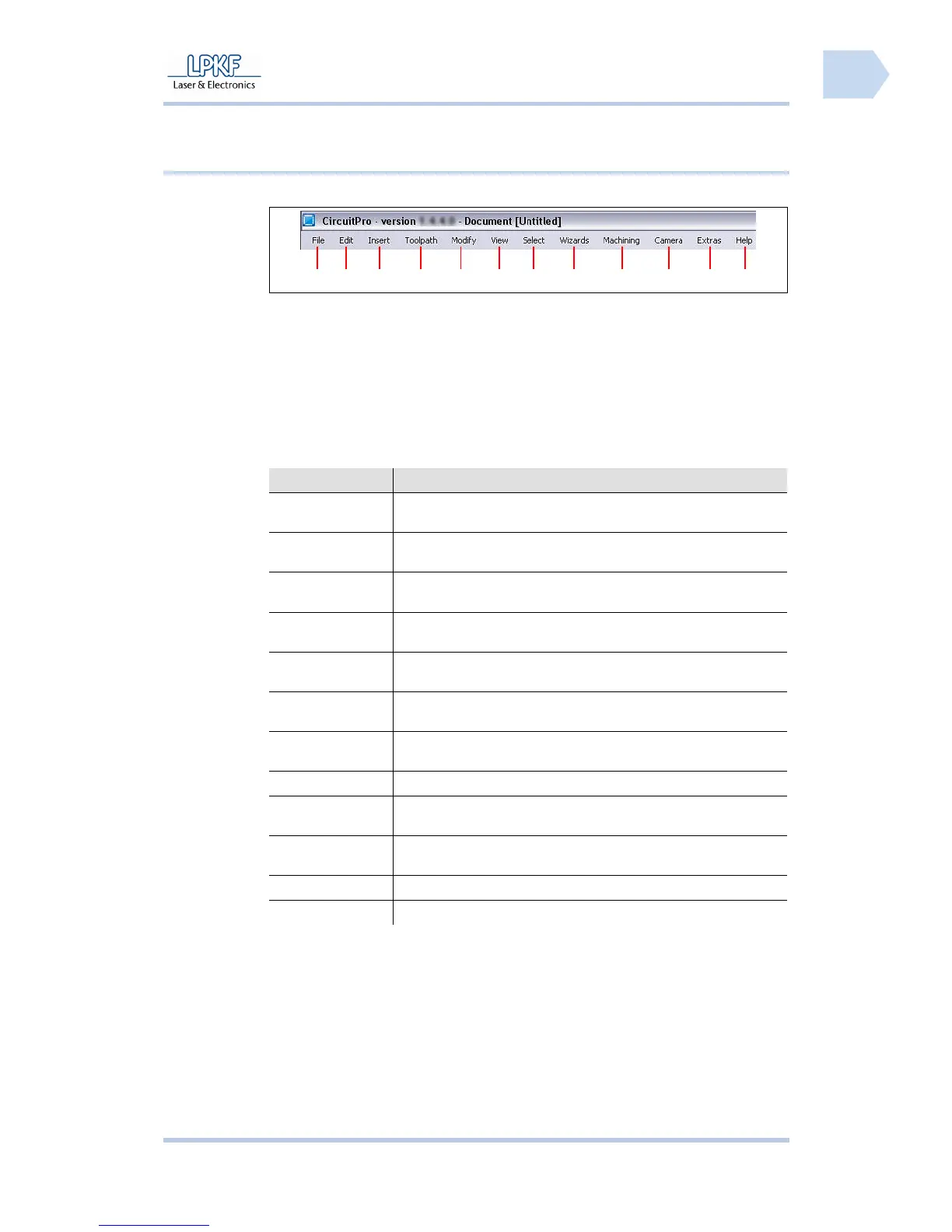
The CircuitPro program functions can be accessed via the menu bar.
Fig. 20: Menu bar
/1/ Menu File /7/ Menu Select
/2/ Menu Edit /8/ Menu Wizards
/3/ Menu Insert /9/ Menu Machining
/4/ Menu Toolpath /10/ Menu Camera
/5/ Menu Modify /11/ Menu Extras
/6/ Menu View /12/ Menu Help
Tab. 10: Menus
Menu Short description
File The menu “File“ provides program functions to open, store,
import and export work files.
Edit The menu “Edit“ provides program functions to create work data
as well as files, e.g. placing of new objects on the base material.
Insert The menu “Insert“ provides program functions to insert tool
paths or work areas.
Toolpath The menu “Toolpath“ includes the functions isolate tool path and
process contours.
Modify The menu “Modify“ offers program functions to process tool
paths.
View The menu “View“ allows the operator to activate/deactivate the
possible program windows.
Select Use the functions of the menu “Select“ to select certain zones of
the working area.
Wizards The menu “Wizards” is using to open several wizards.
Machining Use the functions of the menu “Operate“ to control the
machining process.
Camera The menu “Camera” offers program functions to set the installed
camera.
Extras The menu “Extras” offers functions to customize CircuitPro.
Help The menu “Help“ gives information about this program.
1 2 3 4 5 6
7
8 9 10
11
12



 To Next Page