ProtoMat S Operation
© 2011 LPKF AG HB V0.9/Mrz-11 49
6
6.2.1 Tool status monitoring
Note
Only printed board plotter with automatically tool exchange
support this function.
It is possible that the mill/drill head is equipped with a tool, used by a production
process in the past. This tool can eject or must placed in the tool holder.
CircuitPro is checking the tool status.
■ Eject tool
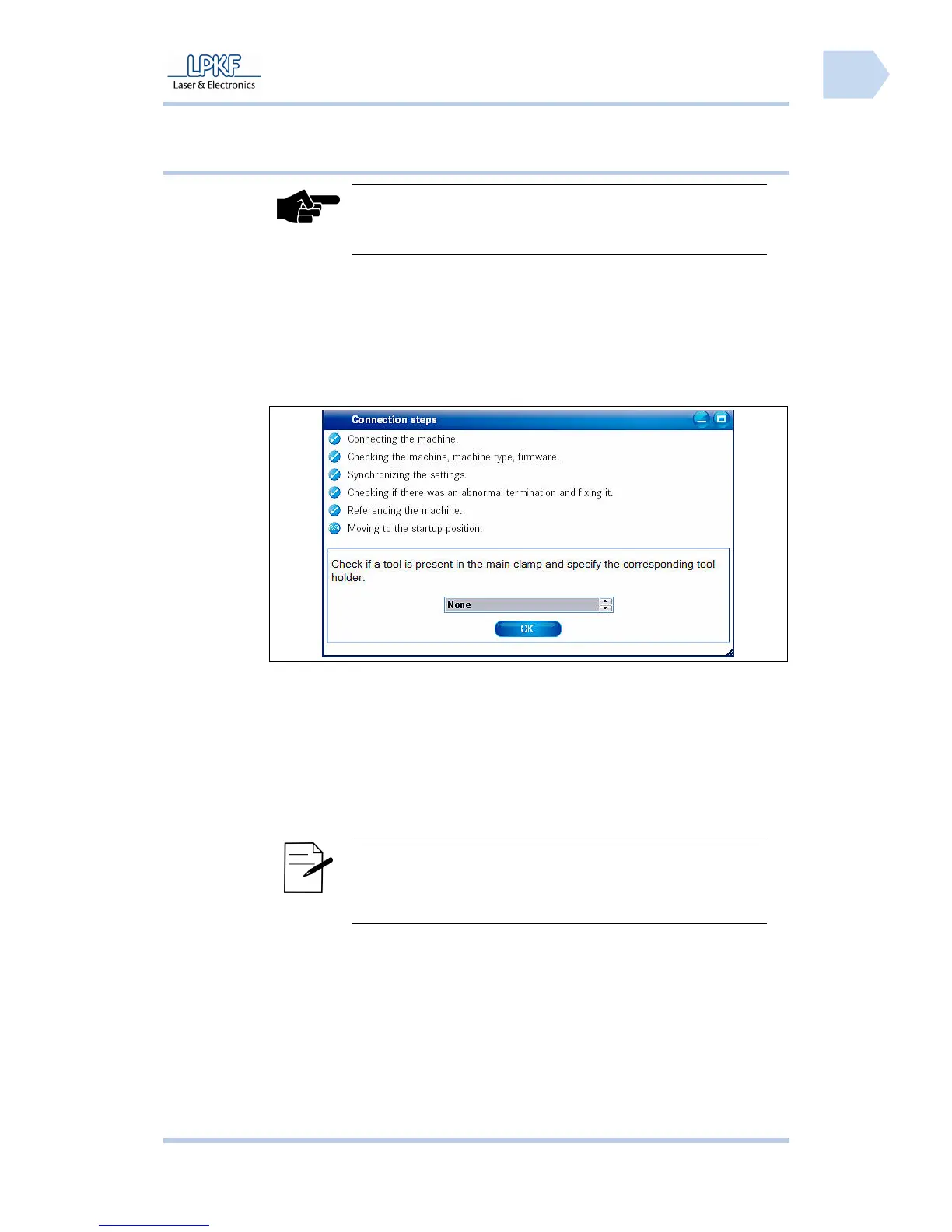
➨ When the connected circuit board plotter is detected by CircuitPro the
following message is shown:
Fig. 18: Check
active tool
1. Click {None} if no tool is clamped into the collet chuck.
or
1. Click {Tool From Tool Holder ID} and edit the tool position into the
input field \Tool Holder ID\.
2. Click on [Ok].
➨ The tool is placed in the tool holder according to the edit tool position.
Note
The drill/mill head moves to the zero position, if the value “0“
is entered in the input field \Tool holder ID\. The message
“Open collet chuck“ is shown. Click [OK] to eject the tool.
♦ The tool is placed in the tool holder.



 To Next Page