Operation ProtoMat S
56 HB V0.9/Mrz-11 © 2011 LPKF AG
6
6.2.3.3 Operate
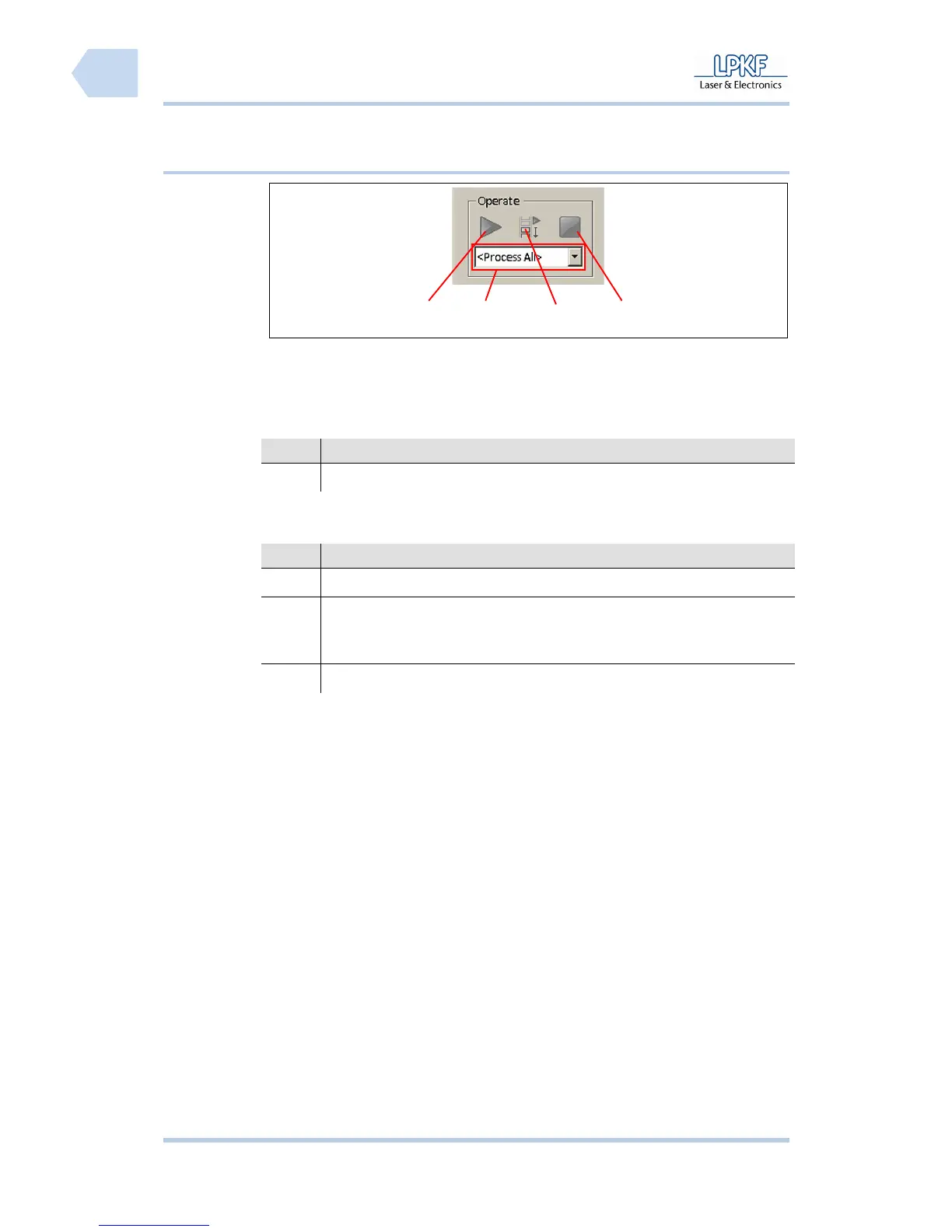
Fig. 25: Operate
/1/ Start processing /3/ Start processing select area
/2/ Selection field \Phase\ /4/ Stop processing
The input field has the following function:
No. Description
/2/ Click the selection field \Phase\ and select a machining phase.
The individual buttons have the following functions:
No. Description
/1/ Click [Start processing] to start the complete machining process.
/3/ Select a machining phase and mark the machining area with the
mouse. Click [Start processing select area] to start processing of the
machining phase within the selected area.
/4/ Click [Stop processing] to stop the current machining process.
4
3
2
1



 To Next Page