Operation ProtoMat S
76 HB V0.9/Mrz-11 © 2011 LPKF AG
6
6.8.2 Loading the CBF file
A CBF file contains all data required for the production of printed circuit boards.
You can either open an existing CBF file to rework it or create a new file.
Note
CircuitPro processes always one CBF file. Whenever you
open a additional file, all data is overwritten.
■ Open a CBF file
1. Click File>Open.
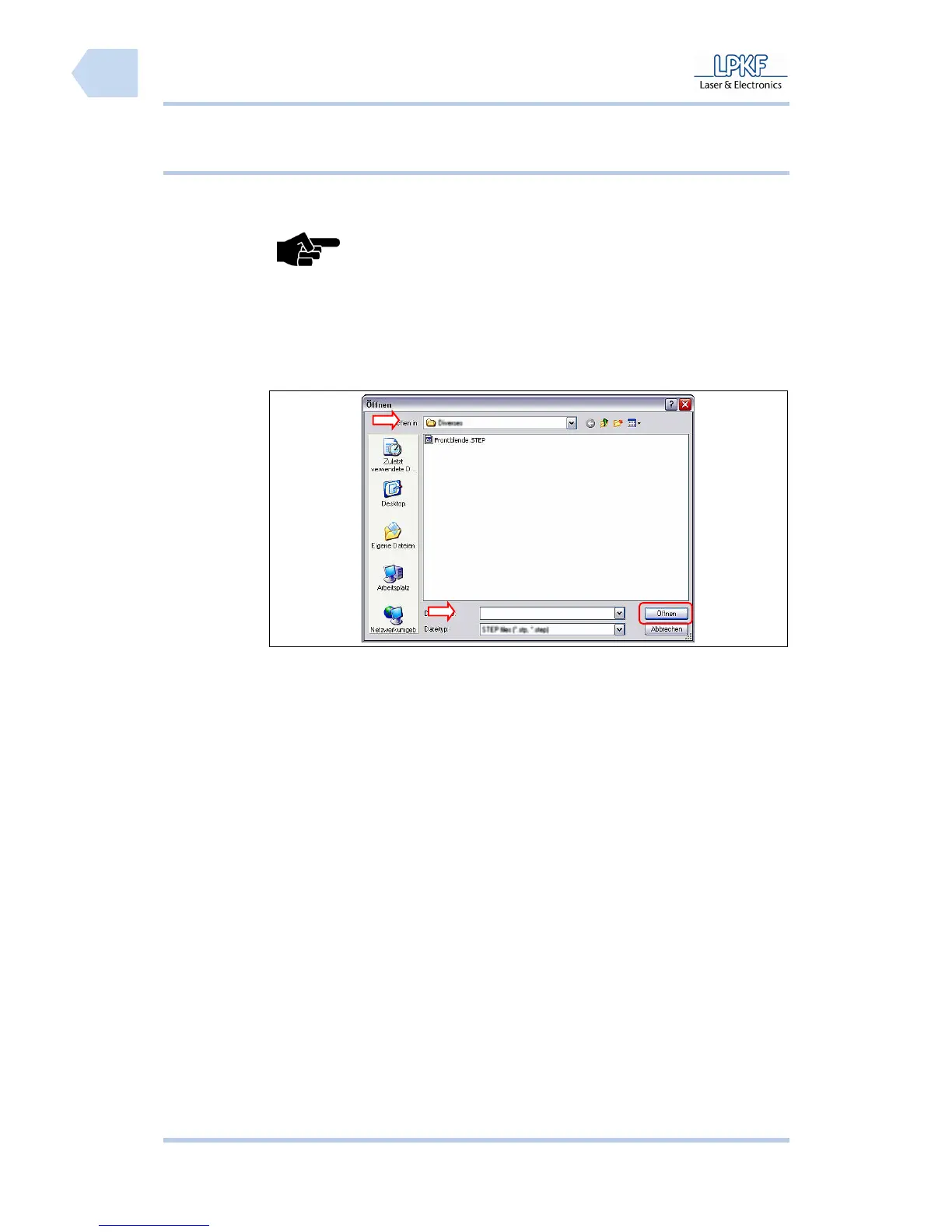
➨ The window “Open” is shown:
Fig. 48: Window
Open
2. Click the selection field \Search in:\ and select a destination folder.
3. Click on the CBF file.
➨ The file name appears in the selection field \File name\.
4. Click [Open].
➨ The CBF file is loaded and the projects contained are placed on the working
area.



 To Next Page