ProtoMat S Operation
© 2011 LPKF AG HB V0.9/Mrz-11 63
6
■ Tool setup
1. Insert a new tool into a free position of the tool exchange appliance.
Fig. 34: Tool
exchange
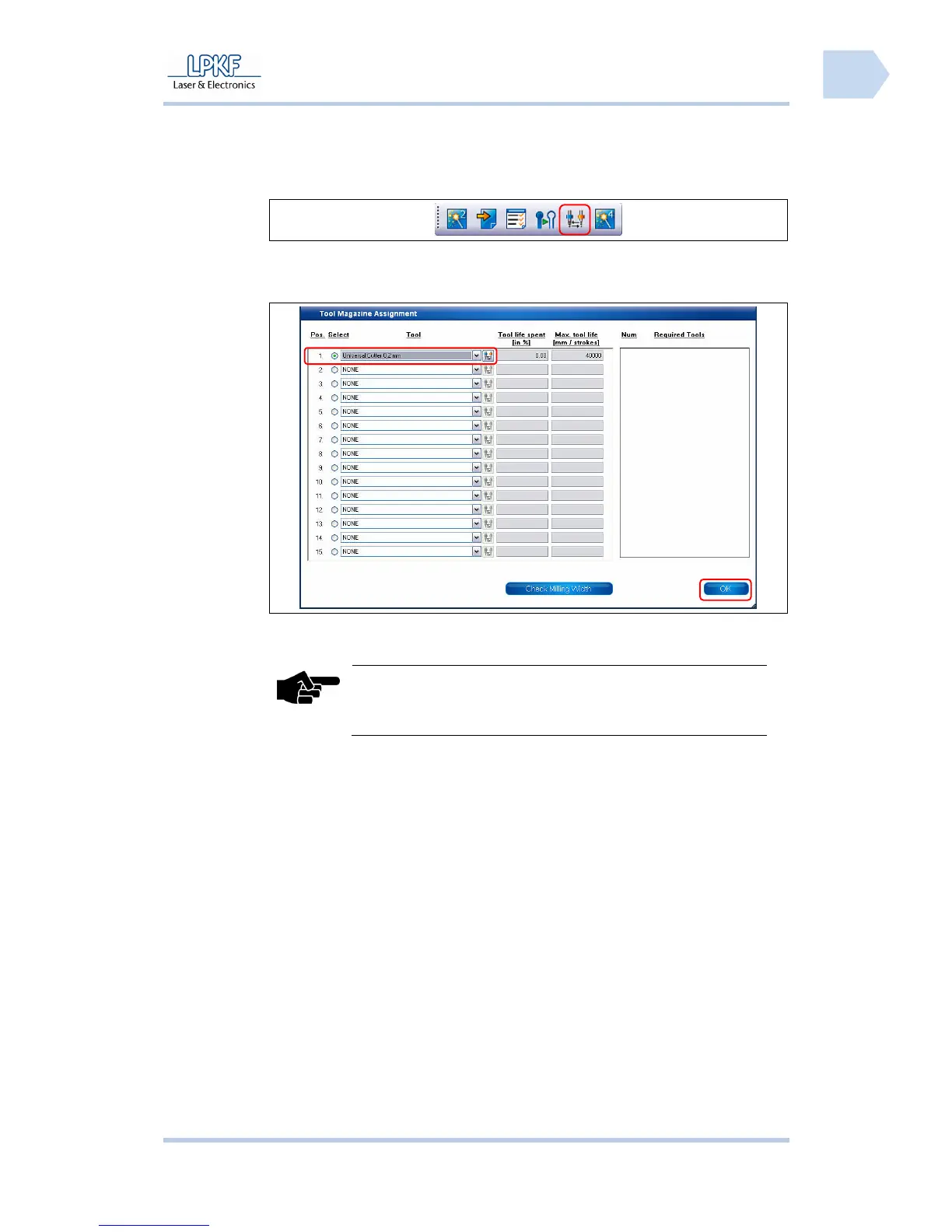
2. Click [Change tool].
➨ The following window is displayed:
Fig. 35: Tool
setup
3. Select a free position of the entry field \Tools\ and specify the tool.
Note
A selection of supported tools can be found in the list
“required tools“.
4. Click [Apply].
♦ Now the tool is configured.



 To Next Page