ProtoMat S Operation
© 2011 LPKF AG HB V0.9/Mrz-11 83
6
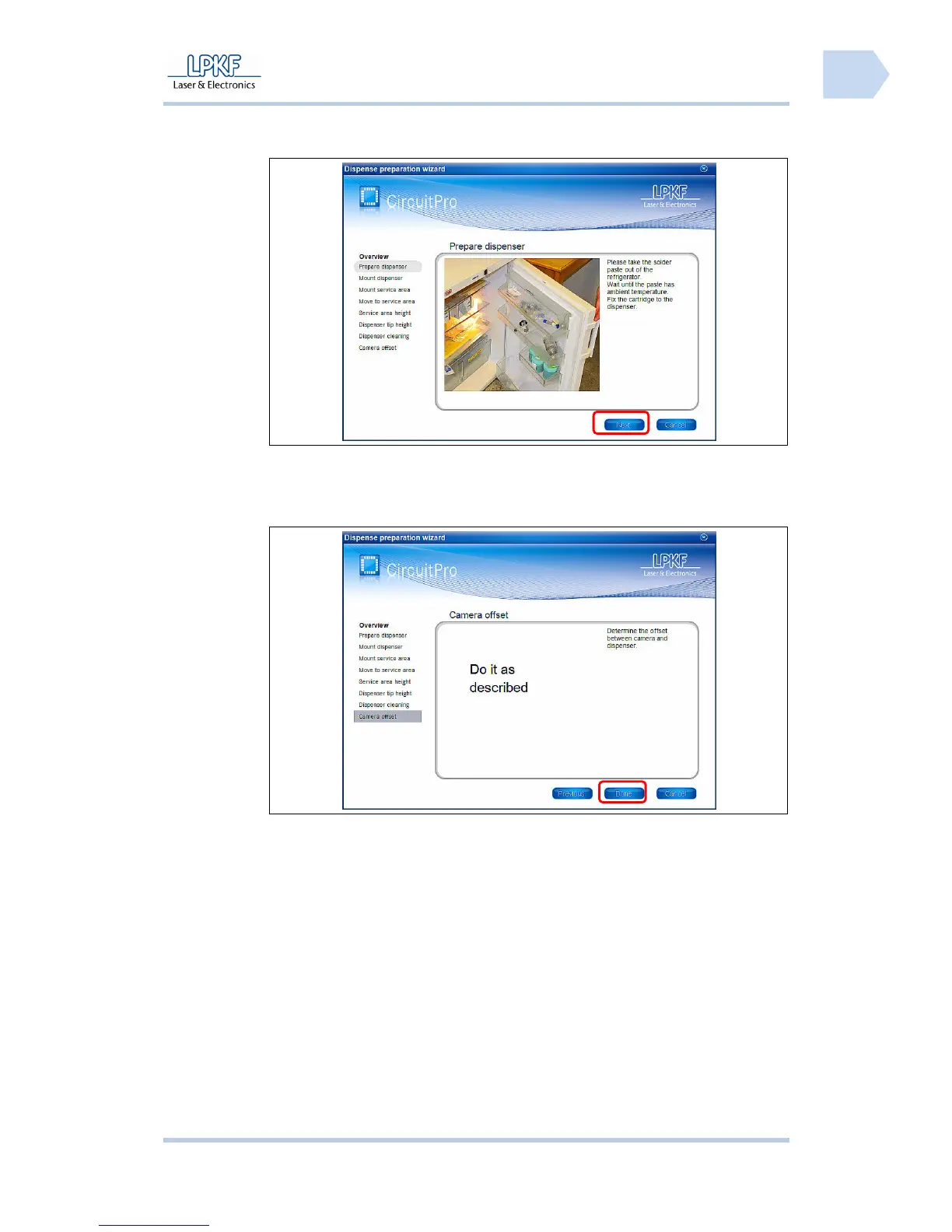
➨ The wizard is starting and the following window is shown:
Fig. 57: Start
Dispense
preparation
wizard
6. Follow the instructions and click [Next].
➨ After all processing steps have been carried out the following window is
shown:
Fig. 58: Dispense
preparation
wizard finished
7. Click [Done].
➨
The dispense preparation is finished.
8. Click on Wizards>Dispensing wizard.
➨ The wizard is starting and the following window is shown:



 To Next Page