V. 1.0 | LPKF Laser & Electronics AG
Stopping the system in an emergency
You have to pull the mains cable from the rear of the system or from the socket to stop
the system immediately in an emergency.
Stopping the system in an emergency
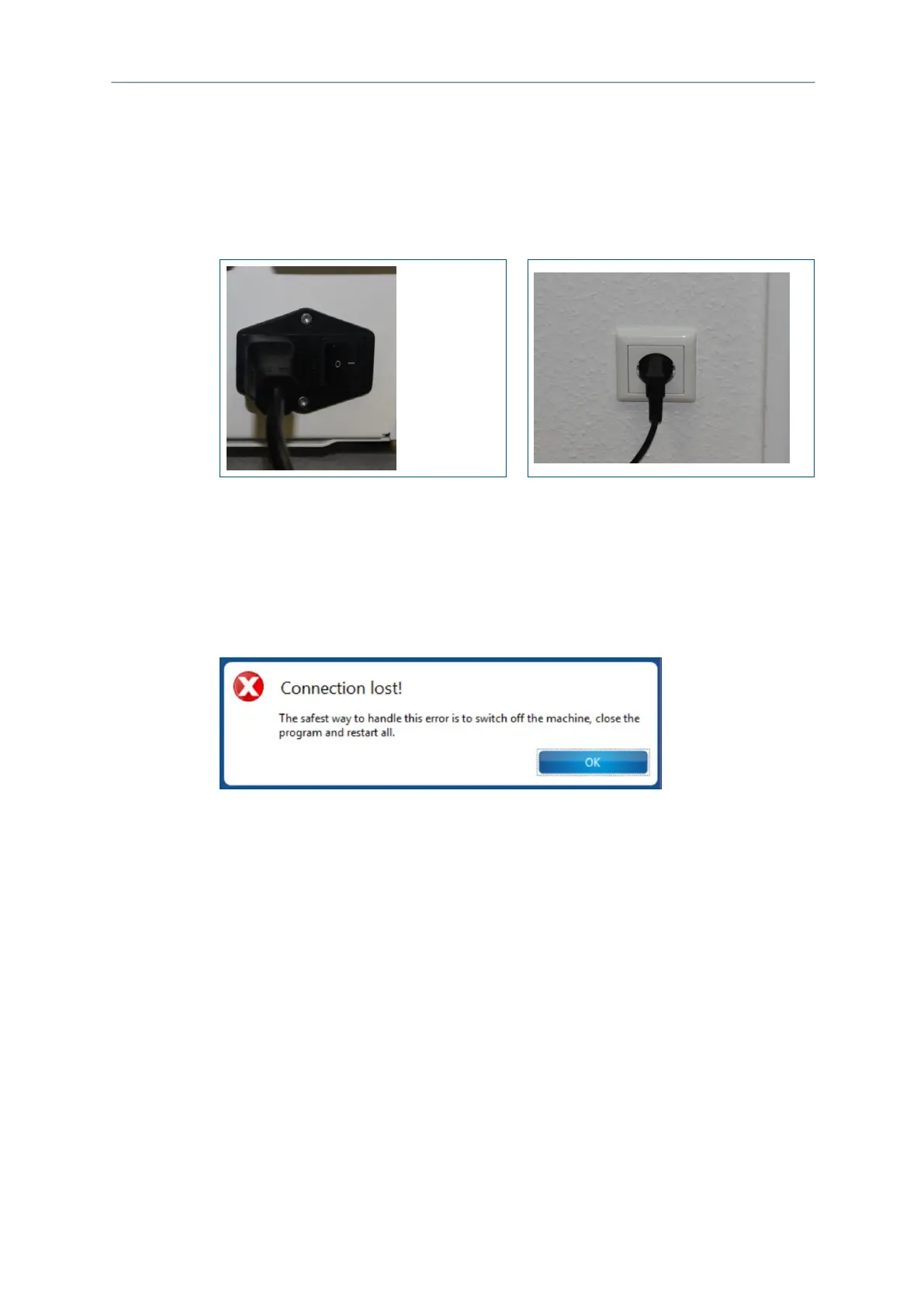
Disconnect the mains cable at the rear of the system or at the socket:
Fig. 122: Mains cable | Rear of system
Fig. 123: Mains cable | Socket
The system has been stopped.
Restarting the system after an emergency stop
Once you have stopped the system in an emergency you have to switch the system
on again and reconnect it with the system software.
The following message is displayed on your screen:
Fig. 124: Message Connection lost
Restarting the system after an emergency
1. Switch off the system (On/Off switch in position 0).
2. Close the system software.
3. Reconnect the mains cable:
at the rear of the system.
at the wall socket.
4. Switch on the system (On/Off switch in position I) and start the system system
software.
The connection is established automatically and the system moves to its reference
points.
The system has been restarted after an emergency.



 To Next Page