6.4 Special tasks
This chapter describes tasks that are not part of the typical production process.
The following tasks are described:
Inserting the cleaning device
Measuring the thickness of the copper layer (S104 only)
Measuring the thickness of the material
Applying solder paste to the PCB
Inserting the cleaning device
1. In the system software, make sure that you are logged in as Advanced user.
2. Move the processing head to the Pause position.
3. Execute one of the following steps:
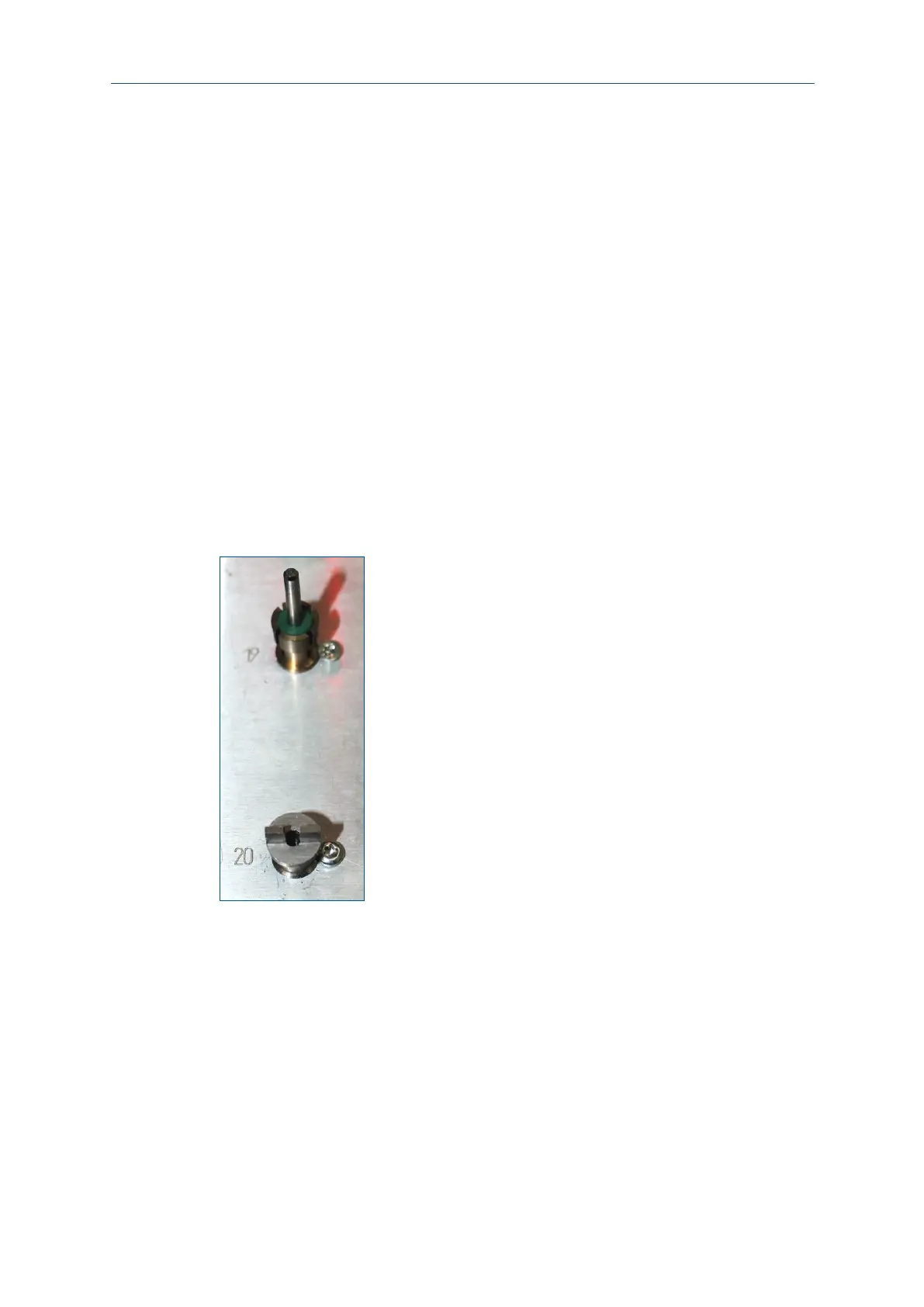
Insert the cleaning device into a free tool holder position on the processing
table.
If there is no free position available, remove one tool holder. Use the wrench
Torx 10 that is provided in the scope of delivery.
4. Tighten the screw of the cleaning device with the wrench Torx 10.
The cleaning device is inserted.



 To Next Page