5.4.8 Software
Install the system software on a PC before using the system. The installation files are
located on the CD.
The user manual and the software are included on the data medium in the delivery (for
more information on the system requirements refer to page 45).
Install the system software on the PC.
After the system software has been installed on your PC, the system has to be
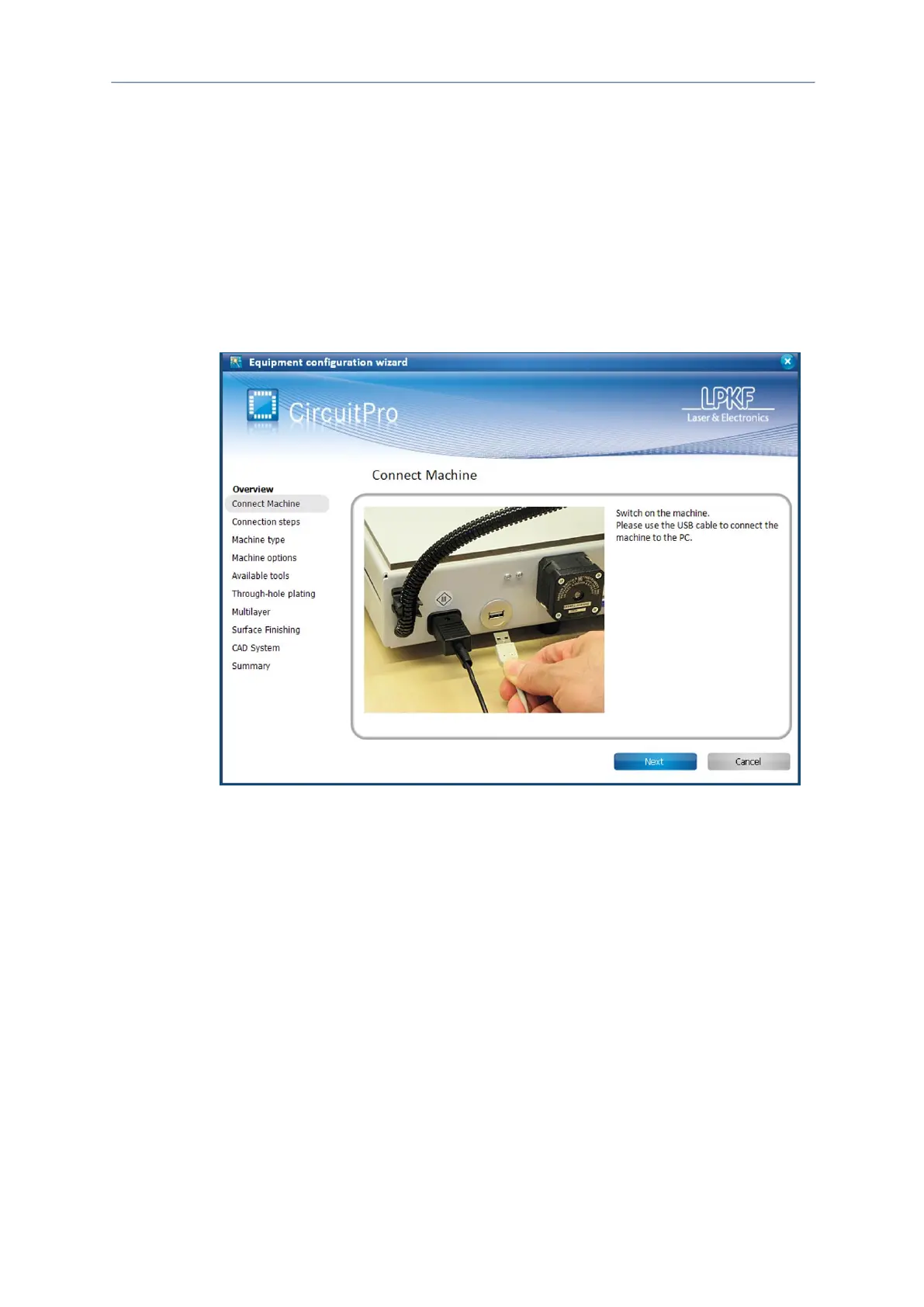
configured once with the associated equipment. The equipment configuration wizard
helps you to set up the system.
Equipment configuration wizard
The Equipment configuration wizard starts automatically at the first start of
CircuitPro PM. If the wizard does not start automatically, click on Wizards >
Equipment configuration wizard.
For further information on the Equipment configuration wizard refer to the
CircuitPro PM compendium.



 To Next Page