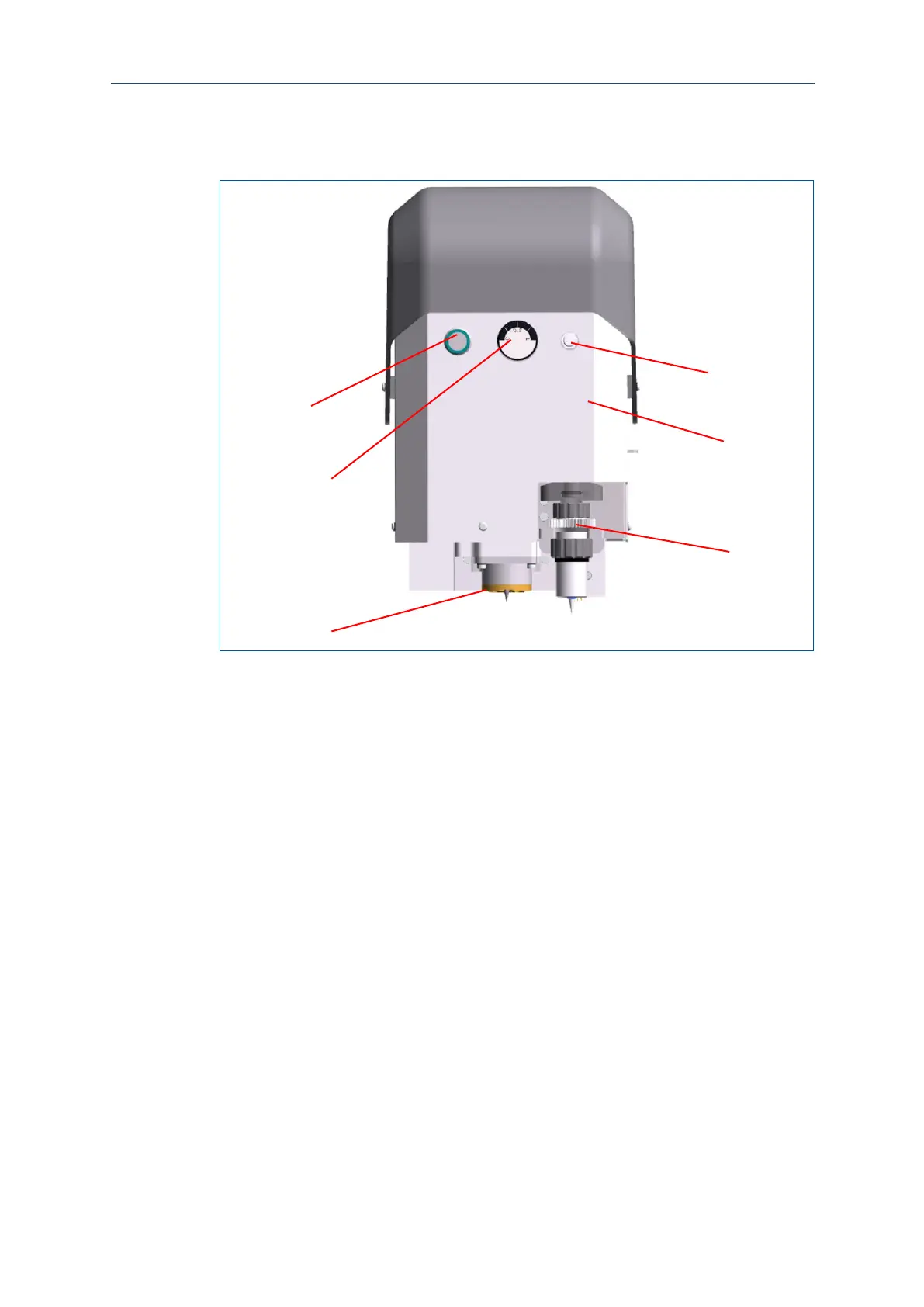
3.4.2 Processing head
The processing head moves on the x axis above the processing table and processes
the PCB with the inserted tool.
1 Status LED, button for vacuum
2 Pressure gauge for dispenser
3 Working-depth limiter
The status LED (1) is a light as well as a button:
The different colors indicate the operating state of the system at any time.
Pressing the button activates the vacuum table by switching on the extraction
system, thus creating a vacuum.
The pressure gauge indicates the pressure currently applied on the dispenser. Control
the pressure if necessary using the pressure regulator (6) next to it.
The working-depth limiter is installed at the housing of the milling spindle and is used
to limit the penetration depth into the base material to be processed. Thus, even
materials with sensitive surfaces can be processed without damage.
The dispenser (4) applies solder paste at the designated positions of the PCB.



 To Next Page