5.4.6 Connecting the PC to the mains power supply
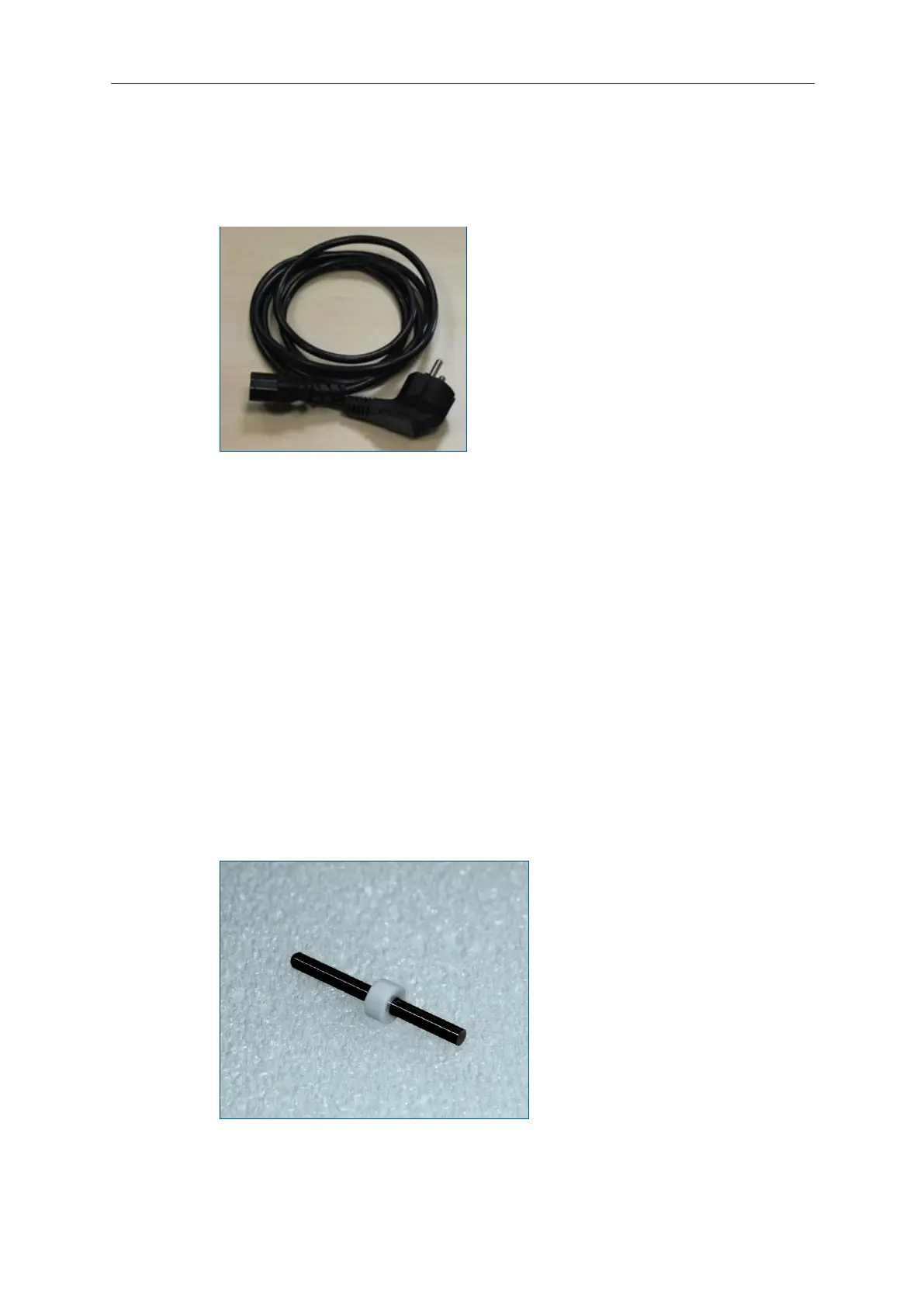
The PC is connected to the mains power supply using a mains cable.
Material
The following material is required:
Connecting the mains cable
CAUTION! Tripping hazard by hoses and cables!
Hoses and cables are routed to the system. If the hoses and cables are laid
inappropriately they pose a tripping hazard for the operating personnel.
Always ensure that the hoses and cables do not pose a tripping hazard.
1. Connect the mains cable to the PC.
2. Connect the mains cable to the earthed wall socket.
The mains cable has been connected.
5.4.7 Dummy tool
The system is equipped with a dummy tool for transport. It is in the collet and must
not be removed manually! Once the system and the corresponding software are ready
for operation, the dummy tool is ejected automatically when a processing job is
started.



 To Next Page