V. 1.0 | LPKF Laser & Electronics AG
5.4.3 Establishing a connection between the camera and the PC
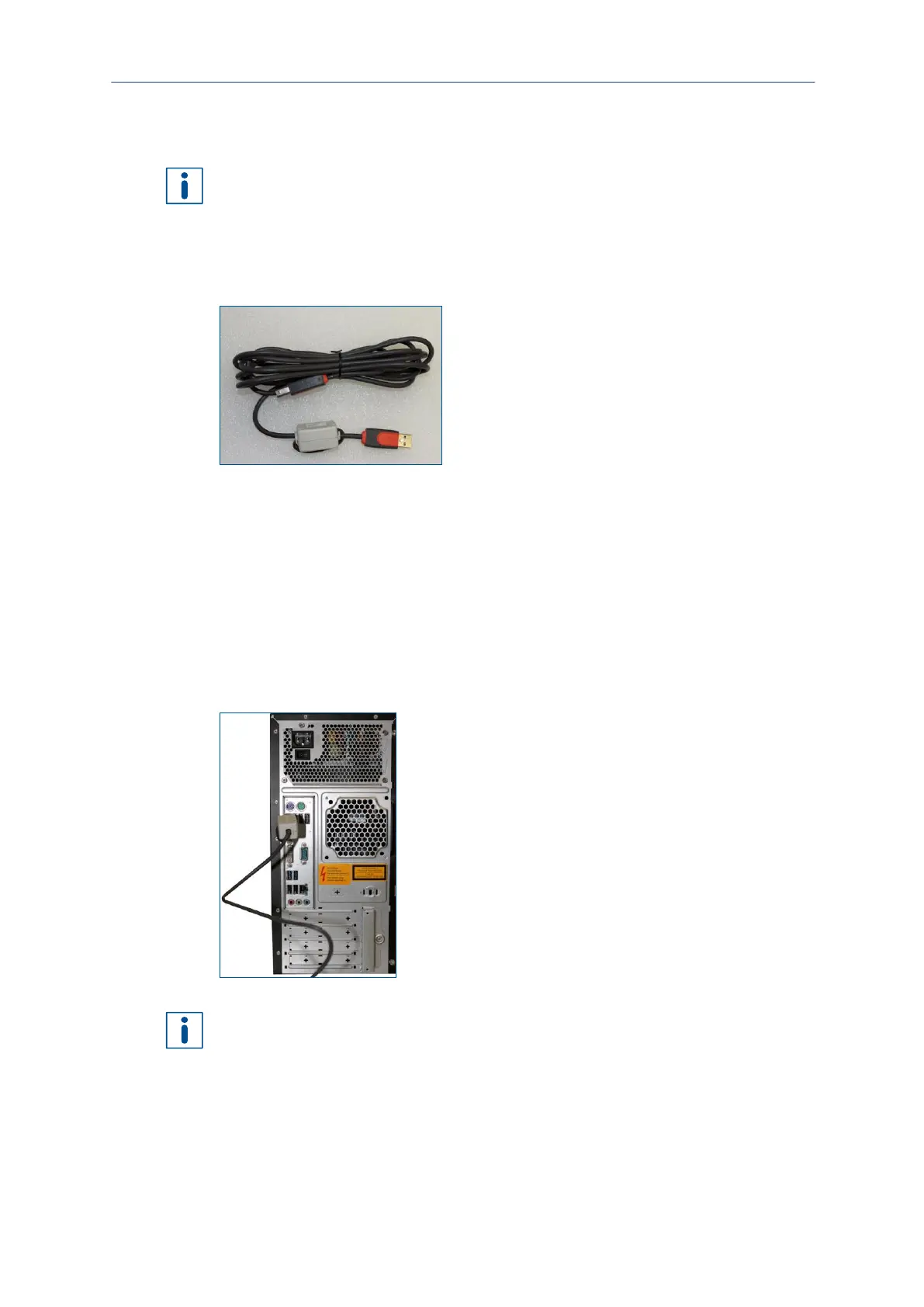
The camera is connected to the PC via a USB cable.
Using a USB hub and/or extension cables can cause transmission problems. Connect
the system directly with the PC.
Material
The following material is required:
Connecting the camera to the PC
CAUTION! Tripping hazard by hoses and cables!
Hoses and cables are routed to the system. If the hoses and cables are laid
inappropriately they pose a tripping hazard for the operating personnel.
Always ensure that the hoses and cables do not pose a tripping hazard.
1. Connect the B cable of the provided USB cable to the slot of the system.
2. Connect the A cable of the provided USB cable to the slot of the PC.
Fig. 52: Connecting the USB cable for the camera
Extending the USB cable can interfere with the camera image.
The camera has been connected to the PC.



 To Next Page