LPKF Laser & Electronics AG | V. 1.0
5.4.4 Establishing a connection between the system and the PC
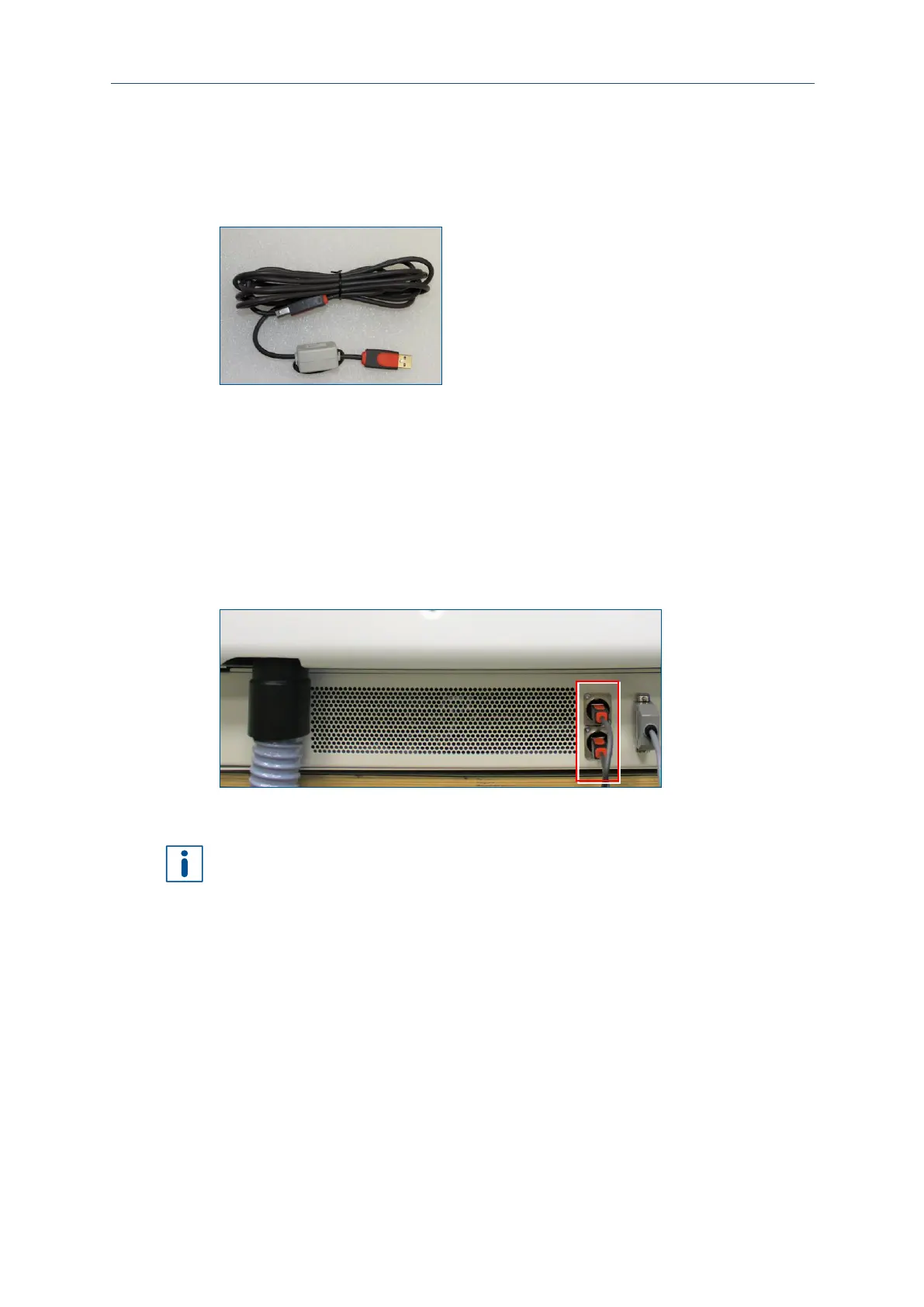
The system is connected to the PC via a USB cable.
Material
The following material is required:
Connecting the USB cable
CAUTION! Tripping hazard by hoses and cables!
Hoses and cables are routed to the system. If the hoses and cables are laid
inappropriately they pose a tripping hazard for the operating personnel.
Always ensure that the hoses and cables do not pose a tripping hazard.
1. Connect the B cable of the provided USB cable to the slot of the system.
Fig. 54: Connecting the USB cable to the system
2. Connect the A cable of the provided USB cable to the slot of the PC.
Extending the USB cable causes transmission problems. The maximum cable length
is 3 meters.



 To Next Page