LPKF Laser & Electronics AG | V. 1.0
8 Troubleshooting
This chapter contains an overview of possible faults and measures for
troubleshooting.
If faults occur that cannot be eliminated by the following messages contact the
LPKF Service.
Furthermore, you can create a support information (only S104) via the menu
Machining and send it via e-mail to the LPKF Service.
8.1 Fault display
The system's Stack light/Status LED indicates occurring faults. In the software, faults
are indicated via the panes Fault monitor and Messages.
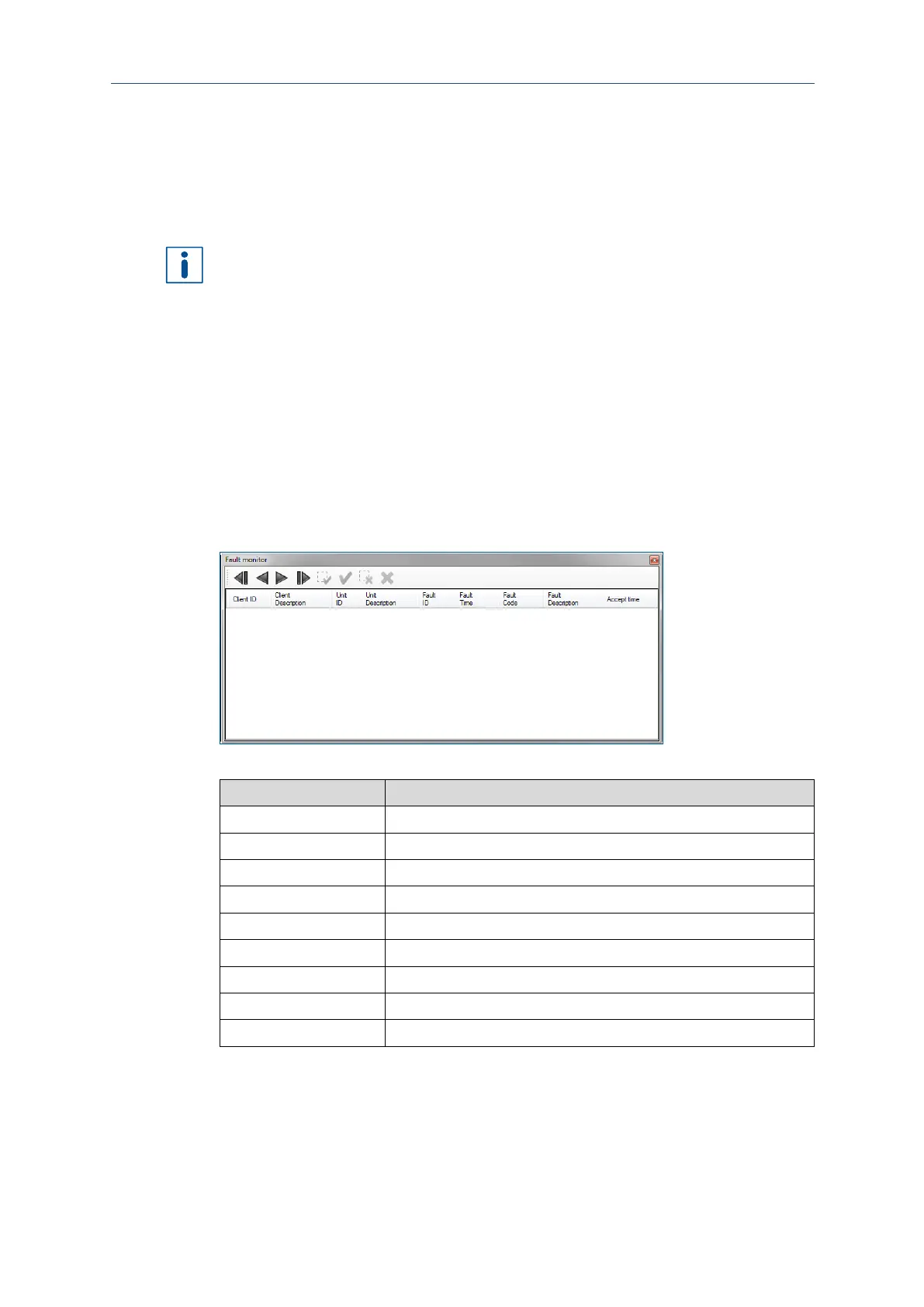
Fault monitor pane
The Fault monitor pane contains a list of all system messages. These can refer, for
example, to a problem at the start of the system or to error messages during
production of the part.
Click on View > Fault monitor to open the Fault monitor pane:
Fig. 157: Fault monitor pane
ID of the system component that reported the error.
Description of the system component that reported the error.
ID of the component in the system where the error occurred.
Part of the component where the error occurred.
Displays the time and date when the error occurred.
Detailed description of the error that occurred.
Time when the error was acknowledged.



 To Next Page