V. 1.0 | LPKF Laser & Electronics AG
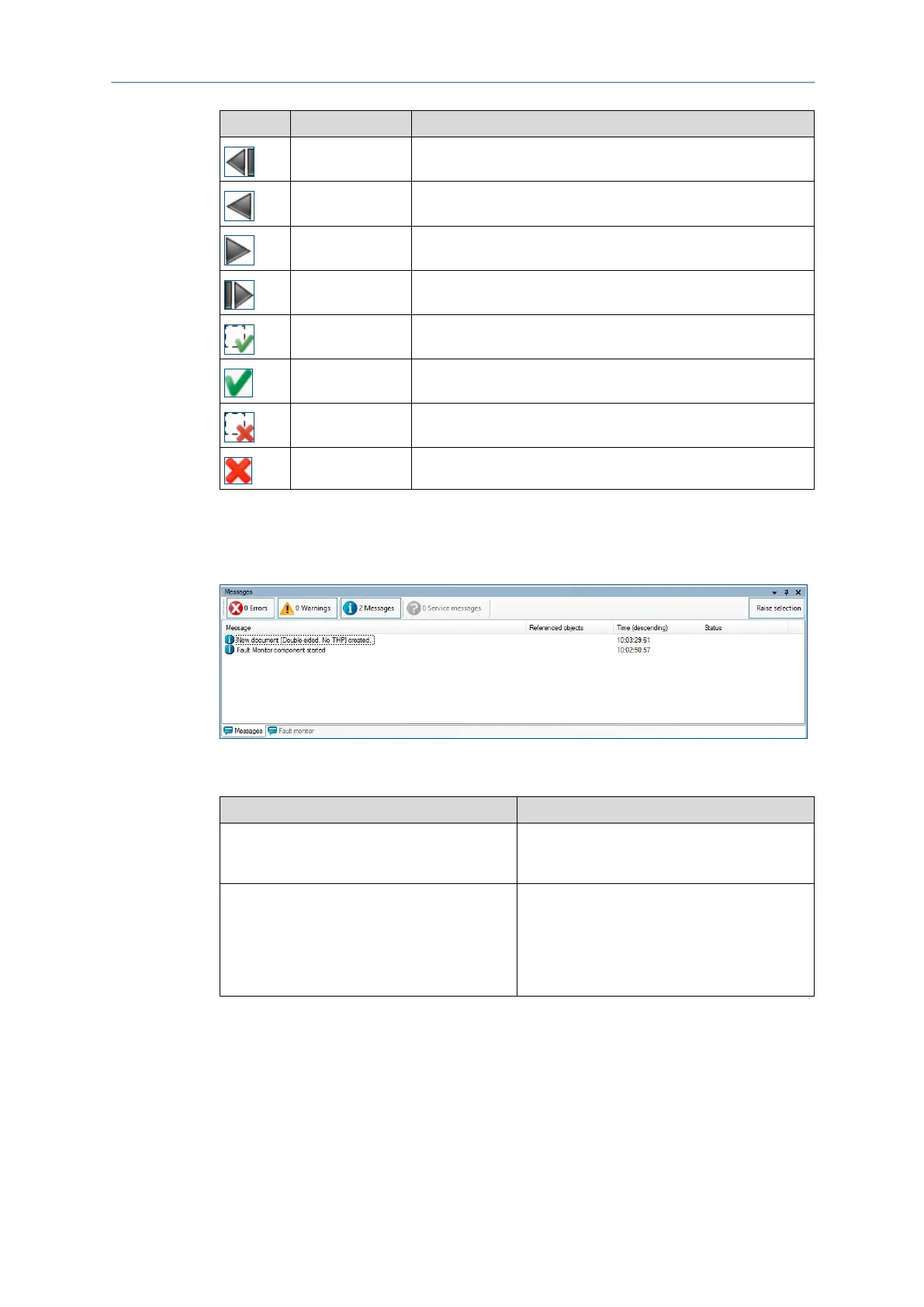
Jumps to the beginning of the list.
Jumps up one row in the list.
Jumps down one row in the list.
Jumps to the end of the list.
Acknowledges the selected error in the list.
All errors not yet acknowledged are acknowledged
automatically.
The selected error that has already been acknowledged is
deleted from the list.
All errors already acknowledged are deleted from the list.
Table 17: Fault monitor icons
Pane Messages
The pane Messages displays the following information:
Errors are critical program errors.
The Errors can be displayed or hidden by
clicking on [Errors].
Warnings are due to input errors that the user
has caused. For example, these can be
information on aborted or improperly executed
actions.
The warnings can be displayed or hidden by
clicking on [Warnings].



 To Next Page