V. 1.0 | LPKF Laser & Electronics AG
Replacing the HEPA filter
Ensure that the following prerequisites are fulfilled before performing the described
tasks:
Spare parts and auxiliaries
The extraction system is switched off.
Protective gloves
Respirator mask
HEPA filter
1. Remove the knob screws on the side cover.
2. Remove the side cover.
The filter bag is visible.
3. Remove the filter bag.
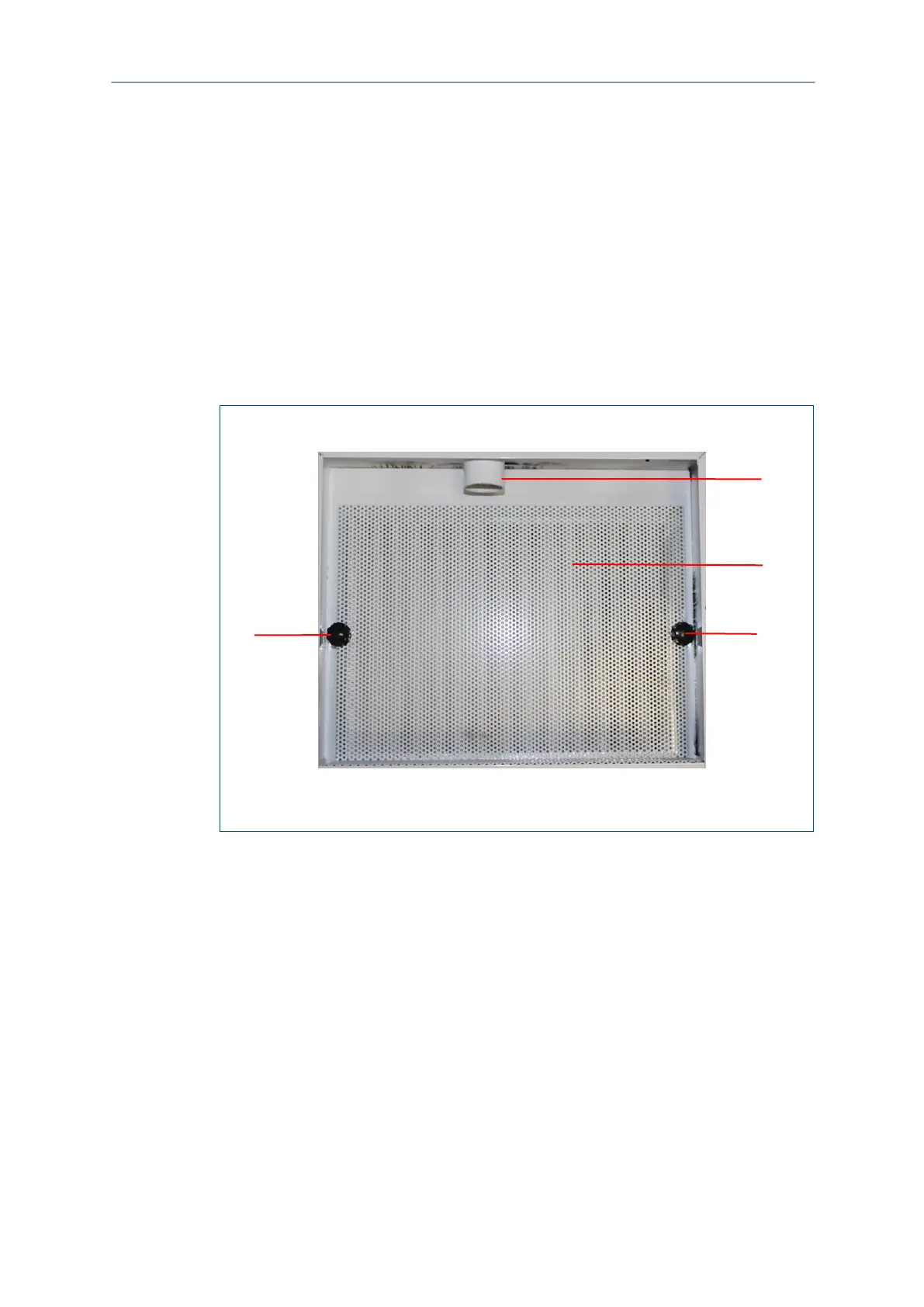
4. Remove the knob screws on the protective grille.
Fig. 156: Interior view without filter bag
1 Knob screws
2 Air inlet
5. Remove the protective grille.
The HEPA filter is visible.
6. Remove the used HEPA filter.
7. Insert the new HEPA filter.
8. Insert the protective grille and fasten it with the knob screws.
9. Fasten a filter bag to the air inlet on the inside.
10. Fasten the side cover.
11. Fasten the knob screws on the side cover.
12. If the light Service Filters is still blinking or is constantly lit, reset the filter alarm.
The HEPA filter has been replaced.



 To Next Page