V. 1.0 | LPKF Laser & Electronics AG
Measuring the thickness of the material
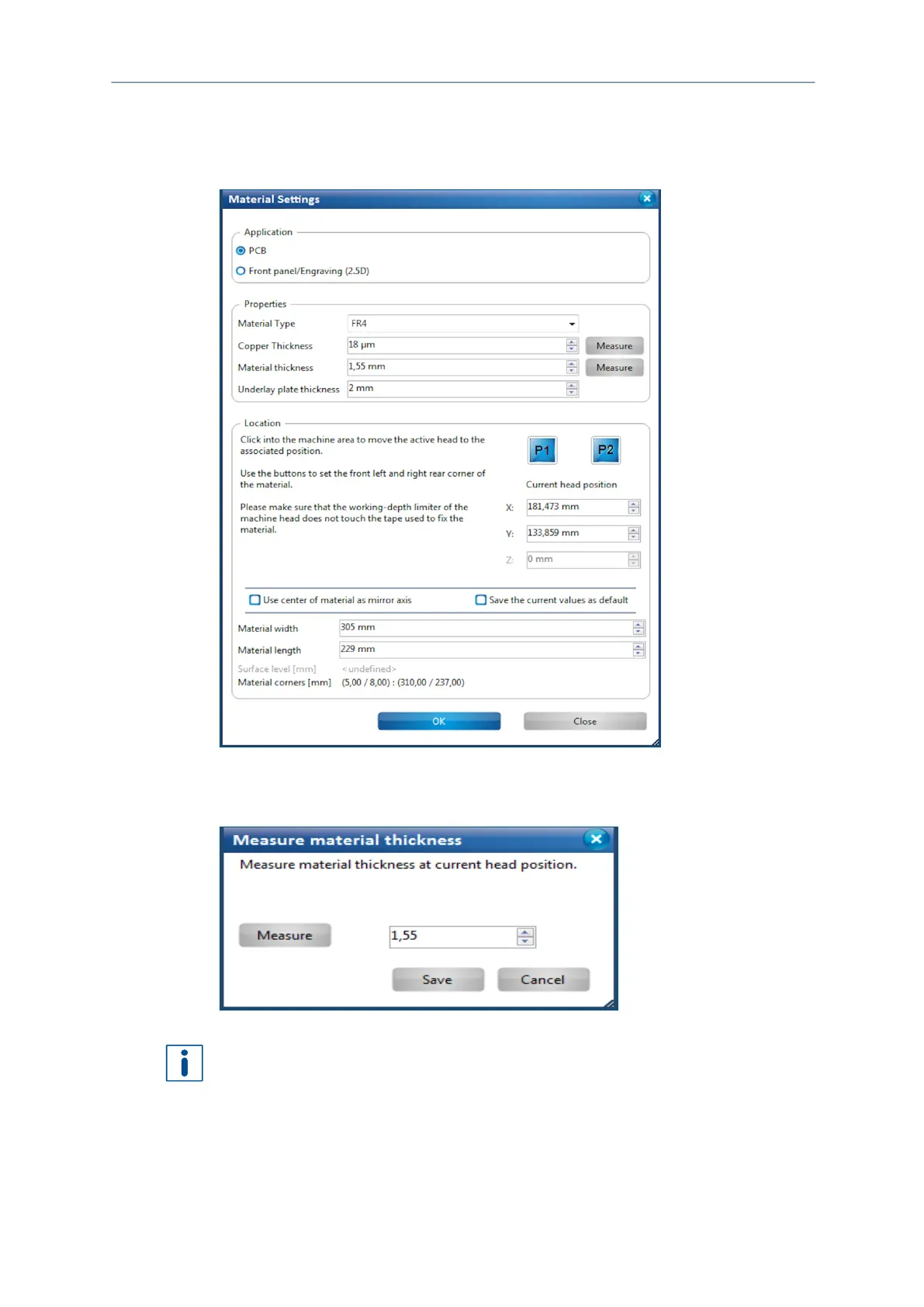
1. Click on Edit > Material settings...
The following dialog is displayed:
Fig. 97: Dialog Material settings
2. Click on [Measure] next to the drop-down list Material thickness.
The following dialog is displayed:
Fig. 98: Dialog Measure material thickness
The material thickness is measured at the current position of the processing head by
default. If necessary, move the processing head to a different position where you want
to measure the thickness of the material using the arrow buttons in the pane
Processing.



 To Next Page