V. 1.0 | LPKF Laser & Electronics AG
Damage by empty collet!
The collet always has to be equipped with a tool even when the system is not in use
(standby, switched off, transport, storage).
Ensure that a tool is in the collet or a tool is in the tool magazine where it can be
picked up by the collet.
Stopping the system in an emergency
You have to pull the mains cable from the rear of the system or from the socket to stop
the system immediately in an emergency.
Stopping the system in an emergency
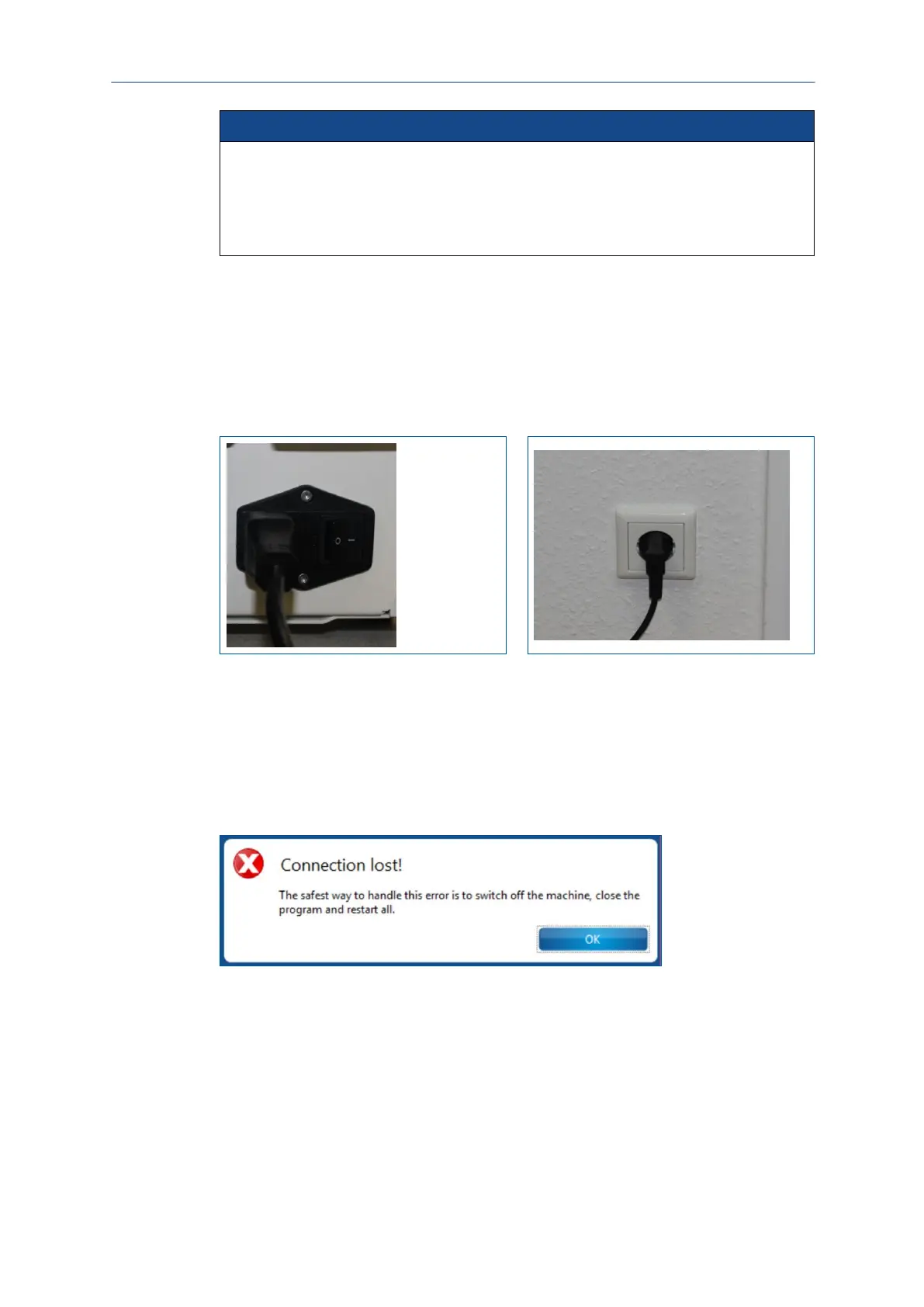
Disconnect the mains cable at the rear of the system or at the socket:
Fig. 60: Mains cable | Rear of system
Fig. 61: Mains cable | Socket
The system has been stopped.
Restarting the system after an emergency stop
Once you have stopped the system in an emergency you have to switch the system
on again and reconnect it with the system software.
The following message is displayed on your screen:
Fig. 62: Message Connection lost



 To Next Page