UM-1151140EN, Rev. C, May 2016
Always verify that the desired treatment parameters are displayed
on the control panel before initiating treatment. If there is no
change in display values when you press the selectors on the
control panel, or if the control panel appears otherwise erratic, do
not use the laser system. Contact your Lumenis representative.
5.3.1. Delivery System
Selection
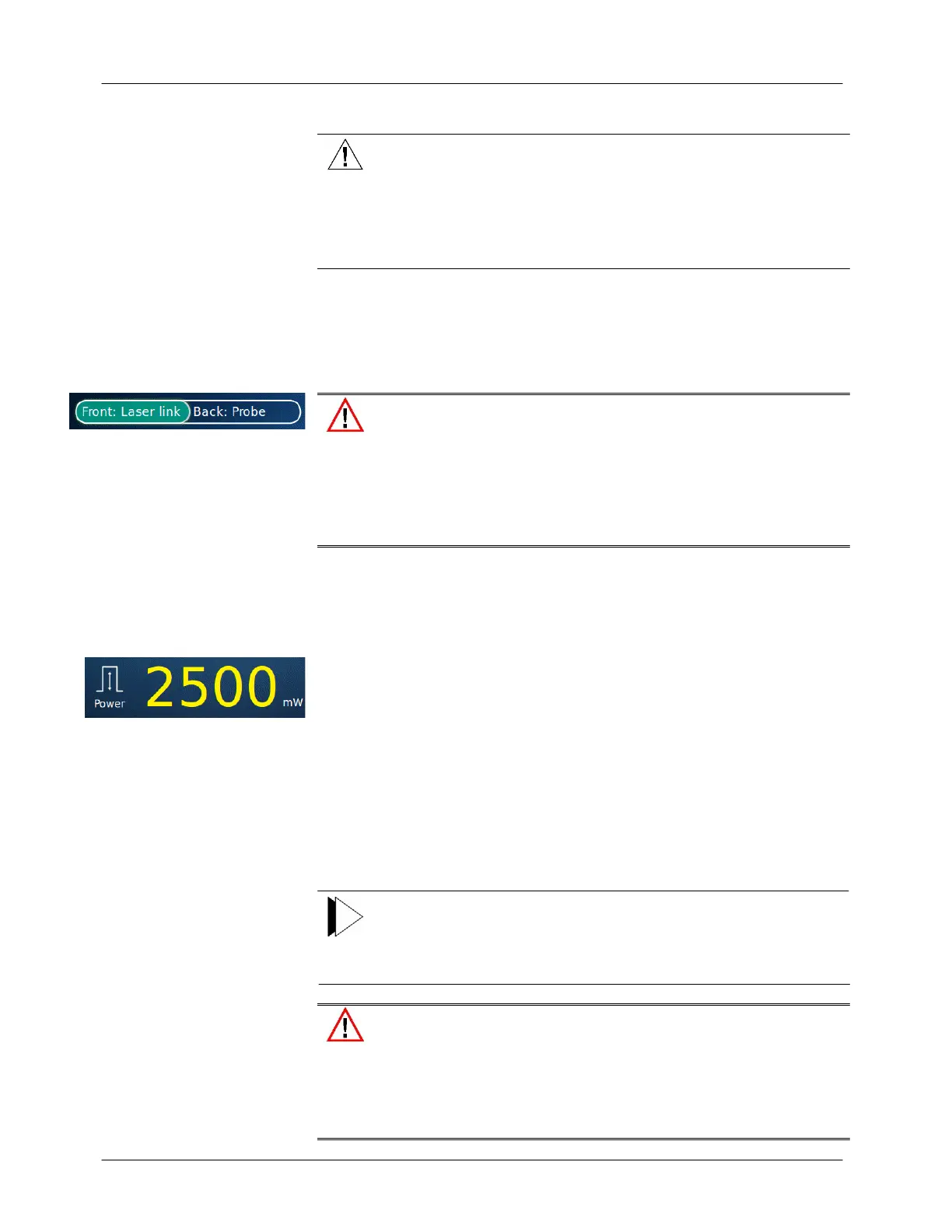
Select one of two connected delivery systems by pressing the appropriate
button on the screen; the highlighted delivery system and port (Front or
Back) is the active one.
Always ensure that a compatible eye safety filter is properly
connected for the selected delivery system. Failure to properly use
an eye safety filter for those delivery systems that require them
can result in serious eye injury. Refer to the appropriate delivery
system operator manual for additional compatibility and safety
information.
5.3.2. Power Setting
The available power level settings are from 50 mW up to 2,500 mW when:
● Between 50 to 100 mW the increments are 5 mW.
● Between 100 to 300 mW the increments are 10 mW.
● Between 300 to 500 mW the increments are 20 mW.
● Between 500 to 1,000 mW the increments are 50 mW.
● Between 1,000 to 2,500 mW the increments are 100 mW.
The available power settings are detailed in the Specifications section in
Chapter 3 of this manual.
At a duty cycle of more than 50%, the average power will be limited to
1,250 mW and the peak power on the screen will change accordingly.
Note
If you are using the PowerEase footswitch, you can also adjust the
laser power by pressing the switches on the inside left (decrease
power) and right (increase power) of the footswitch housing.
Always inspect the optics and delivery system as described in this
manual to ensure that the system is clean and undamaged. Never
use a system that appears damaged or dirty. Doing so may
dangerously reduce the delivered power and result in unintended,
adverse tissue effects.



 To Next Page