UM-1151140EN, Rev. C, May 2016
5.3.3. Exposure Time
Setting
5.3.4. Pulse Interval
Selection
5.3.5. Aiming Beam
Intensity
Adjustment
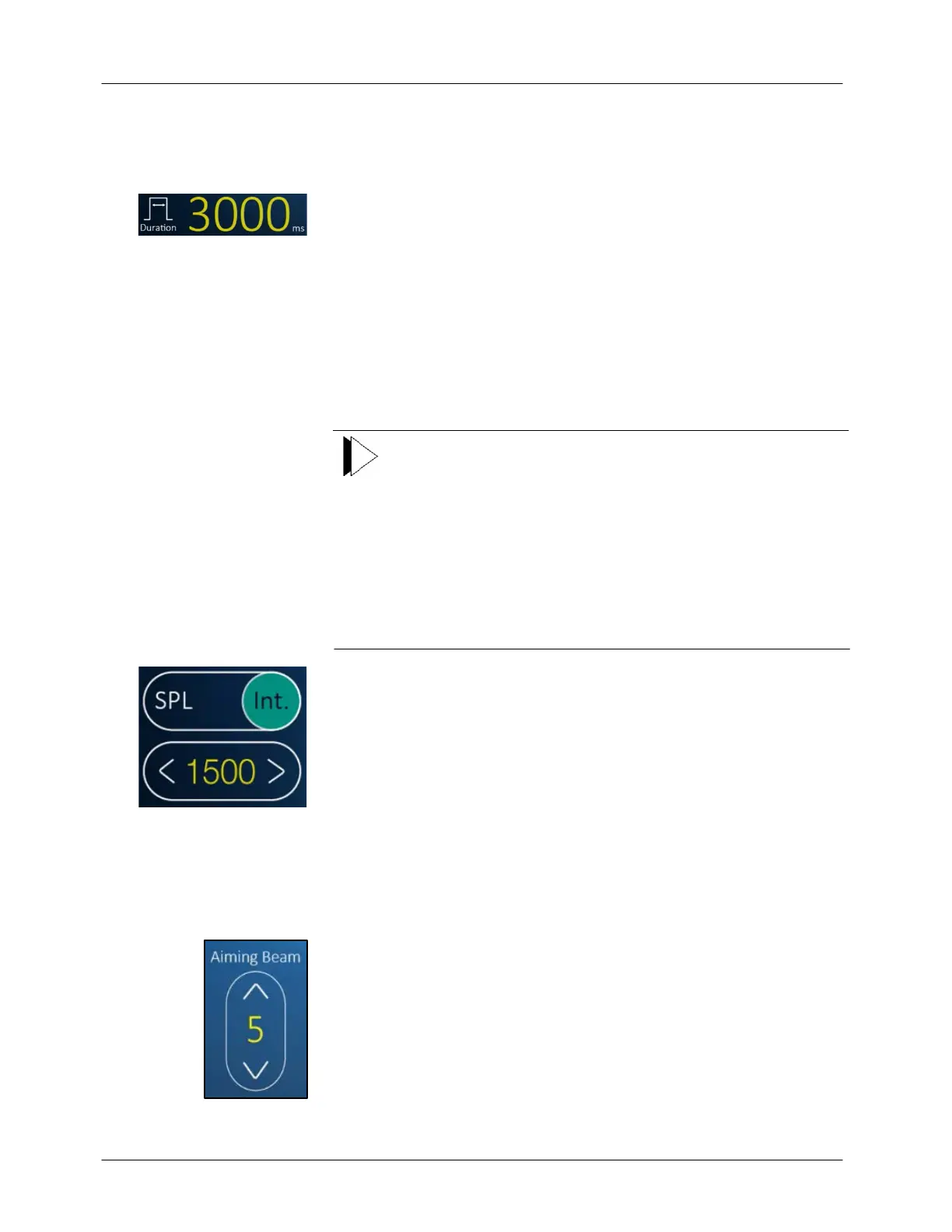
Set the exposure time (pulse duration) by pressing the ◄ or ► buttons on
the left side under the LCD.
The available exposure time settings are detailed in the Specifications
section in Chapter 3 of this manual.
The pulse interval is the time between laser pulses. Single and repeat pulse
modes are available. In single pulse mode, the laser delivers a single pulse
each time you press the footswitch. In repeat pulse mode, the laser delivers
repeated pulses at a specified interval until you release the footswitch.
The available interval time settings are detailed in the Specifications
section in Chapter 3 of this manual.
Note
Not all interval settings are available at higher power and
exposure time settings. If you attempt to select an interval that
is unavailable at the existing power and exposure time settings,
the laser changes to meet the duty cycle requirements for that
power setting. You must reduce the power or exposure time
setting to make available the desired interval. Conversely, if you
select the minimum interval for the existing power and exposure
time settings, and then you increase the power or exposure time
setting, the interval automatically increases to the minimum
setting for the new power and exposure time settings.
●
Ensure that the Int. (Interval) button is selected.
●
Set the pulse interval by pressing the < or > buttons on the LCD
screen.
●
If the Single Pulse option is selected (SPL button pressed), the Pulse
Interval Selection function is disabled.
Set the aiming beam intensity by pressing the ˄ or ˅ buttons on the
selector icon.
The available aiming beam intensity settings are detailed in the
Specifications section in Chapter 4 of this manual.
During some procedures, the aiming beam may obstruct the view of the
treatment site while lasing. The aiming beam can be either on or off while
lasing. To turn the aiming beam off, press the ˅ selector to the lowest
setting.



 To Next Page