UM-1151140EN, Rev. C, May 2016
5.3.12. Open Options
Screen
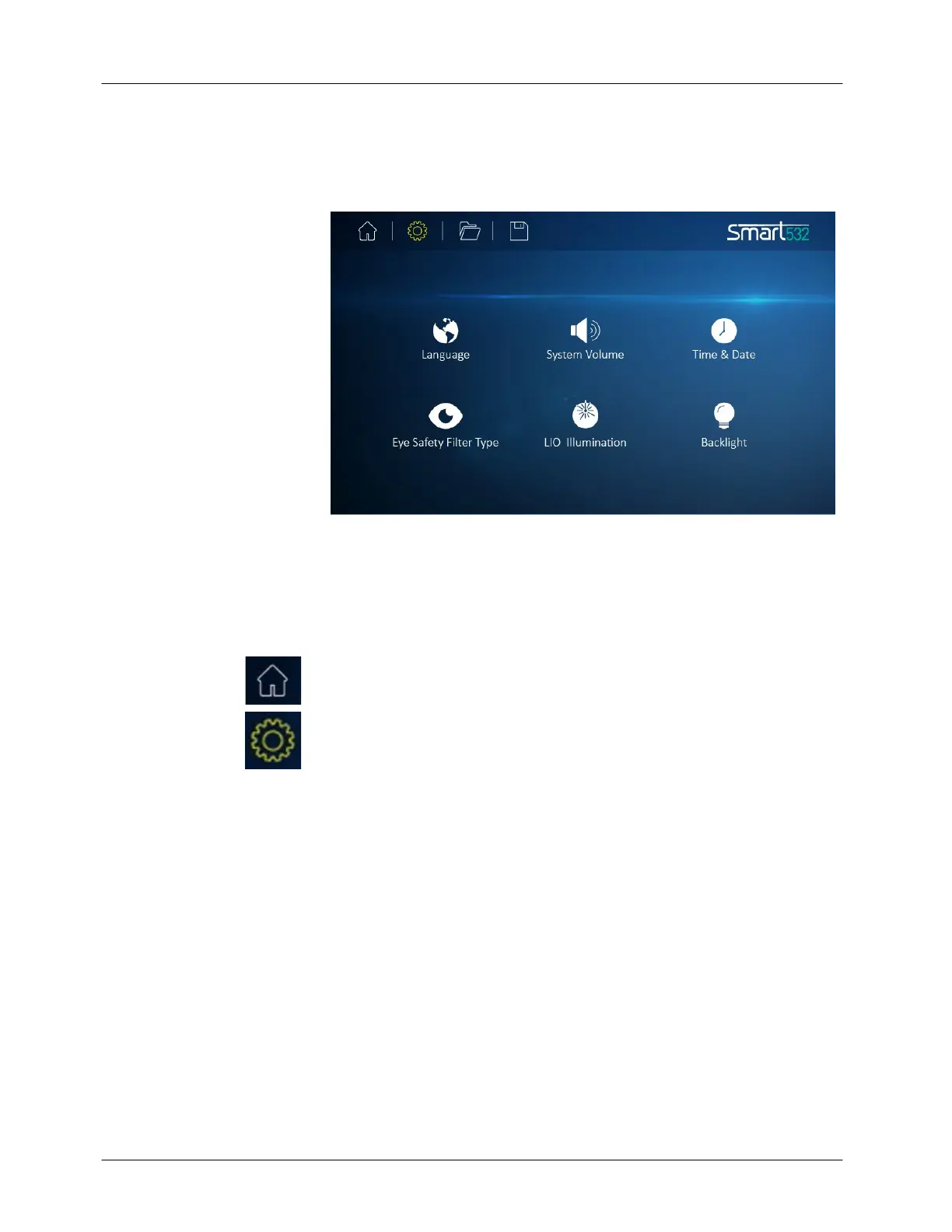
To configure the Smart532 system's software and hardware preferences,
press the Options button on any screen; the Options screens will appear
(see Figure 5-5).
Figure 5-5: Options Screen
Pressing any of the Options icons in the screen will navigate the system to
that particular Option screen. Pressing the ► or ◄ button at the top-left or
top-right corner of the screen will navigate the system to the next or
previous Option screen.
Press the Home button at any time to exit the Options screens and return
to the Home screen.
Press the Options button at any time to exit the particular option screen
and return to the Options screen (see Figure 5-5).



 To Next Page