Optical Backscatter Reflectometer 4600 25
User Guide
Button
Description
Page
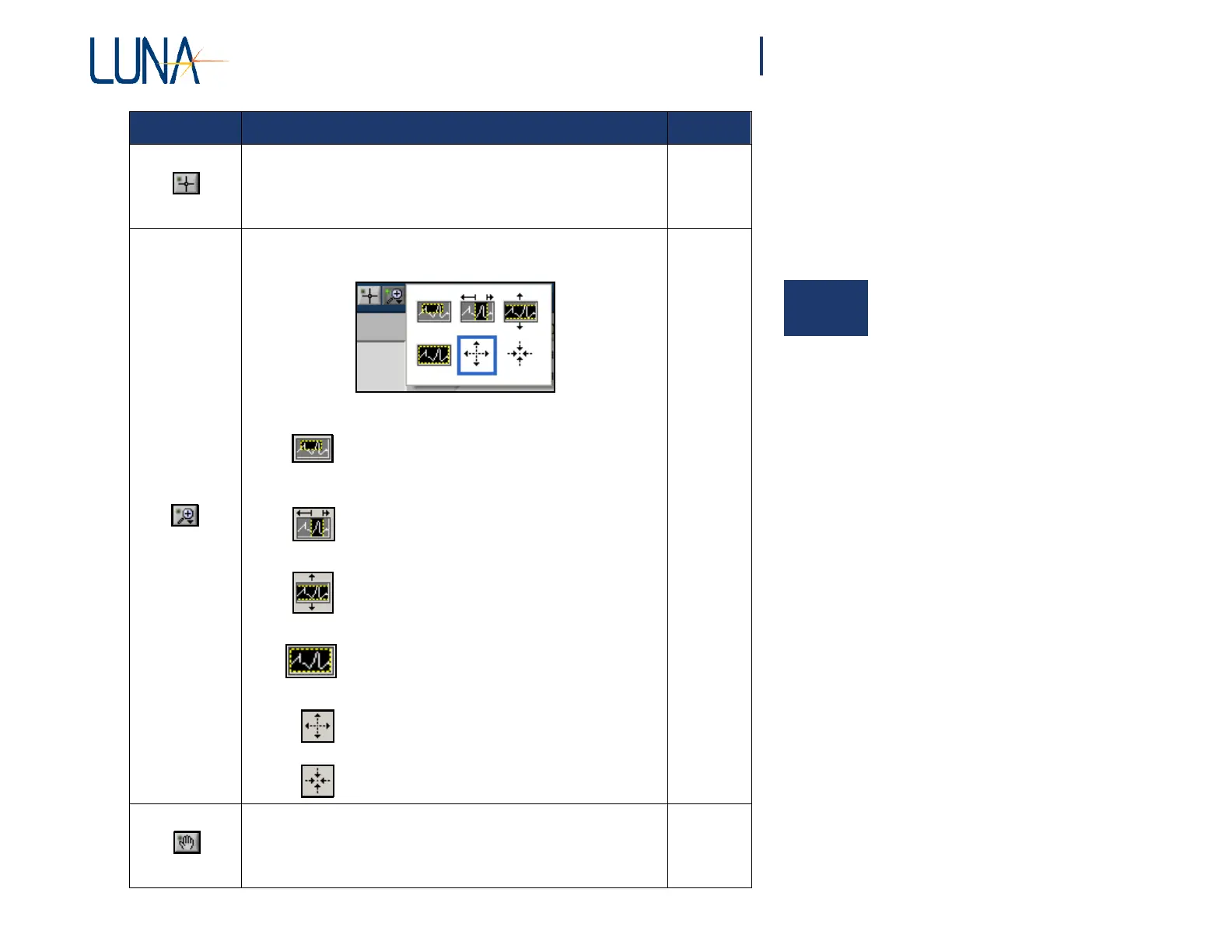
Sets the mouse cursor to a cross-hair that allows the user to drag
graph cursors.
72
Allows the user to select from the following zoom tools that appear
in a pop-up menu. A blue border surrounds the selected tool.
Allows the user to click and drag to define a
“zoom window” in both the X and Y dimen-
sions.
•
Allows the user to click and drag a zoom
area in the X-axis only. This is the default
tool active in each graph.
•
Allows the user to click and drag a zoom
area in the Y-axis only.
Returns the graph to the full scale of all data.
Zooms in (magnifies) from the point where
the cursor is located.
•
Zooms out from the point where the cursor is
located.
70
Lets the user pan around the data in a graph window by clicking
on the graph and dragging the cursor.
74
3



 To Next Page