We recommend setting the consumables icon display
selector (2-9C) to "Always".
The consumables icon display changes as follows when
the replacement time approaches or when the
replacement time is exceeded based on the setting
made.
Always: The consumables icon is always displayed on
the top screen.
At start: The icon is disp
layed for just 30 seconds on
the top screen after startup.
No: The consumables icon is not displayed.
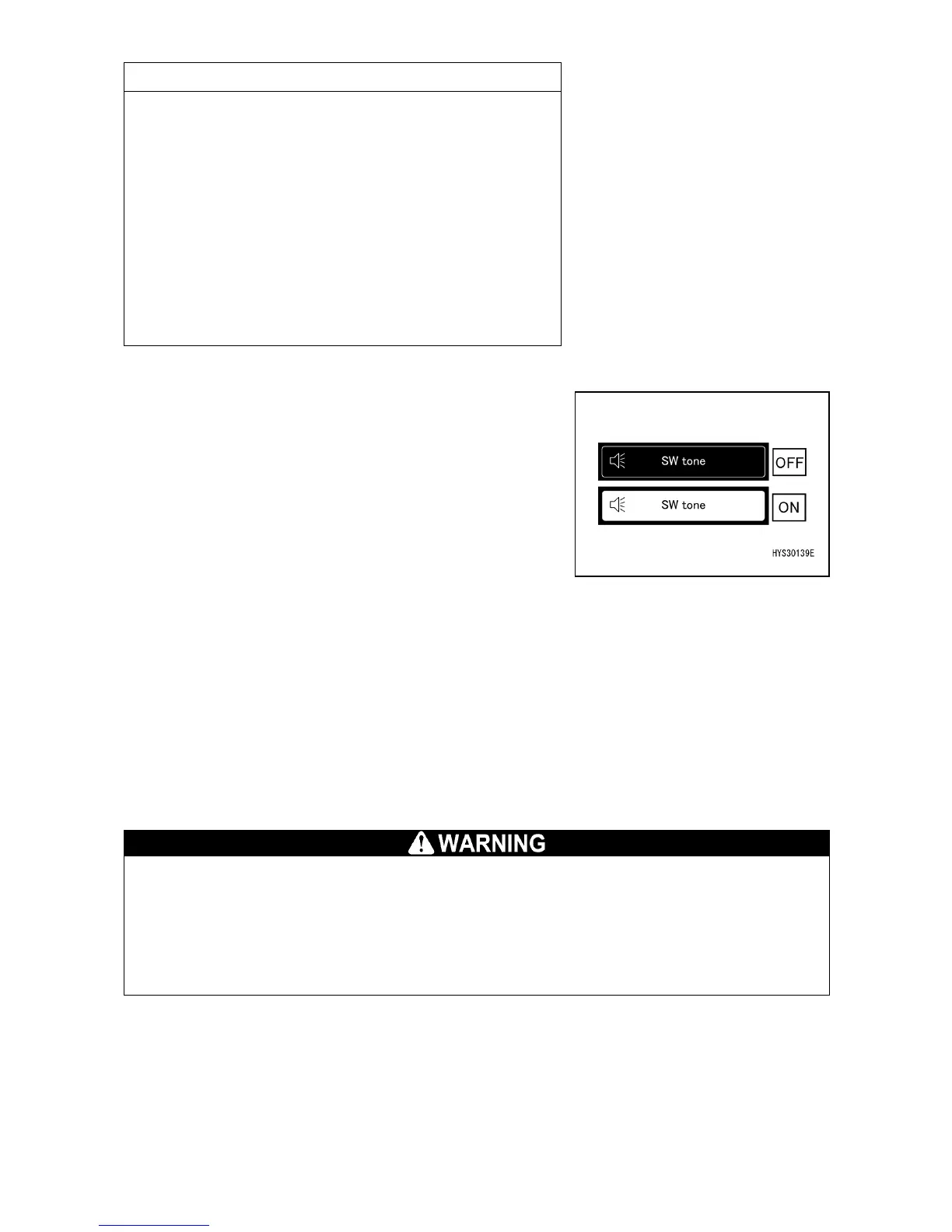
[2-10] SWITCH OPERATION SOUND ON/OFF CHANGE
When the switch (2-10) is pressed, switch operation sound
ON/OFF can be changed.
• OFF: The operation sound is disabled.
• ON: The operation sound is enabled.
[2-11] HOME SWITCH
• Short-time pressing :Returns one page.
• Long-time pressing :Returns to the top screen.
[2-12] DISPLAY PAGE CHANGE
Each time the switch is pressed, the page changes: "1/2
page to 2/2 page to 1/2 page".
[2-13] SOFTWARE VERSION CHECK
The controller software version can be checked.
[3] HOOK STORAGE SWITCH
The hook storage switch cancels the automatic stop function of the overwinding
prevention device.
When storing the hook block, carefully operate the right work equipment operation lever
and pay due attention not to allow the hook block to crash against the boom.
• Use the hook storage switch only when performing simple storage of the hook block in
While continuing to press the switch (3), operate the right
work equipment operation lever toward the "Hoisting" side.
The hook block is hoisted and is stored in the storage section
of the boom tip.



 To Next Page