EasyManua.ls Logo

Magicard Rio Pro - Printer Operation: Display and Controls; Front Display Panel and Buttons; Off Button Functionality

Magicard Rio Pro
108 pages
Print Icon
To Next Page IconTo Next Page
To Previous Page IconTo Previous Page
Loading...
Ultra Electronics Card Systems
Rio Pro Maintenance Manual
- 14 -
SECTION 4 DYE FILM OPTIONS
MA300YMCKO Dye Film is the appropriate choice for colour printing with Rio Pro Printer.
MA250YMCKOK Dye Film (for the double-sided models only), is more economic when printing in colour on the front side
and black on the rear.
MA1000K & MA600KO Dye-Film where cost is critical, monochrome printing is a fraction of the cost of colour printing.
The Table below is a guide to selecting the best Dye Film to use for any intended application.
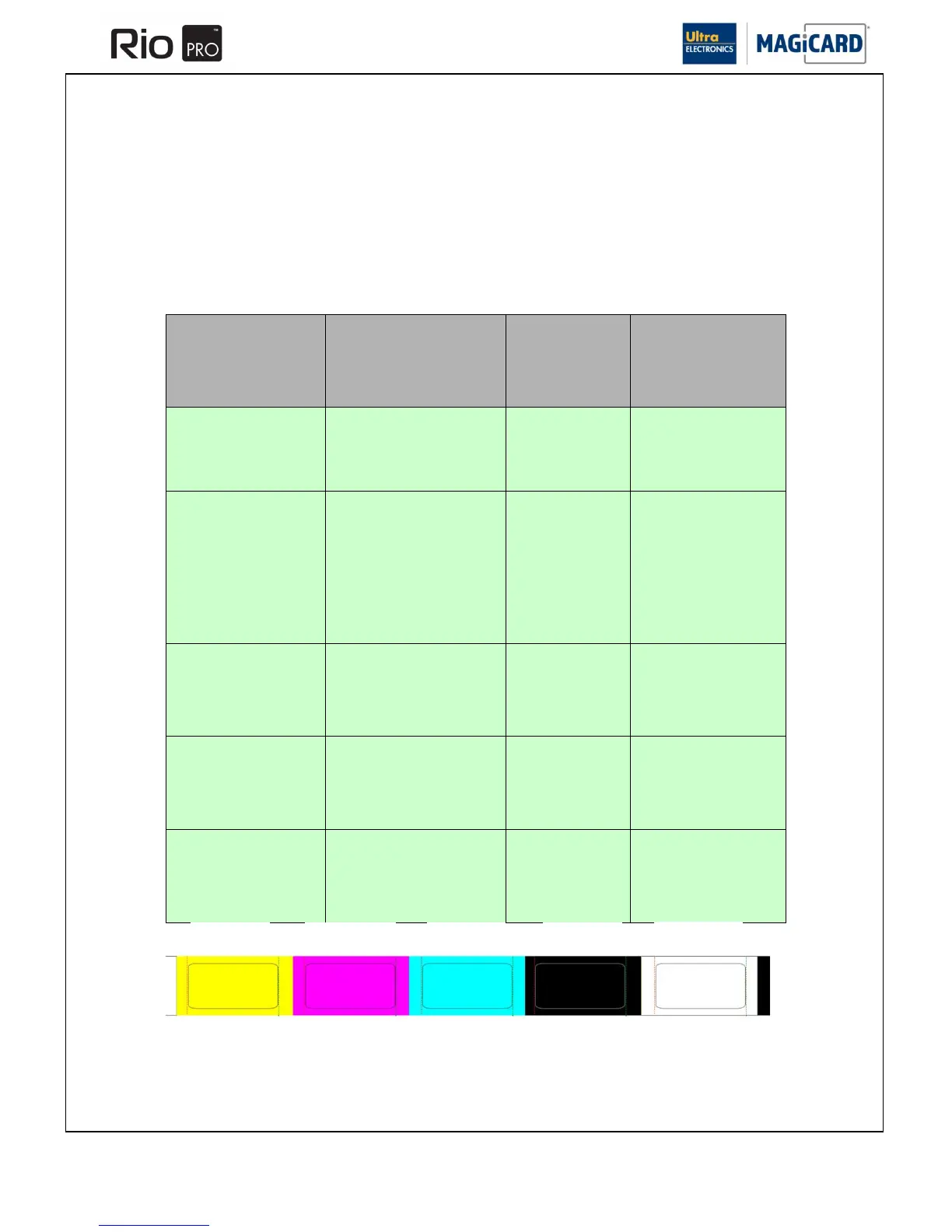
Ribbon Layout Colour Key
Included with each Dye-Film is a Cleaning Roller.

Full color Cards
or monochrome
Cards
Per
ribbon
Ribbon
Panel
layout
Part Number
Full
Colour
300 one side only or 150
both sides
YMCKO
MA300YMCKO
Monochrome:
Black
Red
Blue
Green
Gold
Silver
White
Scratch
1000 one side only or
500 both sides
K
MA1000K n
(n = colour)
Black &
Overcoat
600 one side only or 300
both sides
KO
MA600KO
Colour front &
Black back
250 front & back
YMCKOK
MA250YMCKOK
Colour front &
colour back
150 Front & Back
YMCKO
MA300YMCKO
Yellow (Y)
Magenta (M)
Cyan (C)
Resin (K)
Overcoat (O)

Table of Contents

Other manuals for Magicard Rio Pro

Related product manuals