Ultra Electronics Card Systems
Rio Pro Maintenance Manual
The Magicard Rio Pro Printer can be purchased in single or double-sided printing format.
If you choose the Rio Pro single format model, you can purchase an upgrade from Magicard. This will change the
Rio Pro to a Rio Pro Duo in the convenience of your Office allowing you to print double-sided Cards.
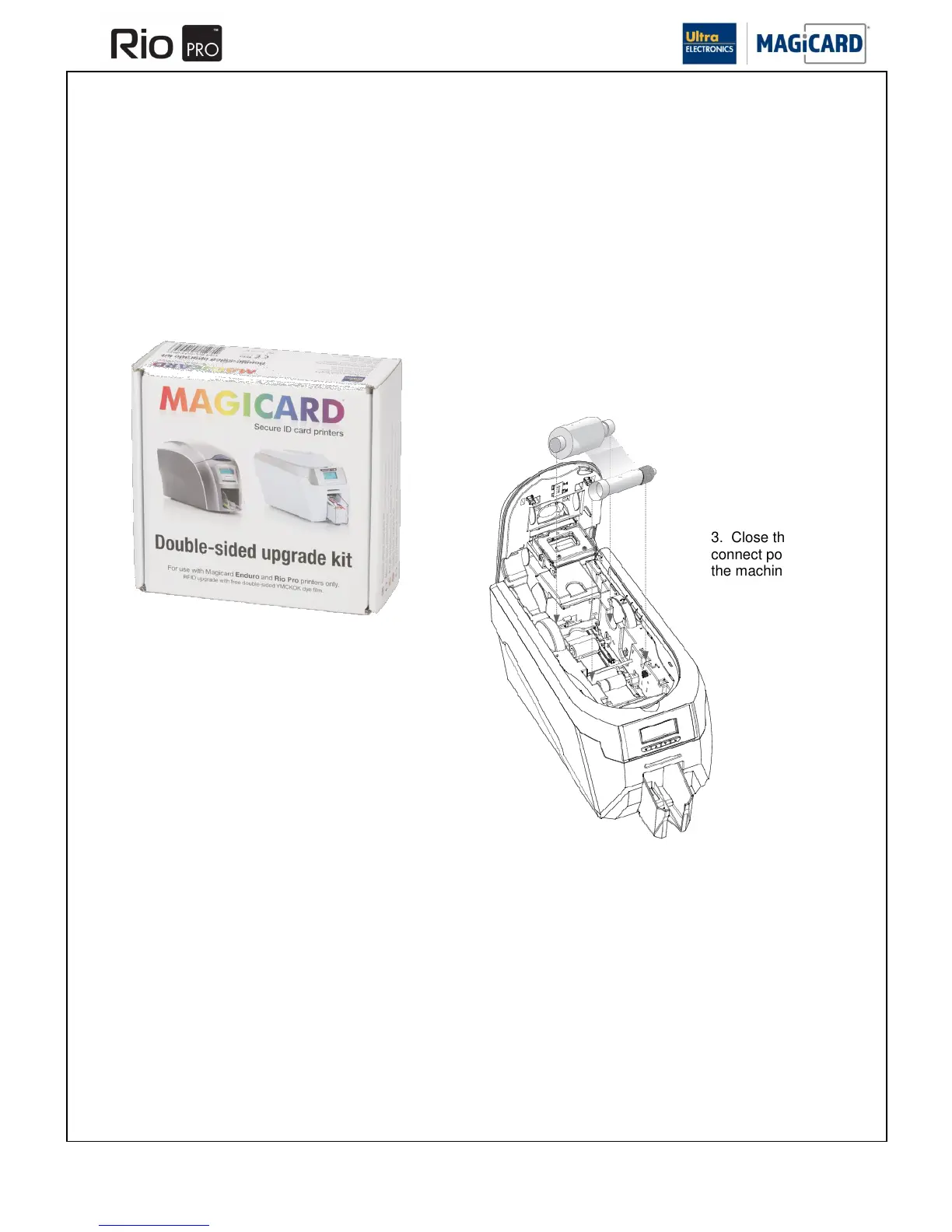
No tools are required for this upgrade. Simply drop the Dye-Film upgrade into the machine.
1. Purchase the upgrade kit
from Magicard Sales.
2. Fit the upgrade Film into
the Printer.
3. Close the Lid and
connect power to
the machine.
4. Wait for the Printer to finish initialising (the Printer Display will change
colour and show text). You are now ready to print.
The upgrade is Printer specific, so once the Dye-Film upgrade has been
fitted into a Rio Pro it will not work in another Printer.
The Printer is now enabled for duplex printing with any type of Dye-Film,
YMCK, YMCKK etc.
SECTION 5 SINGLE / DOUBLE-SIDED UPGRADE.















 To Next Page