Ultra Electronics Card Systems
Rio Pro Maintenance Manual
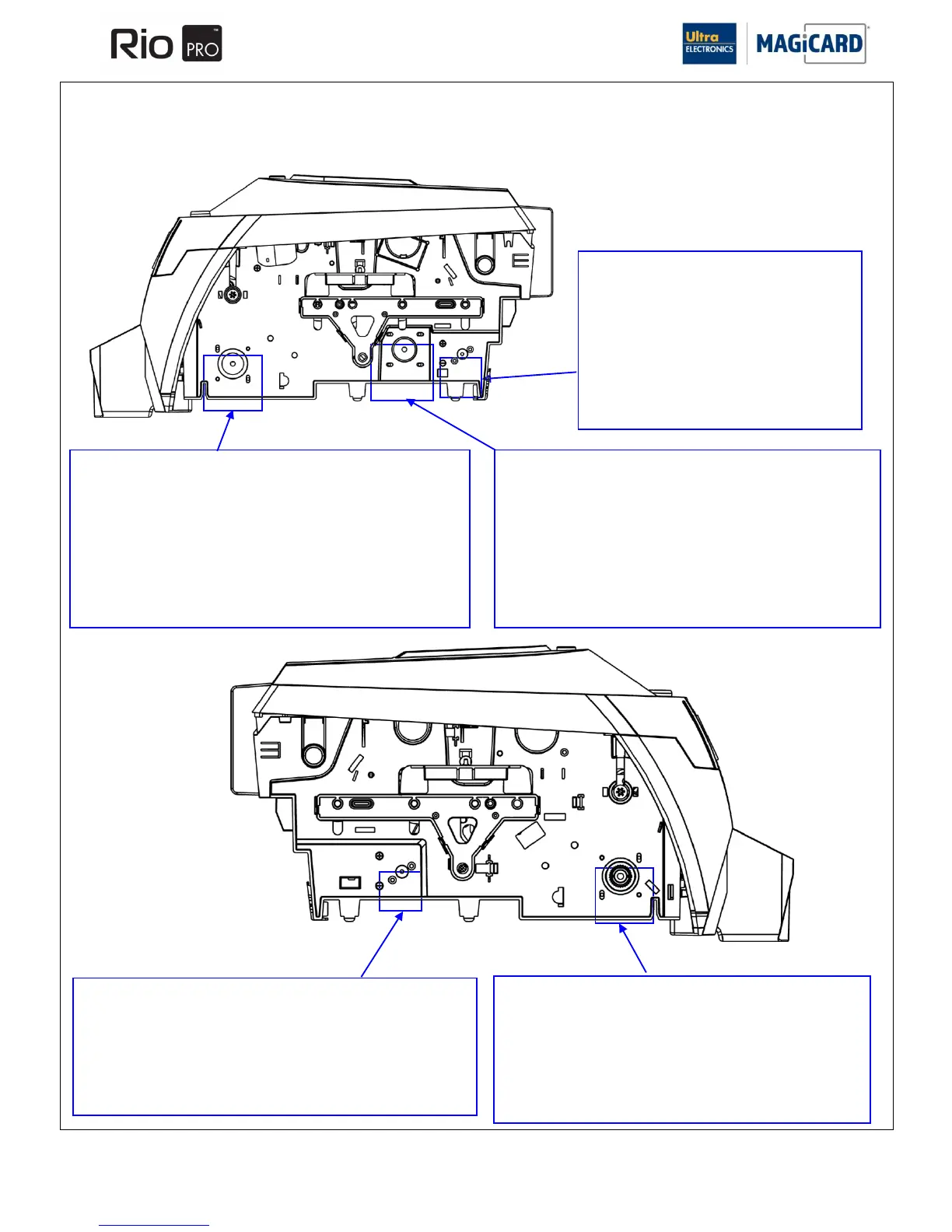
Cam Motor.
1. Disconnect the motor connections.
1. The motor is held in place by two screws, remove these screws.
2. Remove the motor out through the bottom of the print engine.
Refitting is the reverse procedure ensuring the motor aligns with the
screw holes.
Card Drive Flipper Motor.
1. Disconnect the motor connector.
2. The motor is held in place by two screws, remove these screws.
3. Remove the motor out through the bottom of the print engine.
Refitting is the reverse procedure. Record where the Motor screws are
fitted. Replace these screws in the same holes.
Card Drive Motor.
1. Disconnect the motor connector.
2. The motor is held in place by two screws through elongated
holes. The elongated holes provide movement for Belt tension.
Remove these screws.
3. Remove the motor out through the bottom of the print engine.
Refitting is the reverse procedure but leave the screws loose until the
main drive Belt is fitted and tensioned.
Card Feed Motor.
1. Disconnect the motor connections.
2. The motor is held in place by two screws,
remove these screws.
3. Remove the motor out through the bottom of
the print engine.
Refitting is the reverse procedure ensuring the
motor aligns with the screw holes.
Card Rotation Motor.
1. Disconnect the motor connector
2. The motor is held in place by two screws, remove these
screws.
3. Remove the motor out through the bottom of the print engine.
Refitting is the reverse procedure.
SECTION 11.10 REMOVAL & REFITTING OF THE DRIVE MOTORS & FRONT CARD SENSOR.















 To Next Page