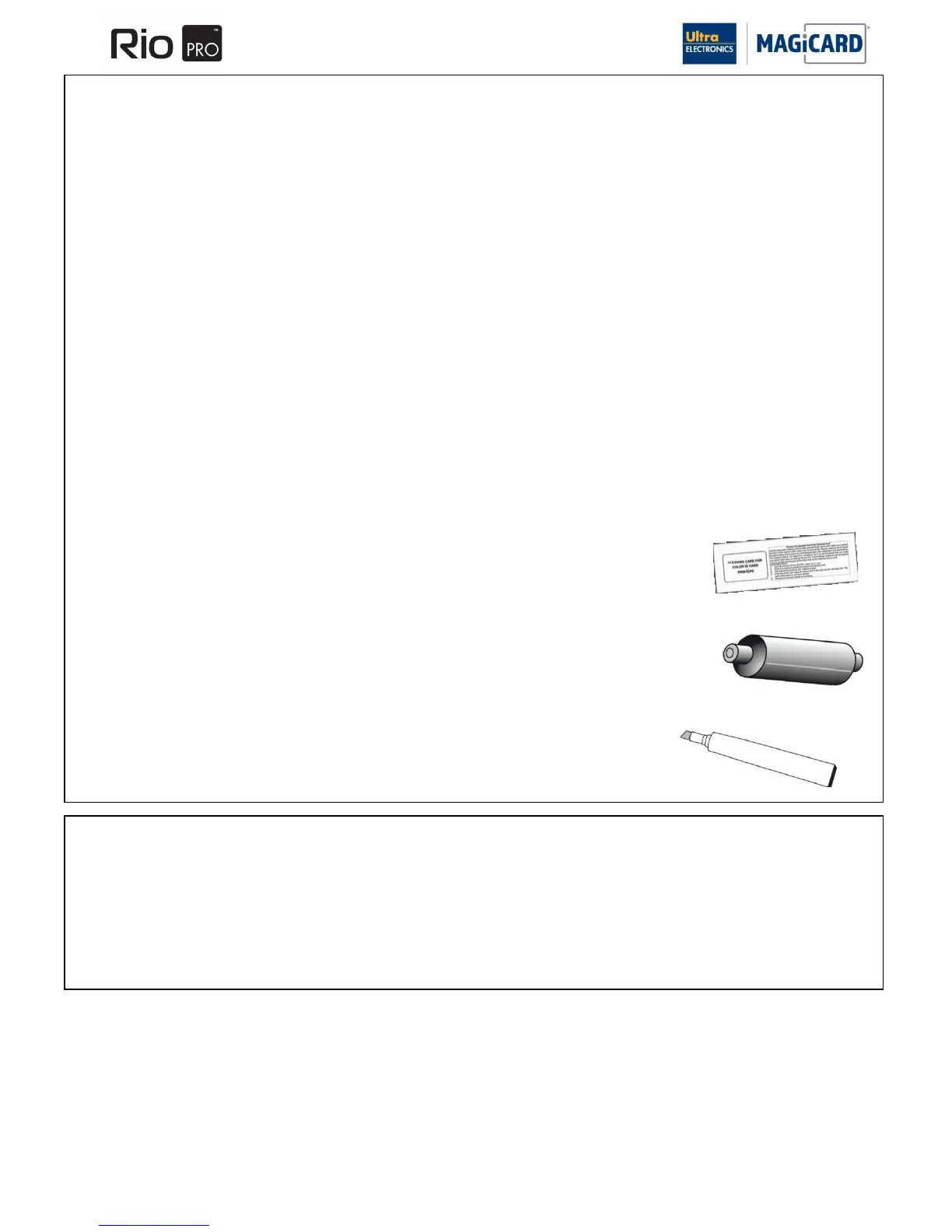
Three Cleaning Cards and a cleaning roller are included with each new Rio Pro and Rio Pro Duo Printer. You can
purchase additional Cleaning Kits, which include cleaning Cards, rollers and pens.
Cleaning Kits
Part Number 3633-0053 (10 cleaning Cards, 5 rollers and a cleaning pen).
Part Number 3633-0054 (Cleaning Roller Kit – 5 sleeves and 1 Roller Bar).
SECTION 7 CLEANING THE PRINTER.
SECTION 7.1 CLEANING IS IMPORTANT
The most important procedure you can do to ensure Card print quality and the ongoing reliable operation of your Printer is
to perform regular cleaning cycles to remove dust and debris from the print rollers.
Plastic Cards attract dust. Dust then gets „printed‟ into the Card surface causing unsightly blemishes and possible
damage to the Print Head.
Your Magicard printer has built-in cleaning rollers to remove dust from the Card stock. These rollers need to be cleaned
periodically to remove the dust and debris accumulation.
Cleaning is Easy and Inexpensive
If you have not already done so, order a Cleaning Kit – see the „Cleaning Supplies‟ – Section 7.2.
A clean Printer produces better quality Cards, as dust and dirt are not present when the Card is being printed.
A clean Printer is far less likely to require factory maintenance, and the Print Head in your Printer will last for many years
of normal use. Remember, large particles of dirt can damage the Print Head.
Magnetic Encoding degrades when rollers are not clean as the Card does not move smoothly.
The Magicard Cleaning System
There are three main steps to your Printer‟s cleaning system - a Cleaning Card, a Cleaning Roller and a Cleaning Pen:
1. A Cleaning Card is used to remove dirt from the print path. This should be used after
every 350 prints (every time you replace your ribbon). If you print only a few Cards a
day, we recommend that you clean the Printer more often.
2. There is a disposable Cleaning Roller in the Printer, which should be replaced after
every 1000 prints (approx. after using 3 rolls of ribbon). One cleaning roller is provided
with a new roll of Dye Film
3. There is also a Cleaning Pen, which is used to clean the Print Head. We recommend
you use this if any lines or discolorations are seen on printed Cards.
Follow the instruction on page 23 for how to clean the Printer.
SECTION 7.2 CLEANING SUPPLIES















 To Next Page