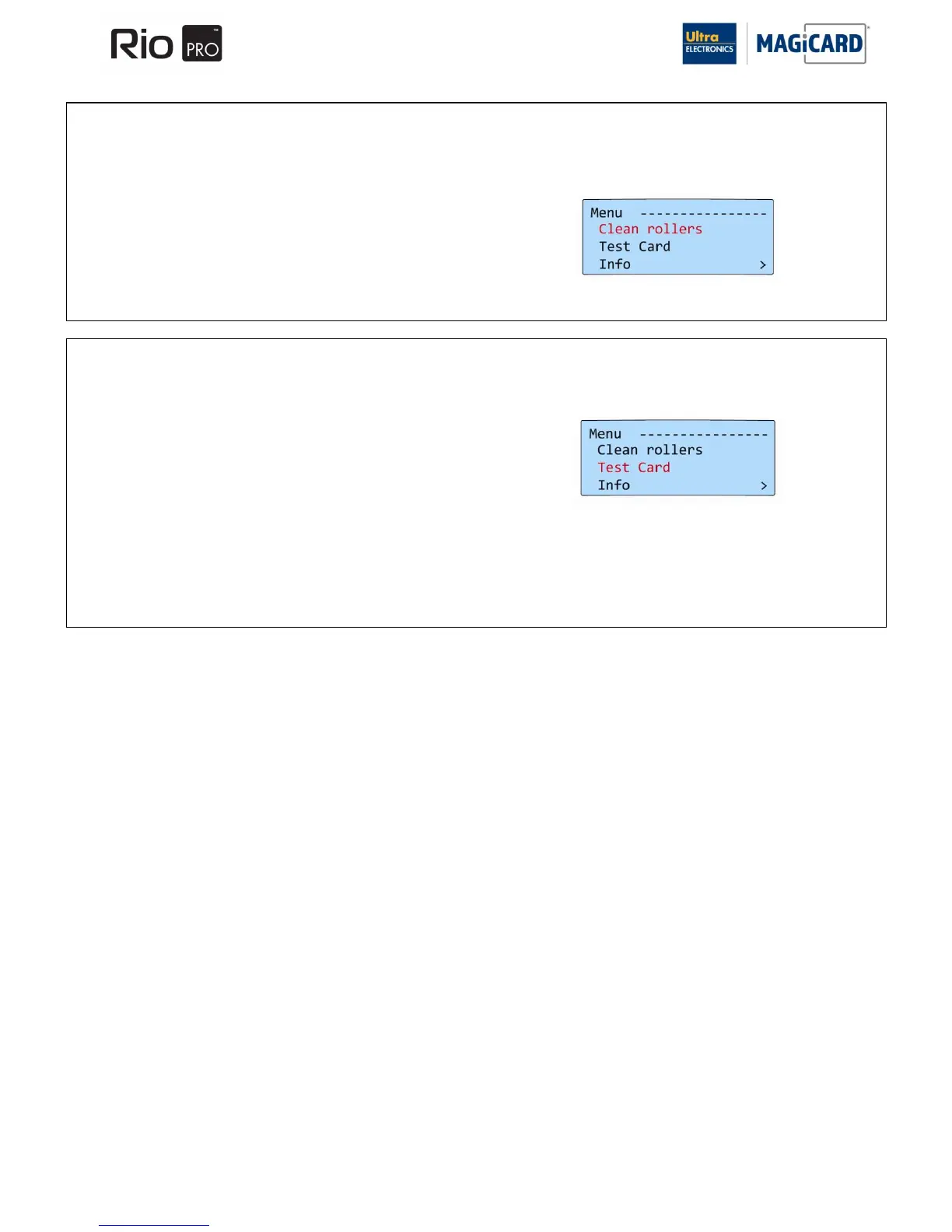
SECTION 9.1.1 1. CLEAN ROLLERS
IMPORTANT: To prevent the Cards slipping on the Rollers during Printing, we recommend that you clean the Printer
using a Cleaning Card each time the Dye-Film roll is replaced.
SECTION 9.1.2 2. TEST CARD
Follow the procedure below to clean the Card transport rollers in the Printer.
Having selected this option, you will be asked to confirm that you wish to
print a Test Card.
If you select “Yes” the Printer will feed a Card from the Hopper and print
an internally generated Test image on it.















 To Next Page