SECTION 7.5 CLEANING THE PRINT HEAD.
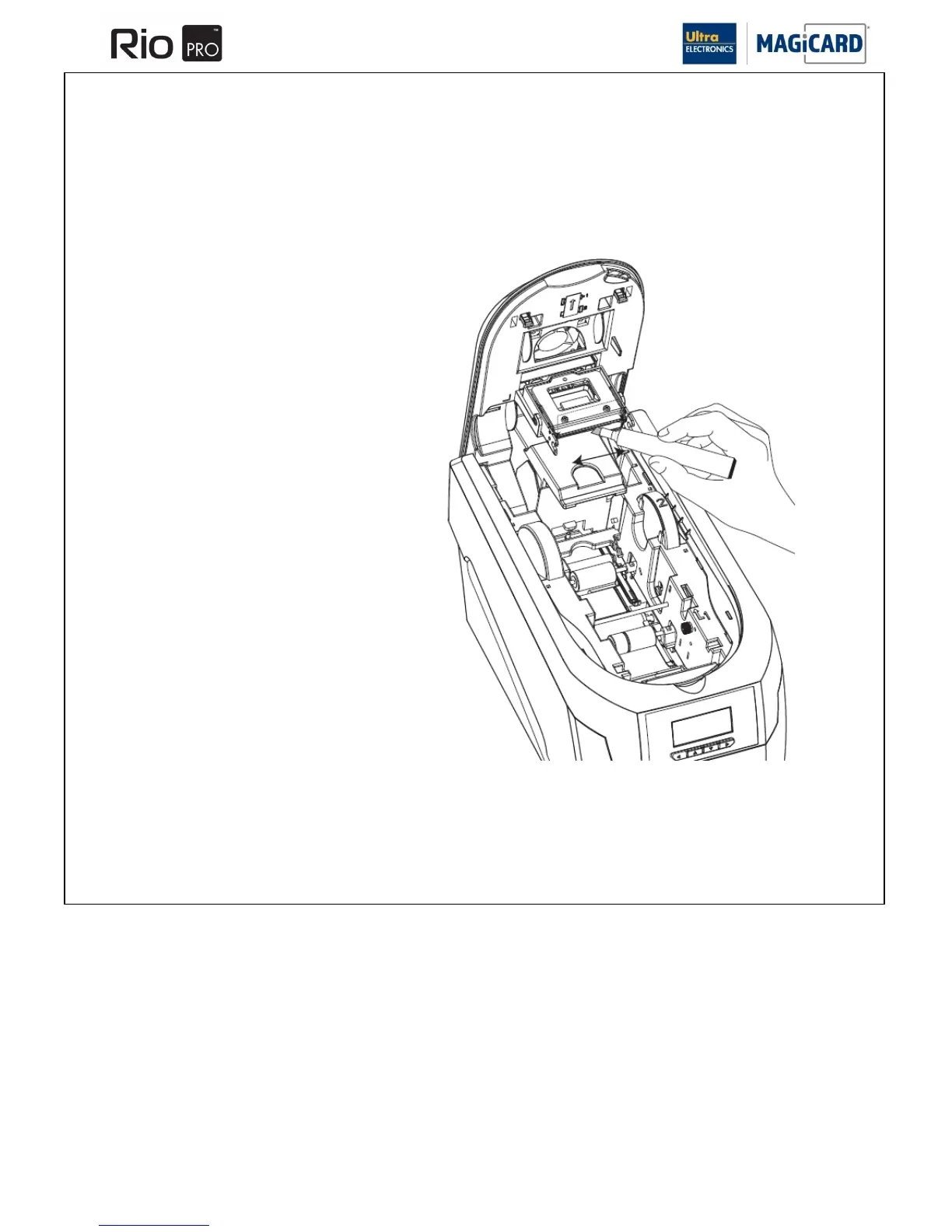
Step 3 Cleaning the Print Head.
The Print Head should be cleaned if any lines or discolorations are seen on printed Cards.
It is also a good idea to clean the Print Head when you replace the ribbon.
1. Use the special Print Head cleaning Pen from your
Magicard printer cleaning kit. See Section 6.1
„Cleaning Supplies‟.
2. Open the Printer and draw the Pen several
times across the complete length of the
Print Head.
Please Note: The Print Head becomes hot during printing so the Cleaning Pen may need to be drawn along the face of
the Print Head several times.















 To Next Page