SECTION 9.1.5 5. MAG SELF TEST
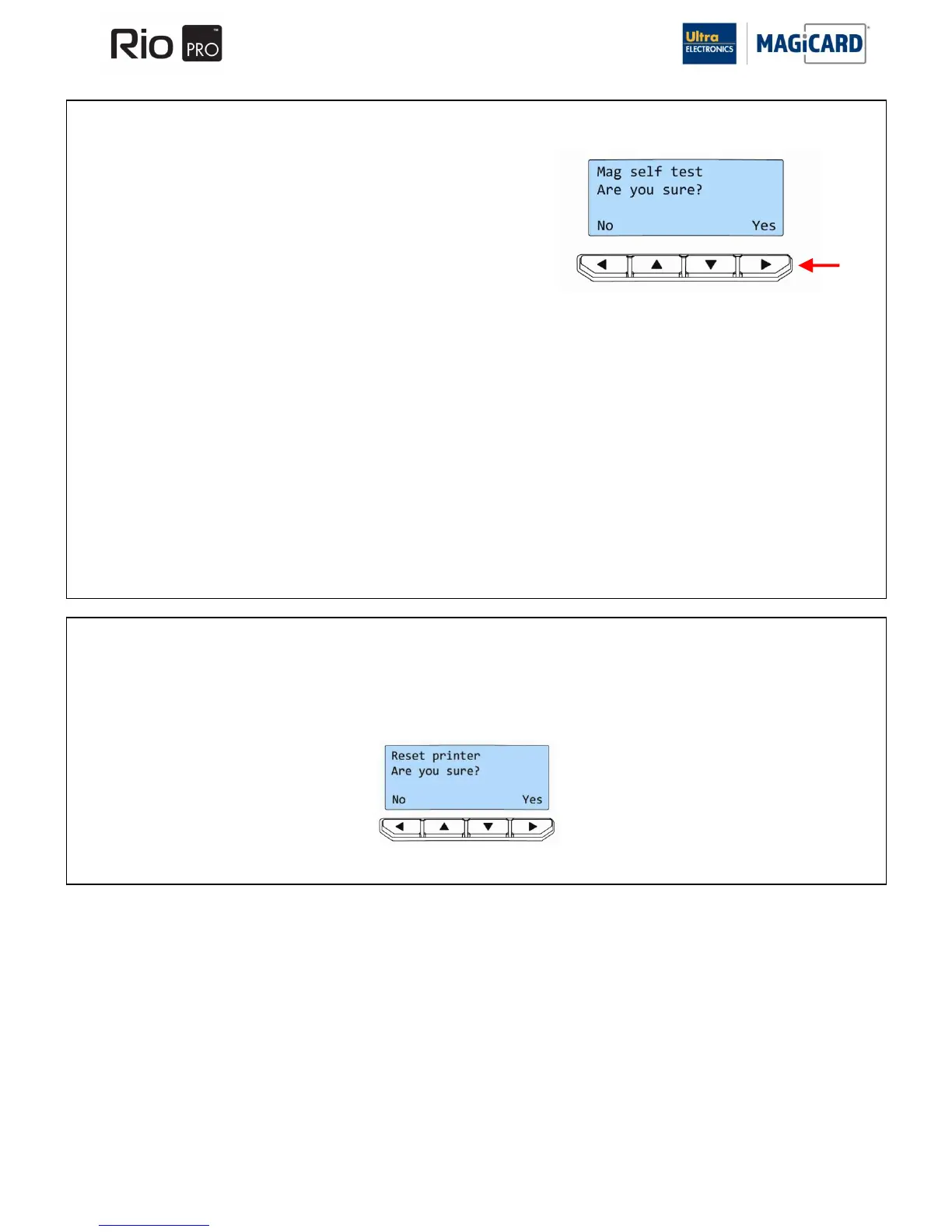
Select “YES” on this option, if you wish to test the magnetic encoding
option of the Printer.
You will be asked to confirm that you wish to encode and print a Test
Card.
If you select the “YES” option (arrowed), the Printer will feed a Card
from the Hopper, encode the magnetic stripe and print an internally
generated test image on it.
NOTE: If your Printer does NOT have a magnetic encoder fitted, it will be unable to perform this test and will instead
display the message:- “Mag not fitted!”
SECTION 9.1.6 6. RESET PRINTER
Selecting this option (“Yes”) will force the Printer to re-initialise (the same effect would be seen if the Printer‟s DC Power
cable were removed and refitted).















 To Next Page