NOTE
If the computer you are configuring for a USB connection to the Magicard Printer has
at some time run another manufacturer‟s Printer (e.g. Eltron C-Series printer), a
Windows file necessary for the Magicard installation could be missing.
(The symptoms of this are that the computer does not seem to detect the Printer‟s USB connection, and the
Test Page fails to print).
Recover the file as follows:-
Navigate to c:\windows\inf (Windows XP) or c:\winnt\inf (Windows 2000).
Find the file named usbprint.in, and then rename it to usbprint.inf.
Reconnect the USB cable.
SECTION 8.1 INSTALLATION INSTRUCTIONS FOR WINDOWS 2000/XP/2003 SERVER & VISTA
AND WINDOWS 7 CONTINUED…
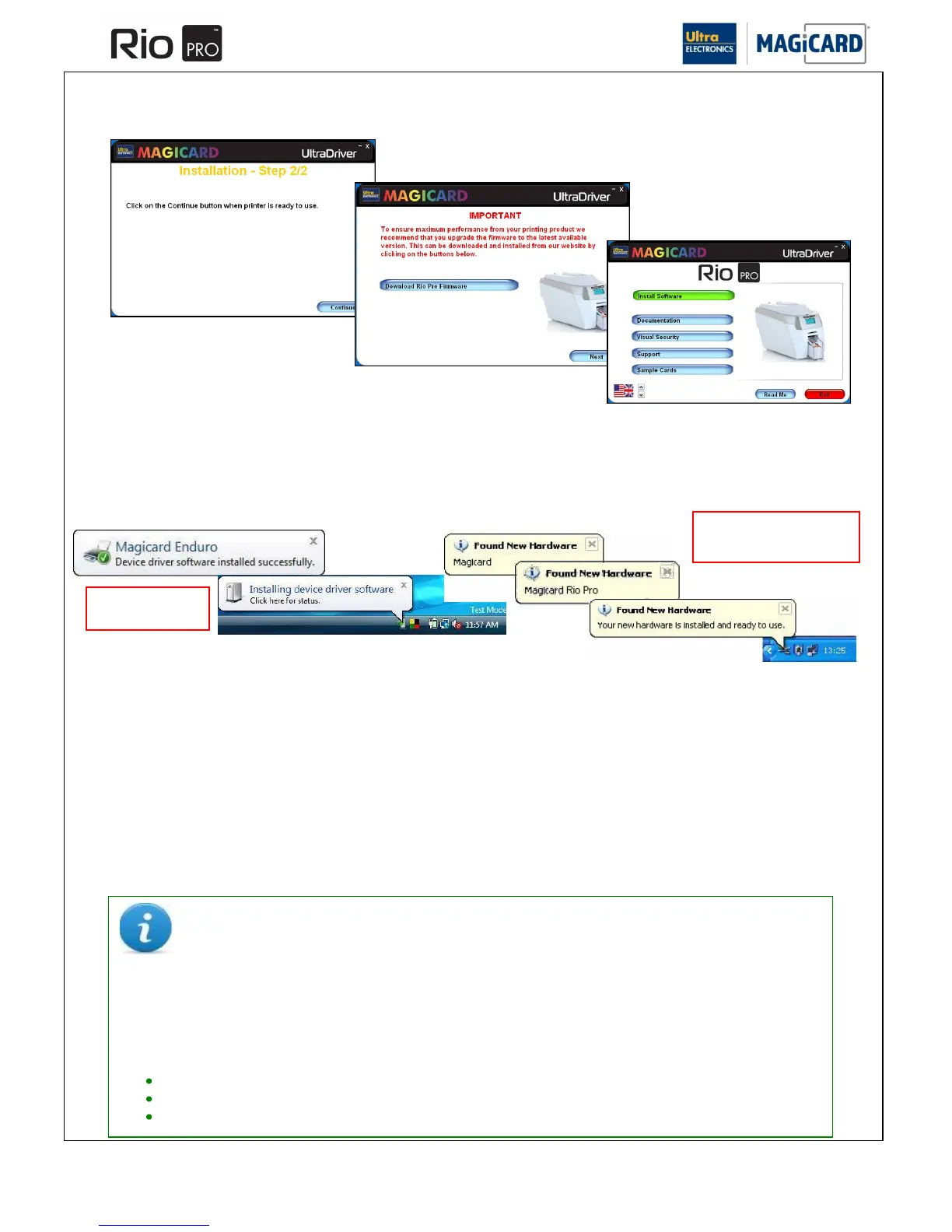
Ensure the Printer is switched on and showing “Ready” on the front LCD display. The Printer can now be connected to
the PC.















 To Next Page