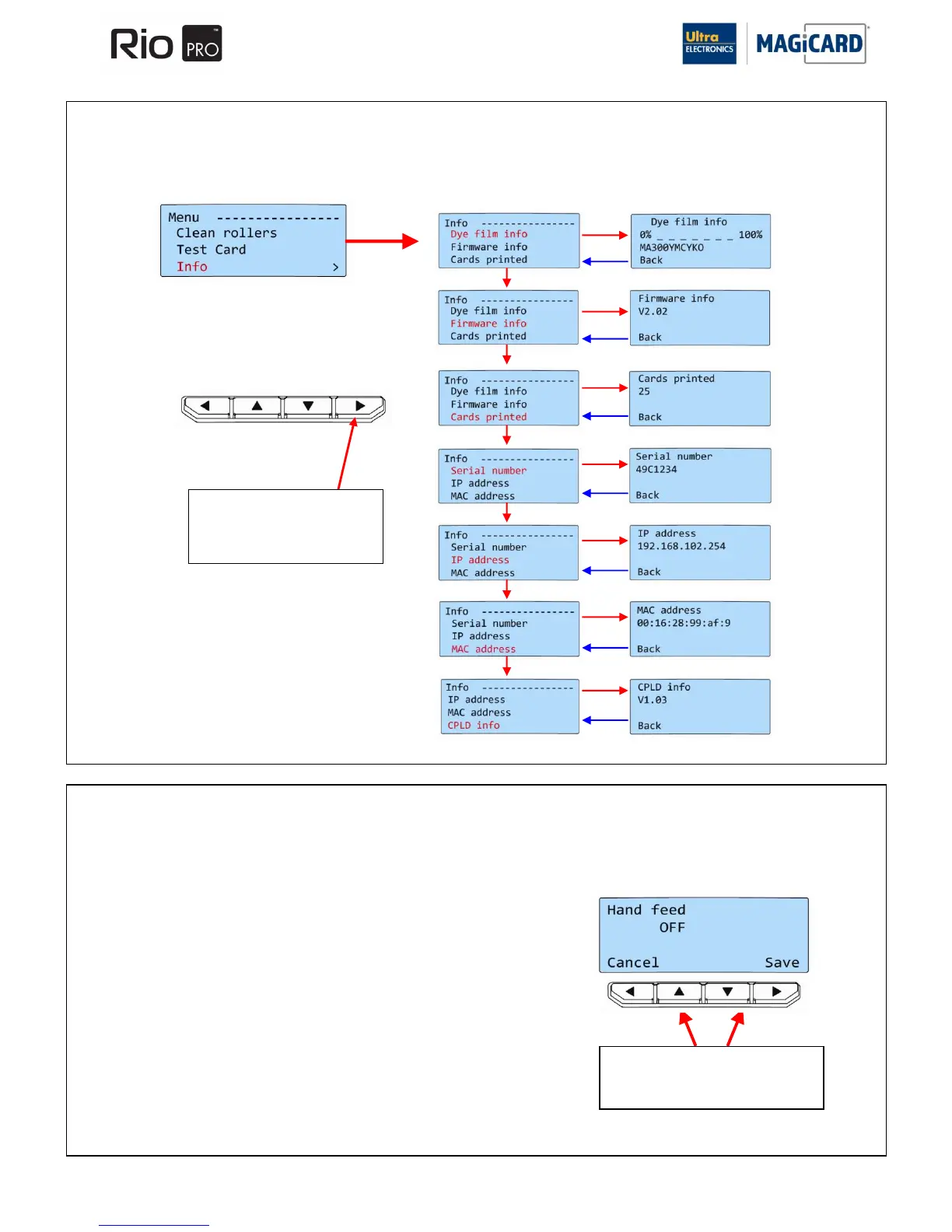
SECTION 9.1.3 3. INFO
This option provides you with information about the Printer.
SECTION 9.1.4 4. HAND FEED
Use this section to switch the Printer between “Automatic Card Feed” (Card feeder at the rear) or “Hand Feed” (front slot).
OFF – This is the default setting. Cards will be fed automatically from the
Card Hopper.
ON – At the start of each print, the Printer will request you to feed a Card
through the Card Feed slot in the front of the Printer.
NOTE: Cards will NOT feed from the Card Hopper.
Once the desired mode is selected press the “SAVE” Button.















 To Next Page