Ultra Electronics Card Systems
Rio Pro Maintenance Manual
SECTION 11.12 REMOVAL OF THE ROTATION UNIT
SECTION 11.13 REMOVAL OF THE IDLE ROLLERS
Rotation Unit Removal
1. With the Pulleys removed as outlined in Sections 11.7 and 11.8.
2. Remove the white plastic Bushes (holding the Flipper Shaft) from each side .
3. Complete Rotation Unit can now be lifted out the front end of the Printer.
Refitting is the reverse procedure, drop the rotation unit into position ensuring the correct orientation and then fit
the Bearing Plates.
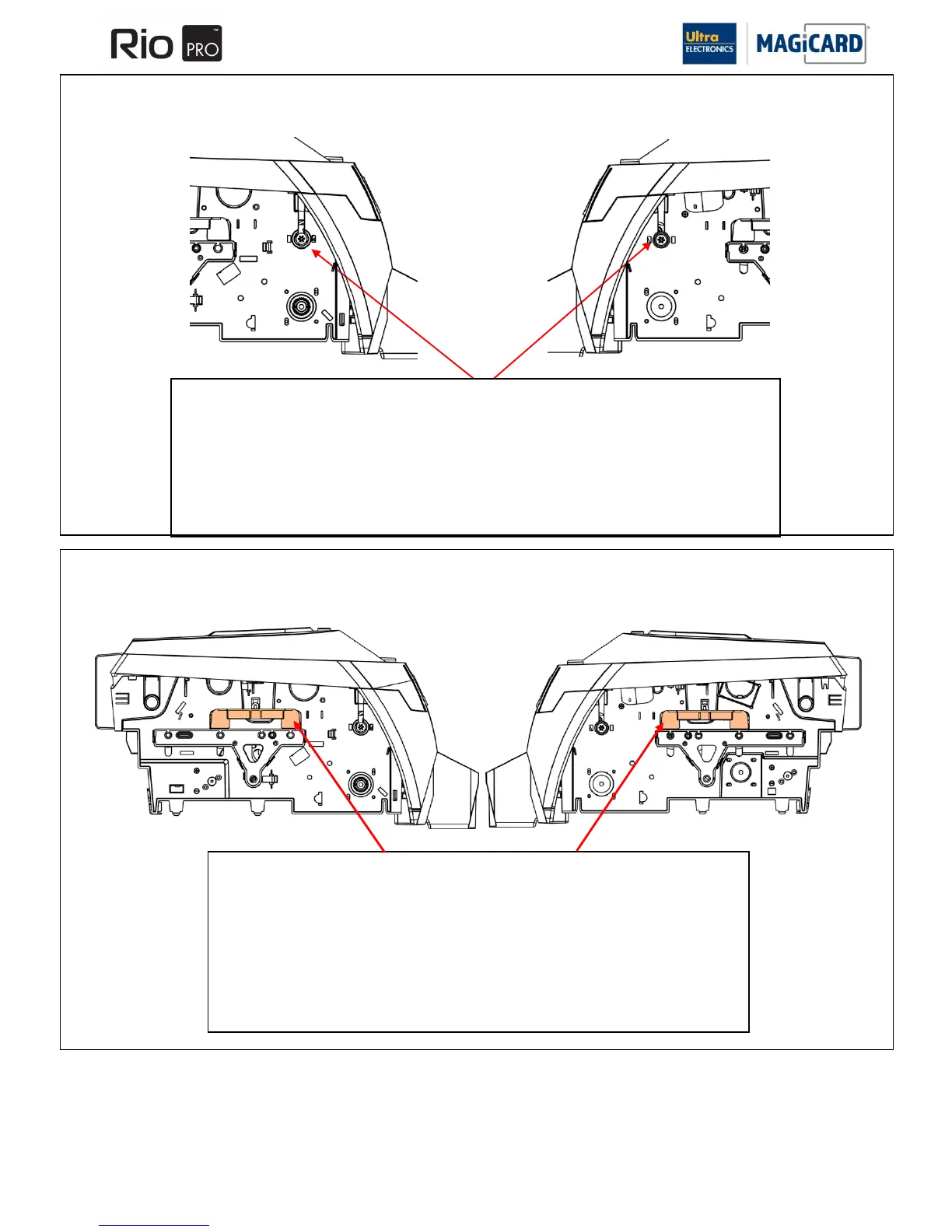
Removing the Idle Rollers
1. Remove the Idle Link Plate springs located centrally above the Idle Link Plate from each side
of the print engine.
2. Lift and withdraw the left and right Idle Link Plate from each side of the Printer.
3. Remove the Idle Rollers from inside the Printer.
Refitting is the reverse procedure; lay the Idle Rollers inside the print engine. Locate one of the Idle
Link Plates, align the Idle Rollers and then locate the opposite Link Plate. Springs can be located
and fitted into place.















 To Next Page