CONVENTIONS
WARNINGS, CAUTIONS AND NOTES.
Throughout this guide, the following conventions are used to identify important information.
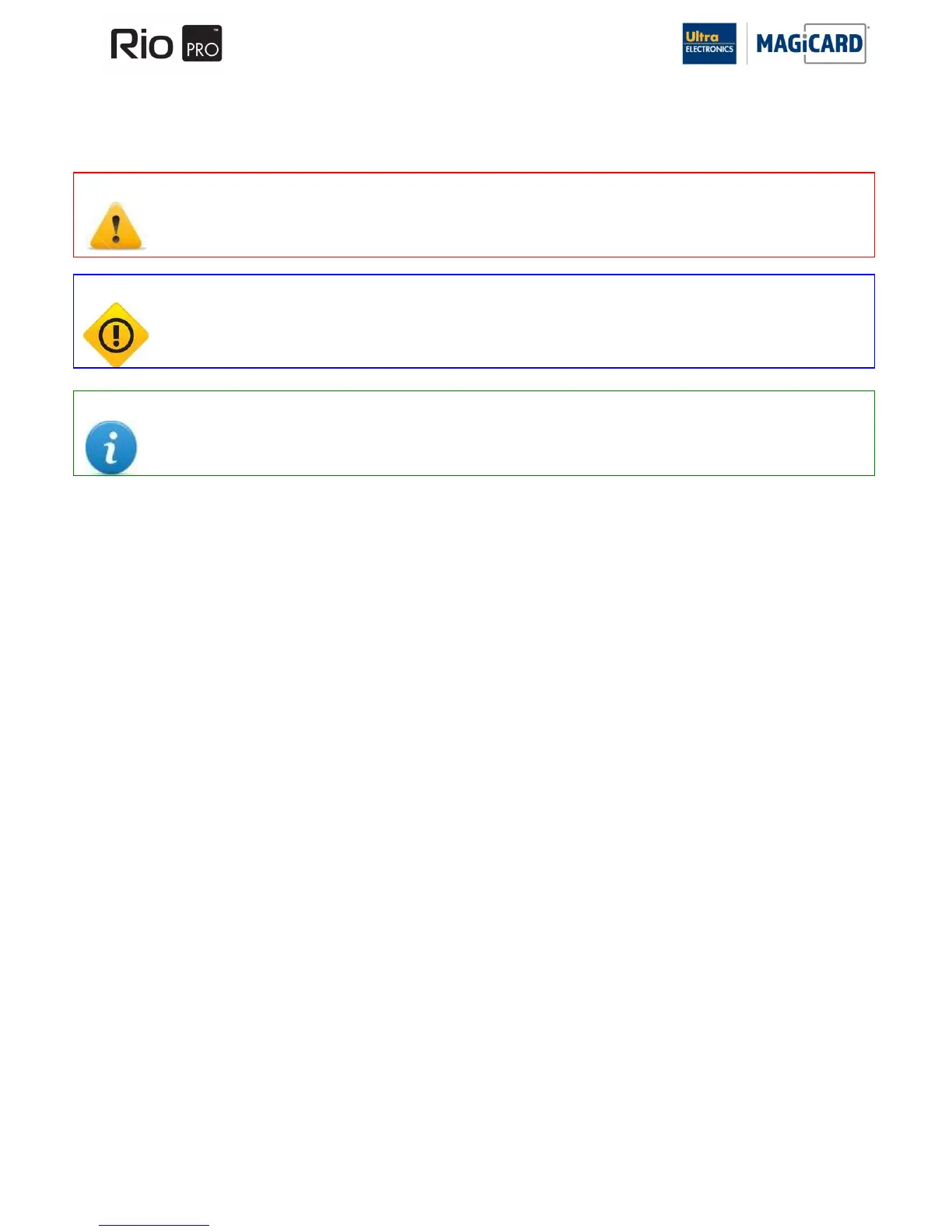
WARNING Warning messages indicate where personal injury could result from not following the correct procedures.
CAUTION Caution messages indicate where damage to equipment could result from not following the correct
procedures.
NOTE Notes convey important information that is identified within the text.
The information contained in this document is subject to change without notice.
Ultra Electronics Limited shall not be liable for errors contained herein or for incidental consequential damages in
connection with the furnishing, performance or use of this material.
This document contains proprietary information belonging to Ultra Electronics Limited and may not be wholly or partially
copied, stored in a data retrieval system, disclosed to third parties or used for any purpose other than that for which it was
supplied, without the express written authority of Ultra Electronics Limited. All rights are reserved.
MAGICARD
®
, Rio, Tango, UltraCoverplus, Alto, Opera, Prima, Prima 2E, Prima 3, Holokote, Rio 2, Tango 2, Rio 2E,
Tango 2E, Rio Pro, Rio Pro, Ultra Shield MAGICARD
®
is registered as a Trademark with the United States Patent and
Trademark Office, Reg. No. 2,197,276
The Ultra Secure feature of Magicard® Printers is protected by US PATENT No: 5,990,918 and by EUROPEAN PATENT
SPECIFICATION EP 0 817 726 B1.
Microsoft and Windows 2000, XP and Vista are trademarks of Microsoft Corporation.
Copyright © 2004 Ultra Electronics Limited.















 To Next Page