Ultra Electronics Card Systems
Rio Pro Maintenance Manual
WARNING Personal injury could result if the appropriate safety measures are not followed.
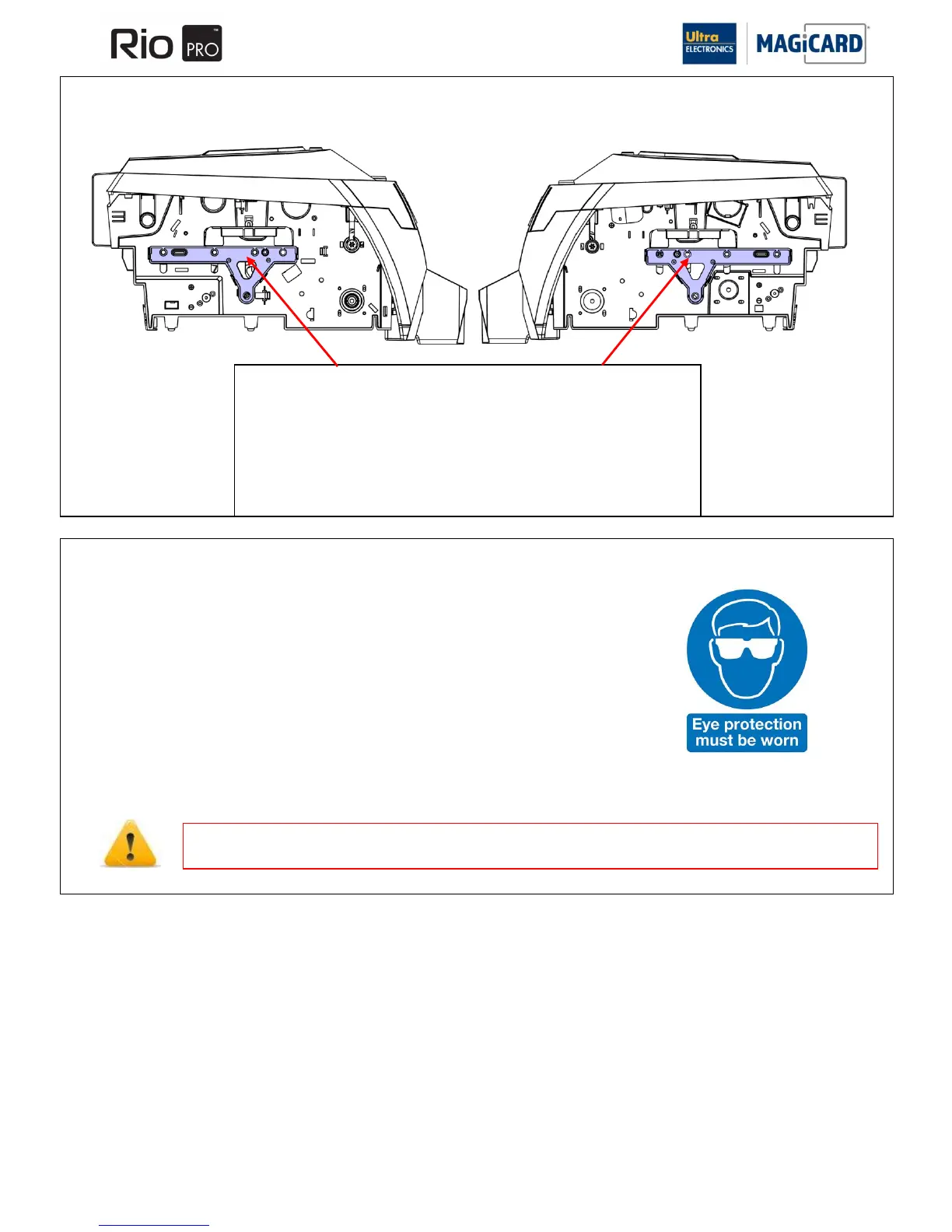
SECTION 11.14 REMOVAL AND REFITTING OF THE LARGE BEARING PLATE
SECTION 11.15 REMOVAL AND REFITTING OF STEEL CIRCLIPS
Steel Circlips are used throughout the Rio Pro (including the mounting of the
Large Bearing Plate).
When Removing and refitting these, always wear approved eye protection.
Removing the Large Bearing Plates
1. Ensure all remaining Spring Washers are removed for the metal roller shafts.
2. Working underneath the printer release the four left and right plastic catches
holding the bearing plates in position.
Refitting is the reverse procedure ensuring Cam and roller shafts are located in the
correct holes. Ensure the bearing plate with the idle roller fitted is located on the right
side of the Printer.















 To Next Page