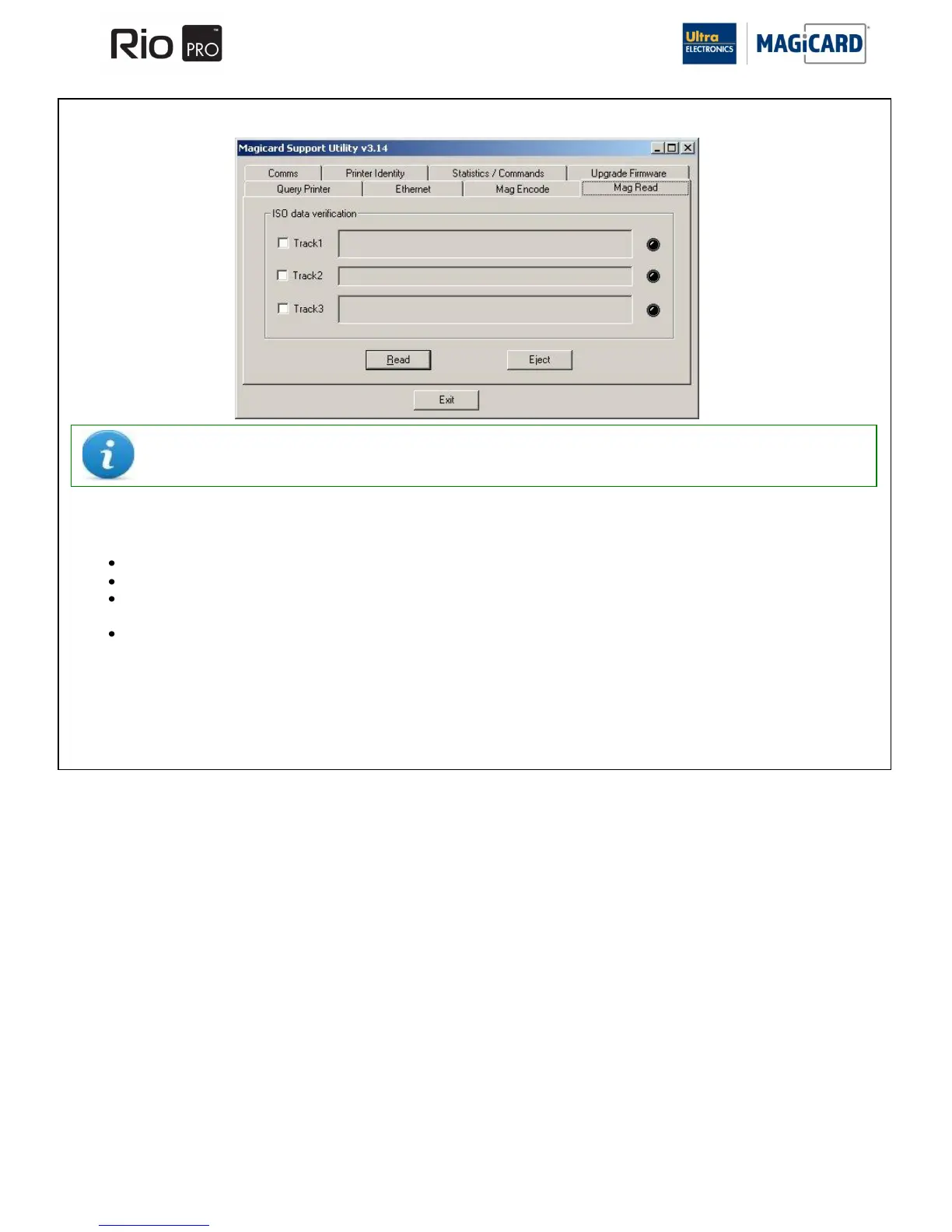
“Mag Read function” enables you to read ISO Standard magnetic encoding using the Printer hardware.
To use this tool:-
Ensure a magnetic encoded Card is loaded into the Card Hopper.
Select the Track(s) that you wish to read using the tool.
Click on the „Read‟ button. If successful, your data will be displayed together with an accompanying „green‟
indicator. If it fails, no data will be displayed together with an accompanying „red‟ indicator.
Choose „Eject‟ to feed the Card out the front of Printer.
PLEASE NOTE:- The Magnetic Reader function is NOT a reliable indicator of magnetic Encoding quality.
It contains no error correction functions and so is not a substitute for a Magnetic Swipe Reader.















 To Next Page