Root NIBPT Chapter 2: Setting Up
www.masimo.com 29 Masimo
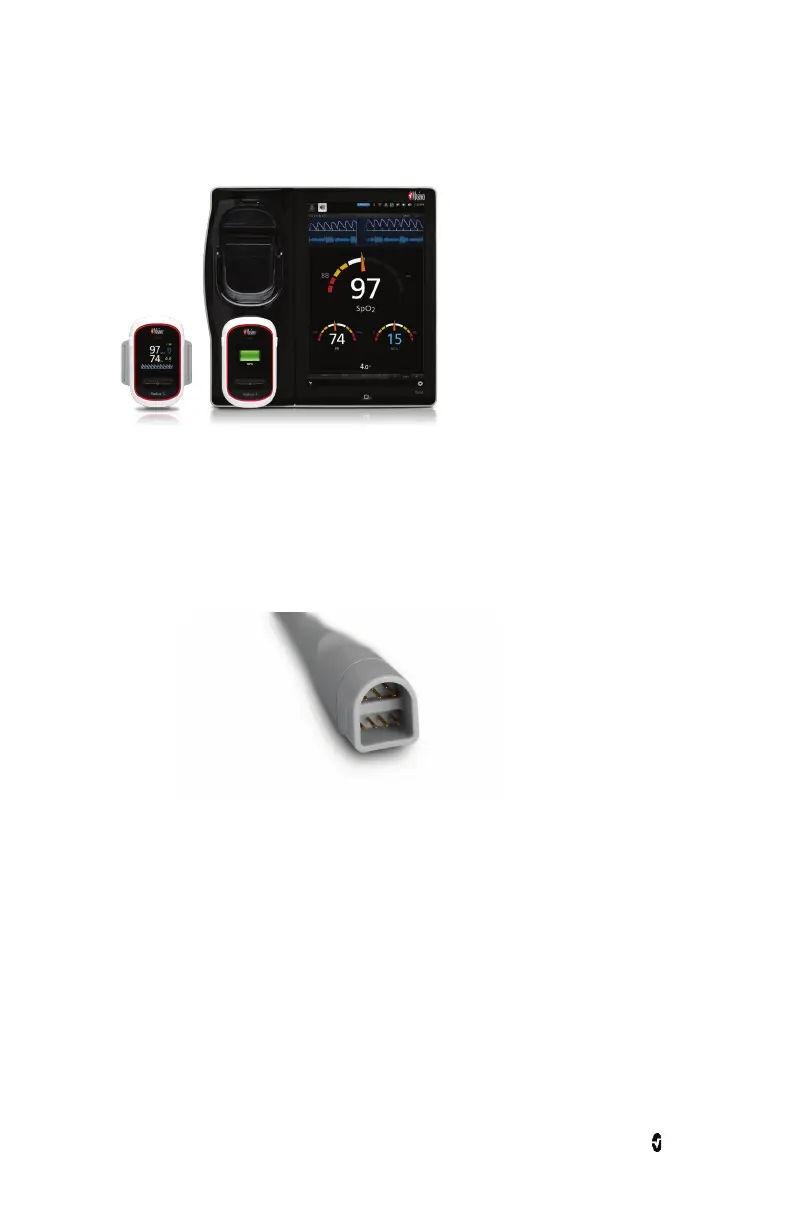
5. When properly connected, an illuminated Radius-7 Battery icon will appear in the
Status Bar, and the rainbow Window will appear on the Root display.
MOC-9 Connection
To connect a MOC-9 module to Root
1. Identify the Masimo Open Connect (MOC-9) end of the module.



 To Next Page