24 2011
User notice
M24D Hellios
V 1.0
14
987
12 1311
10
2
3
4
5
6
1
4.3. Lighting and indications
You must put the key in the ignition to use the following controls
◦Hazard lights
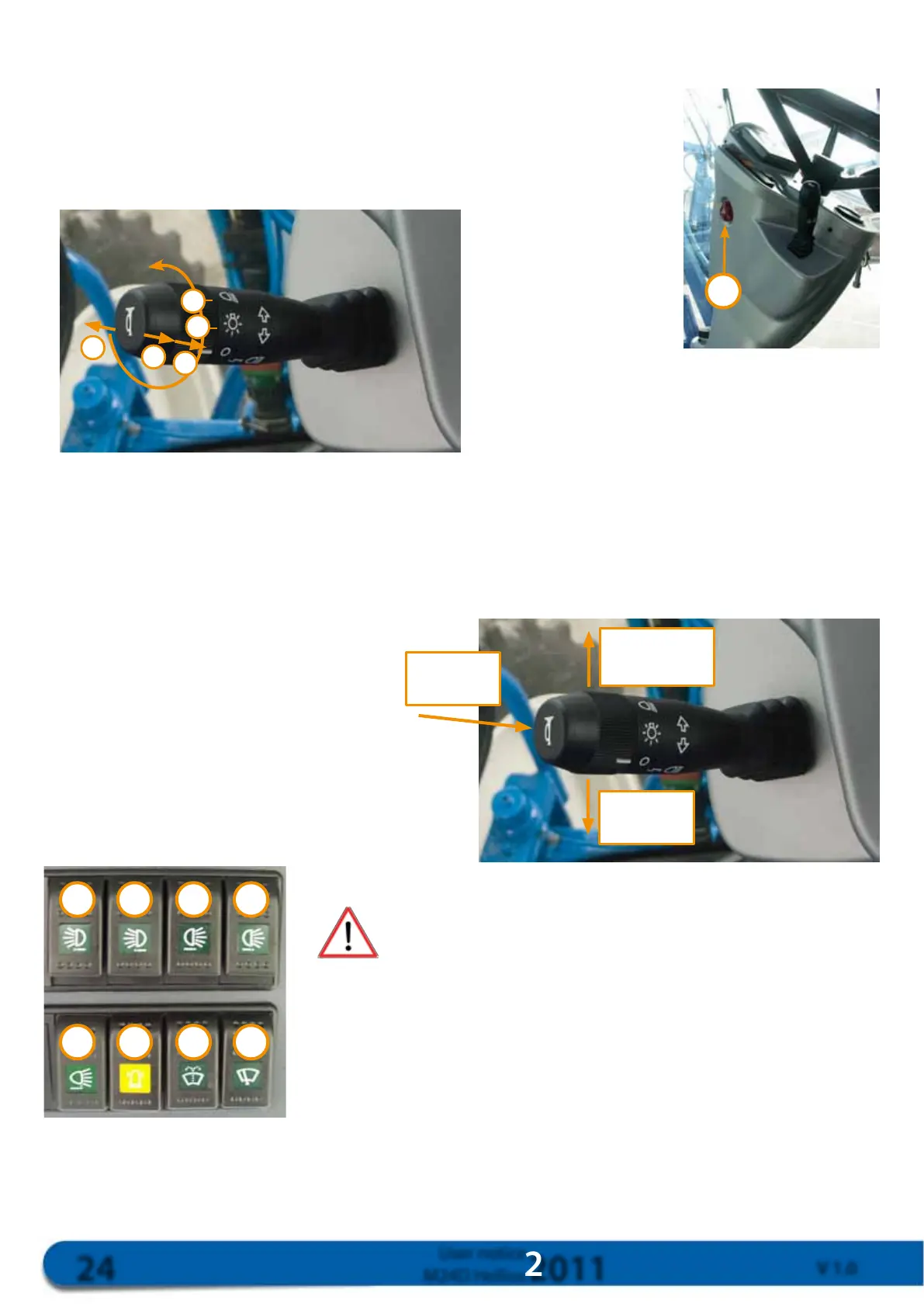
Press the switch to flash your lights. ①
◦Position lights
Rotate the switch from position 0 to position ②.
◦Full and low beams
Rotate the switch to position ③.
Activate the switch (Photo above).
To the left ④: full beam
To the right ⑤: low beam
Hold the switch in position ⑥ to flash your lights.
◦Turning indicators
Activate the switch (Photo opposite)
forwards or backwards.
◦Horn
Press the switch (Photo opposite).
◦Rotating beacon
ON/OFF switch. ⑫
◦Work lights
Controlled by switches ⑦ to ⑪, these lights must never
be used on the road.
Long-range front cab lights switch ⑦
Medium-range front cab lights switch ⑧
Long-range rear cab lights switch ⑨
Medium-range rear cab lights switch ⑩
Boom light switch (Option) ⑪
Right turning
indicator
Left turning
indicator
Horn



 To Next Page