26 2011
User notice
M24D Hellios
V 1.0
4.5. Heating and air conditioning
The electronic HVAC controller GL-E110 is managed by a computer, intended to control a vehicle heating/air
conditioning system with defrost function. This system can modify the fans, compressor and heating to obtain the
required temperature inside the cab.
4.5.1. Control panel
The control panel includes the main processor and consists of a keypad for HVAC system settings and a digital
display for parameters, operating status, fan speed and temperature.
4.5.2. ON/OFF
After connecting 12/24 V power, the screen will display the software version, and then the decimal point on the
screen will flash to indicate that it is on stand by.
To turn on the screen, press
, and either the actual temperature (if the SL parameter is 0), or the temperature
setpoint (if SL is 1) will be displayed. (To adjust the SL parameter, refer to chapter 3. System parameters)
To turn off the control panel, simply press
.
4.5.3. Digital screen
The screen will normally display the ambient temperature or the temperature setpoint. The screen also displays a
warning if a failure occurs anywhere in the system as well as system parameters.
4.5.4. Temperature sensor
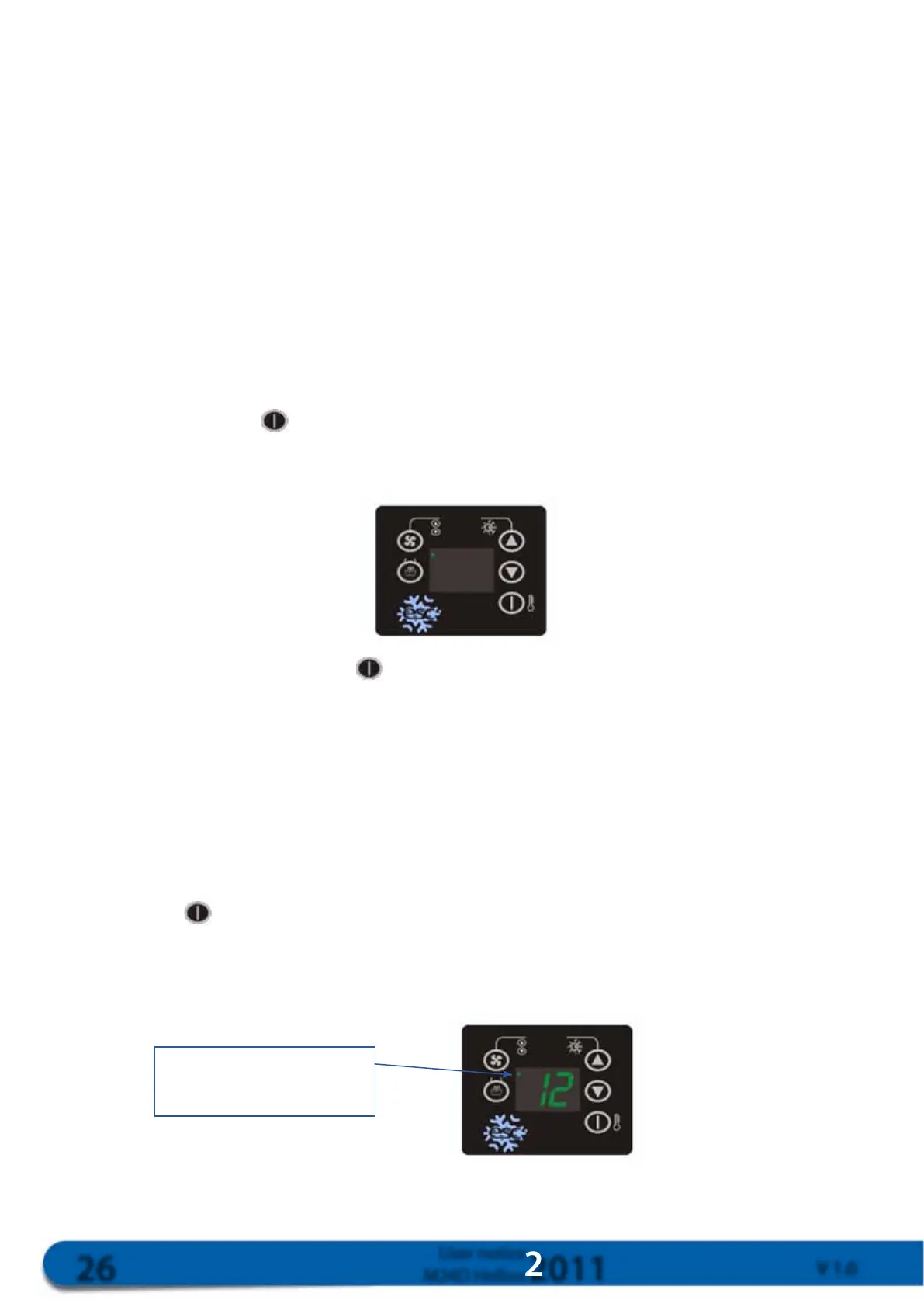
The internal temperature will be displayed when the system is on if the SL parameter is 0. To view outdoor
temperature, press
when the system is connected. Outdoor temperature will be displayed with a dot in the upper
lefthand corner.
Displaying outdoor temperature
Indicates outdoor temperature
(ashing)



 To Next Page