2011 27
User notice
M24D Hellios
V 1.0
4.5.5. Setpoint
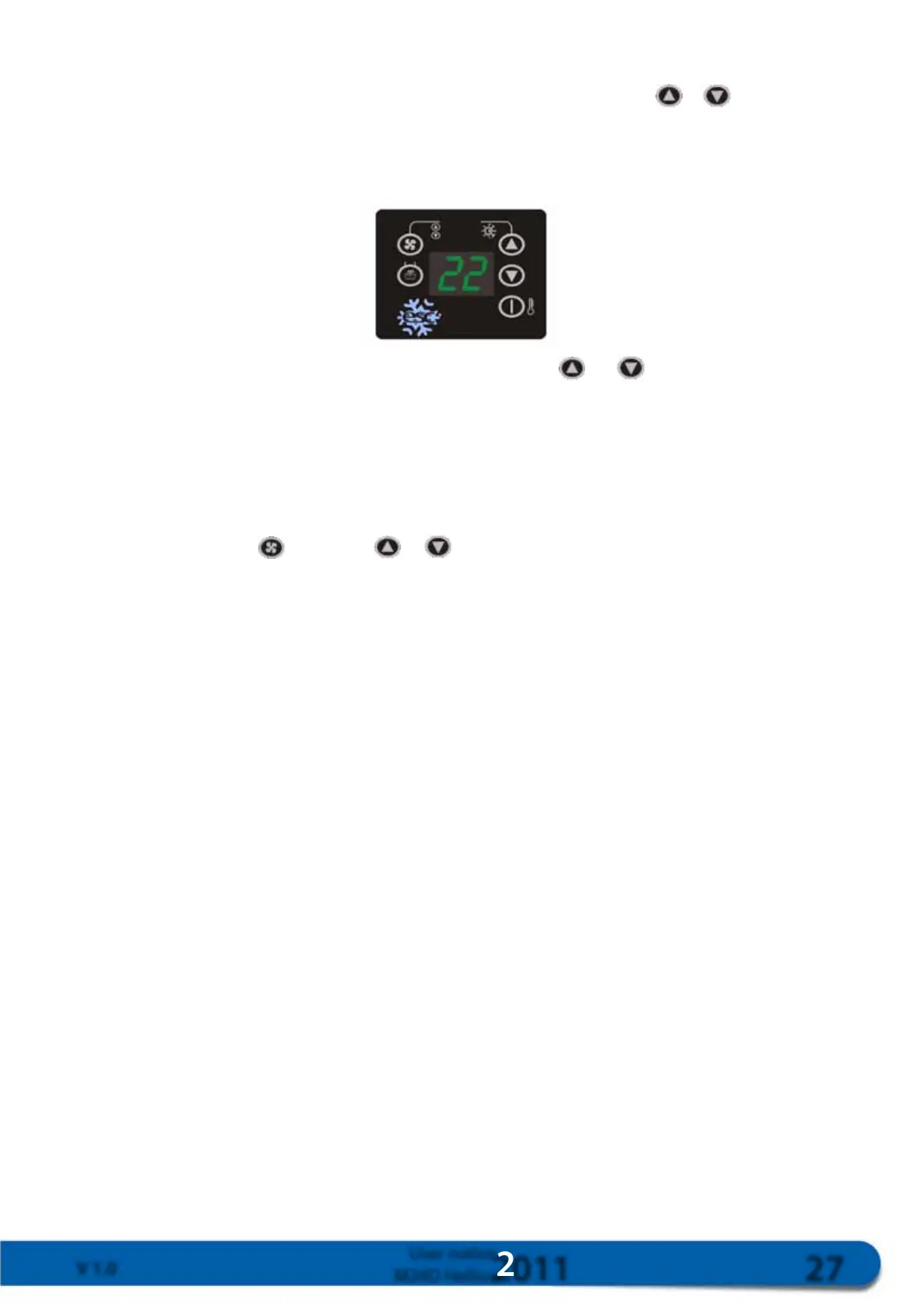
The setpoint is the required temperature inside the cab. To adjust the setpoint, press or and the setpoint will
flash on the screen. Press one of these keys again until reaching the required temperature.
The compressor will start-up depending on the setpoint, and the dC parameter. The heating will start-up depending
on the setpoint and the dH and dt parameters.
Modify the required temperature using
and .
4.5.6. Ventilation
The fan function will operate, including if the HVAC function is not ON. The display includes a three-speed fan
option: u1 (low speed), u2 (mid-speed) and u3 (high speed). The system will always start in position Au, which
means automatic speed adjustment. The speed will be controlled based on the setpoint and the PA parameter.
To modify the speed, press
, and then or to enter the required speed, or for automatic ventilation
control.
Description of automatic ventilation control in HVAC mode:
· Low speed:
o Start-up when the actual temperature is below the setpoint;
o Cutout when the actual temperature is above the setpoint + PA.
· Mid-speed:
o Start-up when the actual temperature is above the setpoint + PA;
o Cutout when the actual temperature is below the setpoint.
· High speed:
o Start-up when the actual temperature is above the setpoint + 2 x PA;
o Cutout when the actual temperature is below the setpoint + PA
Description of automatic ventilation control in Heating mode:
· Low speed:
o Start-up when the actual temperature is below the setpoint, or when the ambient temperature
drops below the setpoint - dH - 10;
o Cutout when the actual temperature drops below the setpoint - dH - PA, or when the ambient
temperature is above the setpoint - dH - 8.



 To Next Page