30 2011
User notice
M24D Hellios
V 1.0
4.5.9. System parameters
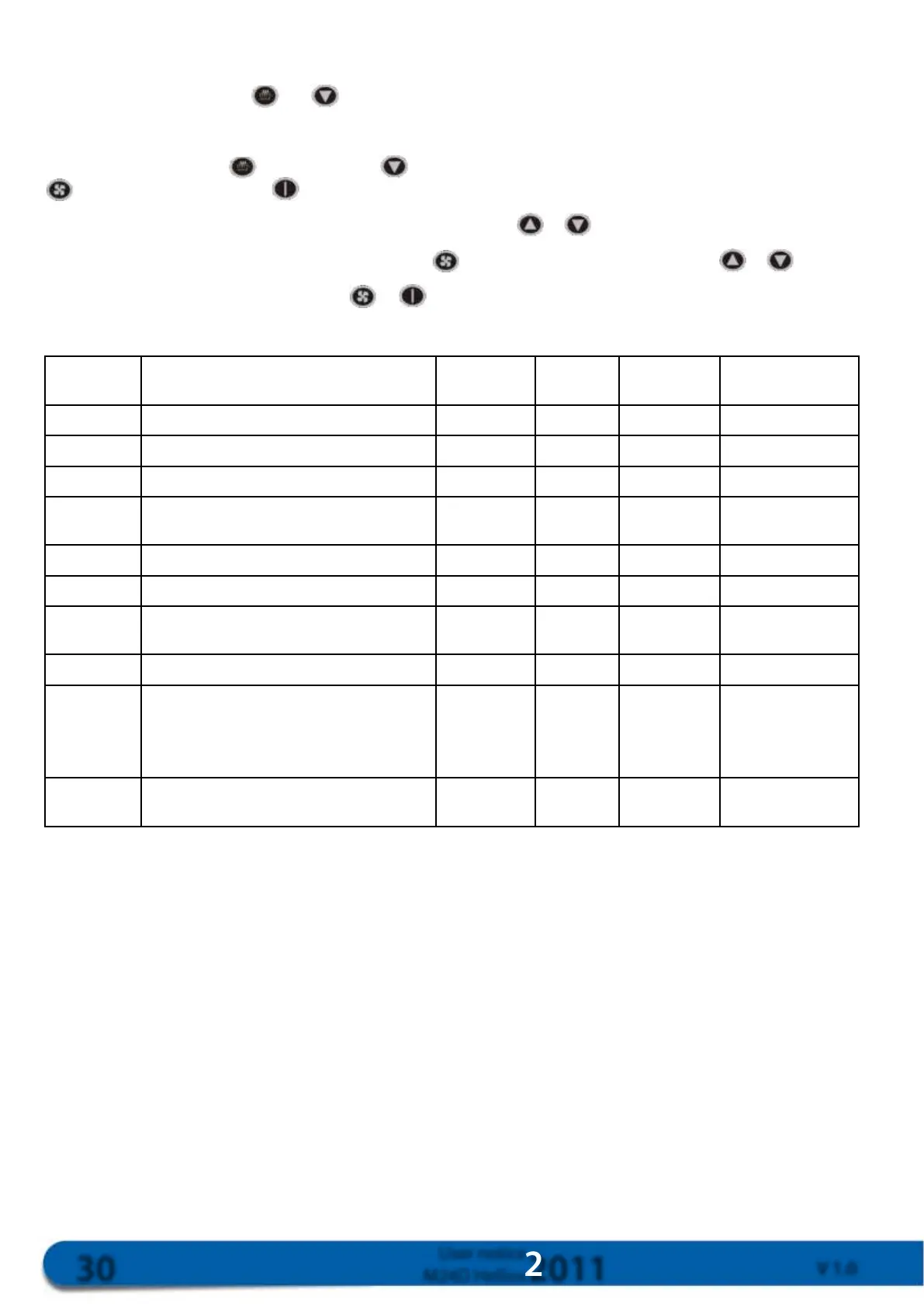
- To access parameters, press and simultaneously for 3 seconds.
- Two dashes will appear on the screen. Enter the code 53;
- To enter this code, use
for the tens and for the unit, until 53 appears instead of the dashes. Then press
to access the parameters or to quit.
- The first parameter is PO. To switch to the next parameter, press
or ;
- To display the current value for the parameter, press
and to modify this parameter, press or ;
- To return to the parameter display, press
or .
MODIFIABLE PARAMETERS:
Parameters Function
Default
value
Interval Min. Max.
PO
Temperature sensor oset 0°C 1°C -5°C 5°C
P4
Maximum setpoint value 30°C 1°C 0°C 35°C
P5
Minimum setpoint value 16 °C 1°C -19°C 24°C
PA
Automatic ventilation mode reference
parameter
1°C 1°C 1°C 6°C
dC
A/C temperature dierential 1°C 1°C 1°C 4°C
dt
Heating temperature dierential 1°C 1°C 1°C 6°C
dH
Temperature displayed / heating
setpoint dierential
2 °C 1°C 1°C 4°C
td
Defrost operating time 2 min. 1 min. 1 min. 20 min.
tC
Minimum time delay for the
compressor to start-up when
disconnected or reconnected during
operation.
30 s 1 s 0 s 60 s
SL
Standard screen display: 0 temperature,
1 setpoint
0 1 0 1
Obs. : If P4 = P5 the screen will display the message bL indicating that the setpoint is frozen.



 To Next Page