3.6 Auxiliary functions
43
3.6
Auxiliary functions
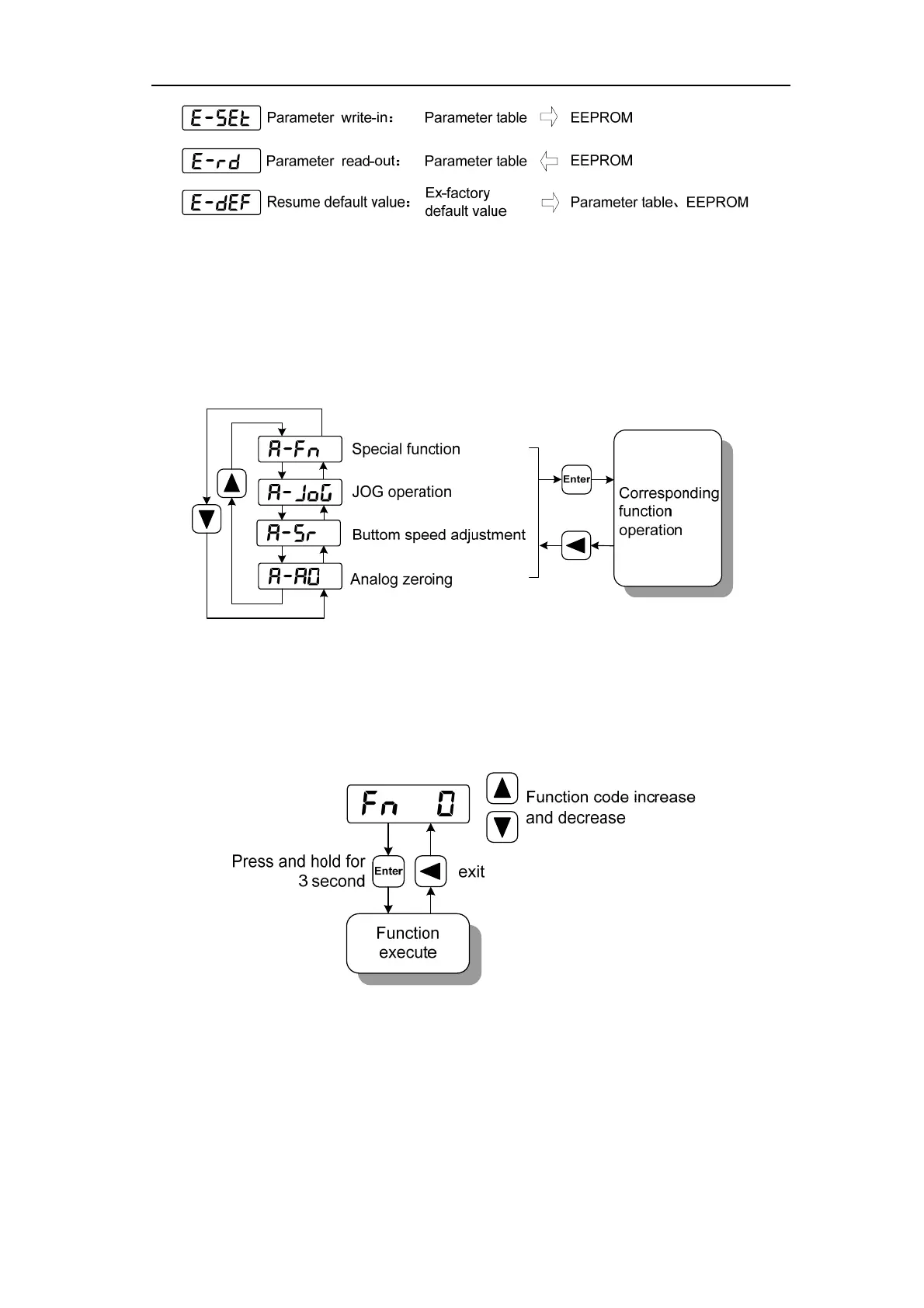
Select the auxiliary function "A-" from the main menu, and press 5 to enter the auxiliary
function mode. Select operation mode with keys 8、2. After selecting the operation, press 5
key to enter the corresponding function. After finishing, press 4 key to return to the operation
mode selection state.
3.6.1
☆Special functions
Select a special function and press 5 to enter. Set the function code with keys 8、2,
press down key 5 and hold for more than 3 seconds to activate the operation. After finishing,
you can press 4 key to exit.



 To Next Page