Chapter 3 Front panel operation
36
3.3
Status monitor
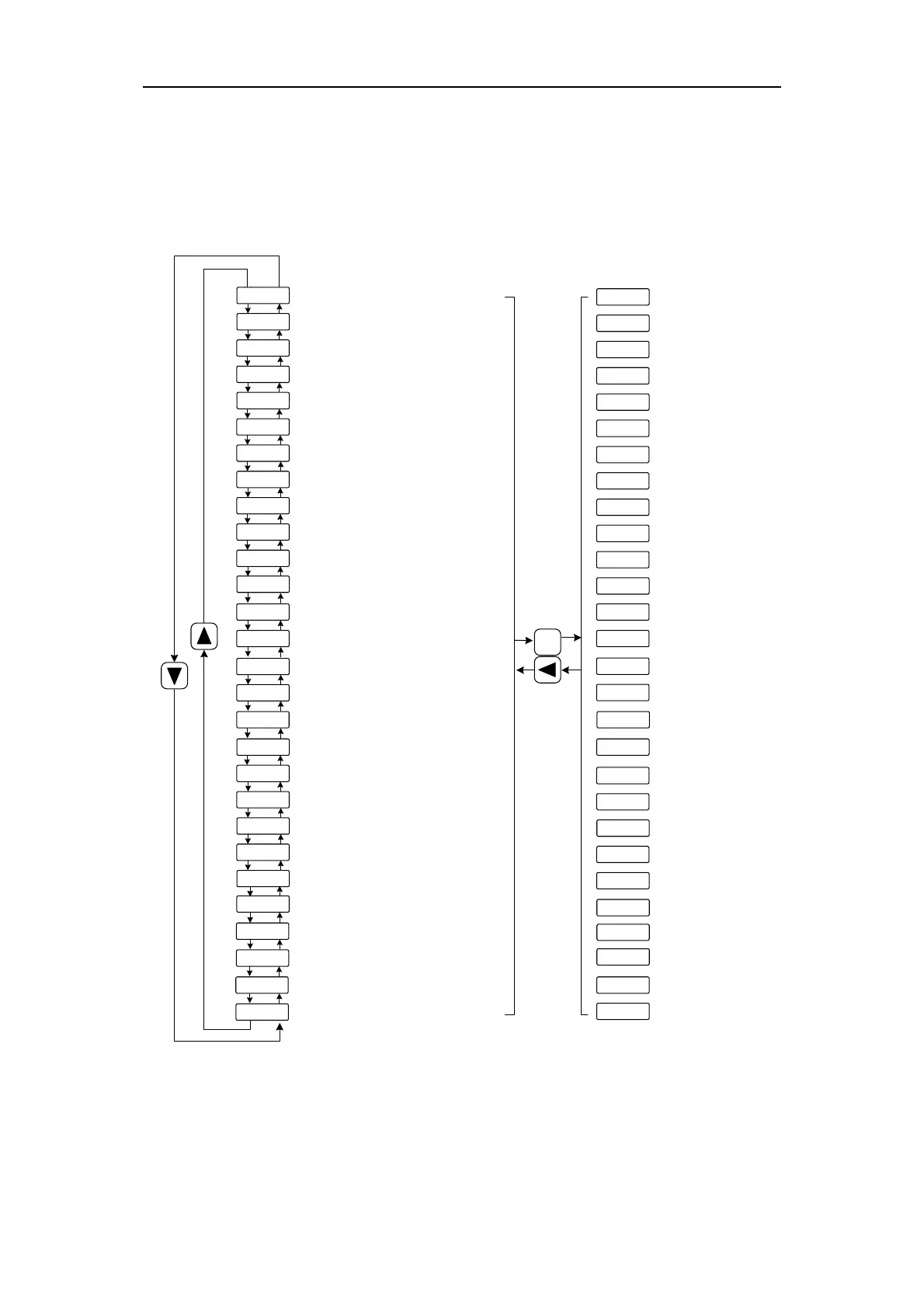
Choose status monitor "d-" under the main menu. Pressing the 5 button enters the
monitor mode. There are many kinds of monitor's project; Use 8、2 button to select the
needing project. Pressing the 5 button again enters the concrete status display.
Motor speed(r/min)
Current position(pulse)
Initial position command (input pulse)
Position command(pulse)
Position deviation(pulse)
Servomotor current(A)
Servomotor torque(%)
Speed command(r/min)
Torque command(%)
Rotor absolute position
Alarm code
DO output terminal status
DI input terminal status
Reserved display
Position command pulse frequency(kHz)
D-[P.
D-[Po
D-Pt
D-i
D-Pi
D-Frq
D-Pos
D-EPo
D-trq
D-[S
D-[t
D-Di
D-Do
D-APo
D-Ld
D-rG
D-[nt
D-Err
D-rE
Peak torque(%)
Peak current(A)
Accumulative load factor(%)
Duty factor of regeneration braking (%)
r1000
Lo
Lo
T 80
i 2.3
i 5.6
rsd
Lo
Lo
T 50
R. -35
1000r/min
[note1] [note2]
[note1]
[note1]
[note1]
2.3A [note 4]
50%
-35r/min
80% [note 3]
5.6A [note 3]
D-HPO
D-t[
D-U
Encoder multi-turn position
Module internal temperature
Bus voltage
D-etH
Network status display, reserved
D-A1
D-A2
D-Cod
D-ERH
rsd
rsd
T. -20
* &#$
%$*
1000
-20%
4096 [note 7]
[note 6]
[note 5]
--3nr
Ld 45
rG 30
Err--
rE 0
no alarm [note 8]
[note 9]
45%
30%
U 300
TC 50
2000
300V
50℃
[note 10]
rsd
rsd
E0- 0
D-SPd
[note 11]
Historical alarm number
Enter
Control mode



 To Next Page