Enclosure Installation
Version 3.4 TX3 Touch Screen Installation Manual 19 (93)
LT-996 Copyright 2015
2.2 Installing the 15” Kiosk
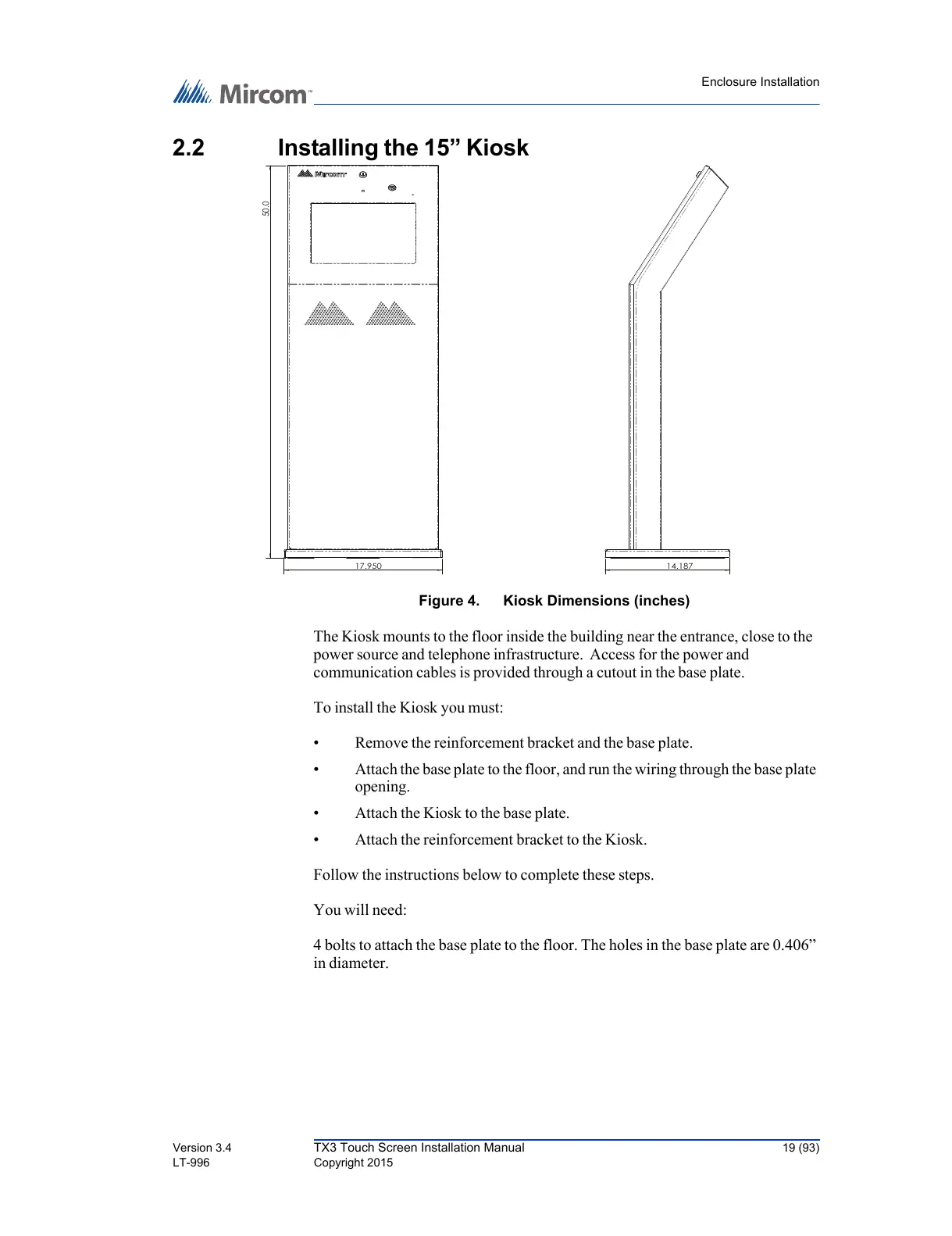
Figure 4. Kiosk Dimensions (inches)
The Kiosk mounts to the floor inside the building near the entrance, close to the
power source and telephone infrastructure. Access for the power and
communication cables is provided through a cutout in the base plate.
To install the Kiosk you must:
• Remove the reinforcement bracket and the base plate.
• Attach the base plate to the floor, and run the wiring through the base plate
opening.
• Attach the Kiosk to the base plate.
• Attach the reinforcement bracket to the Kiosk.
Follow the instructions below to complete these steps.
You will need:
4 bolts to attach the base plate to the floor. The holes in the base plate are 0.406”
in diameter.
17.950
50.0
14.187



 To Next Page