74 (93) TX3 Touch Screen Installation Manual Version 3.4
Copyright 2015 LT-996
Touch Screen System and Setup
3.15 Installing the TX3-P300-HA Card Reader in the 22”
Touch Screen
1. Open the Touch Screen door.
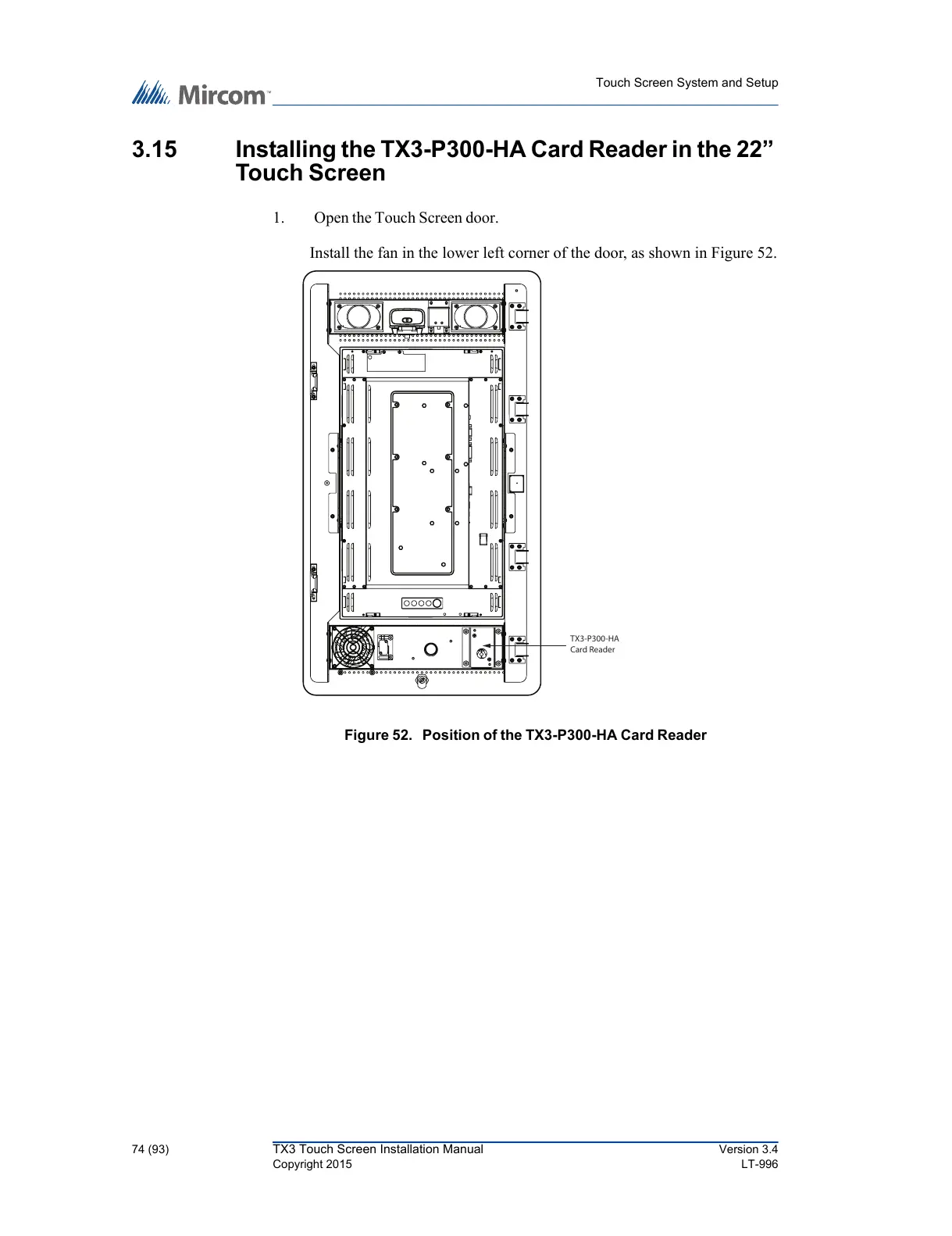
Install the fan in the lower left corner of the door, as shown in Figure 52.
Figure 52. Position of the TX3-P300-HA Card Reader
TX3-P300-HA
Card Reader



 To Next Page